With 2.2 billion people actively using QR codes worldwide and the global market valued at $15.23 billion in 2026, QR codes have become as fundamental to business communication as the business card itself. But not all QR codes are created equal. Choosing the wrong QR code type can mean missed scans, broken links, and wasted print budgets — while the right type transforms a static piece of marketing into a real-time data asset.
This guide covers every QR code type available in 2026 — from the universally-used URL code to the enterprise-grade bulk generator — so you can confidently match the right format to every use case in your business.
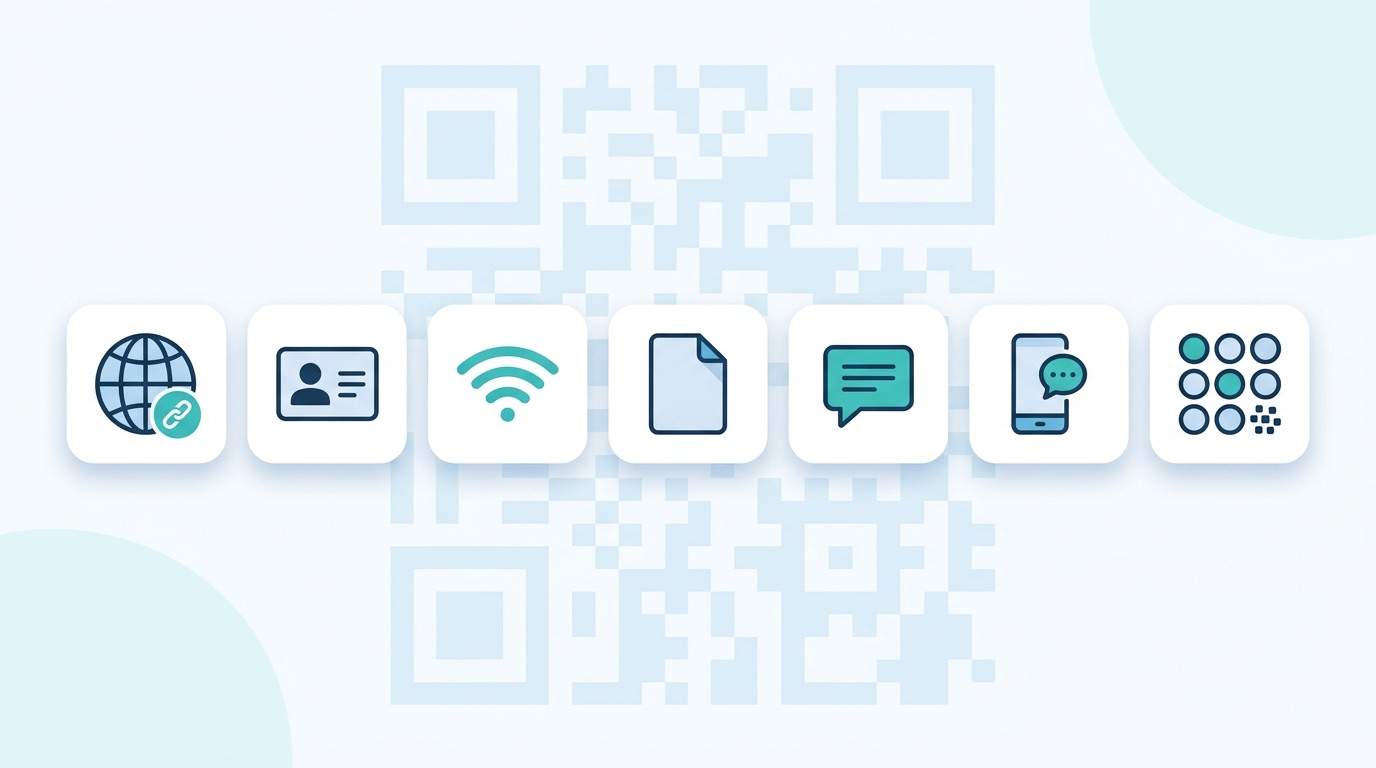
A "QR code type" refers to the kind of content or action the code encodes. When you scan a QR code, your phone interprets the embedded data and triggers a specific response — opening a website, saving a contact, connecting to WiFi, launching a WhatsApp conversation, or displaying a PDF. The type determines what happens next.
All QR code types also fall into one of two structural formats:
For a deeper comparison of these two formats, read: Dynamic vs. Static QR Codes: The Definitive 2026 Guide.
Here is a quick reference of every QR code type, its primary action, and whether it is best used as a static or dynamic code:
Now let's explore each type in detail — what it does, where it works best, and how to get the most out of it.
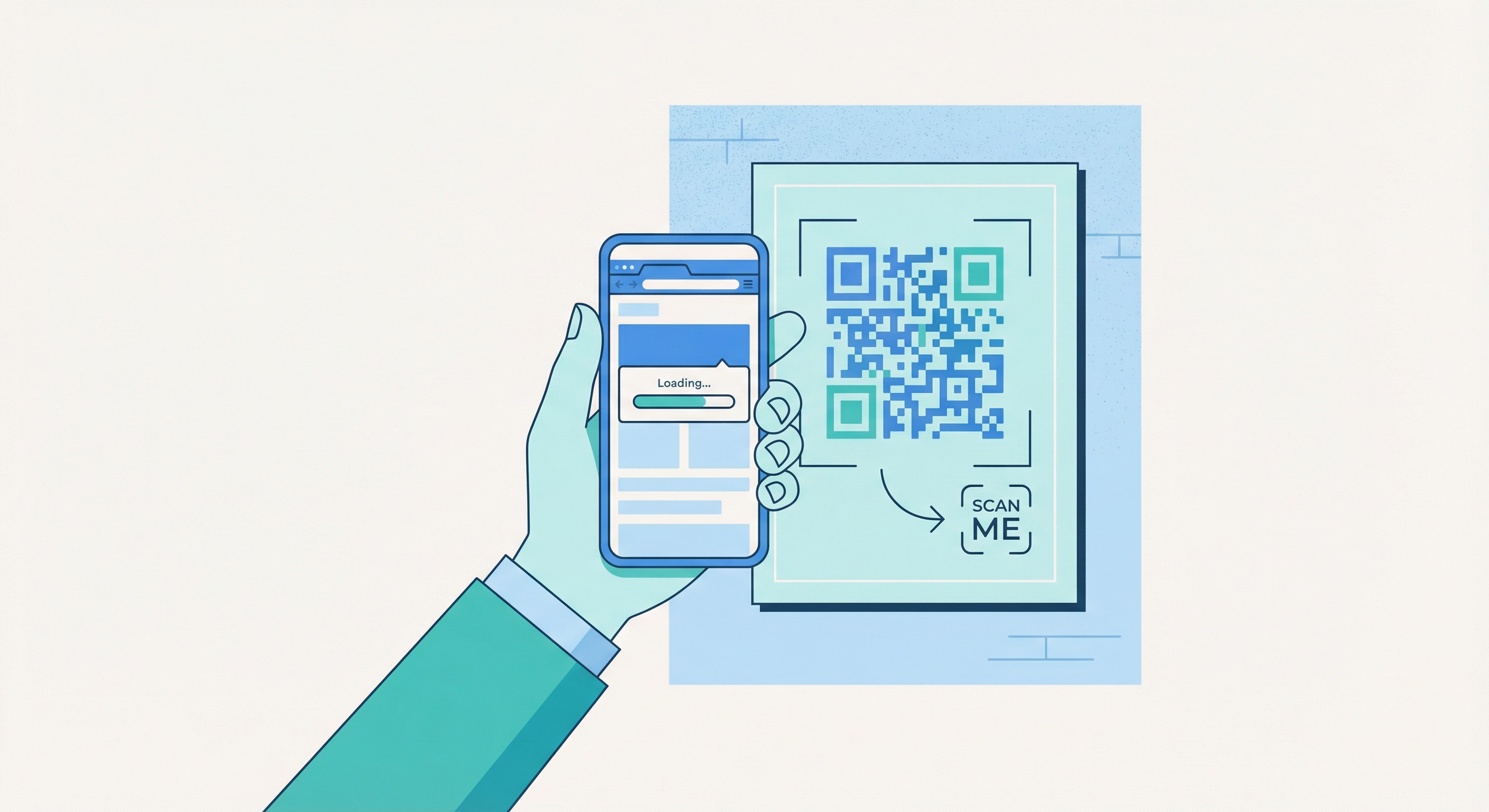
The URL QR code is the most widely deployed type worldwide. It encodes a web address — any URL — and opens it directly in the user's browser on scan. Recent usage data shows that 54% of consumers aged 18–29 have used QR codes to access websites, making the URL type the dominant format across consumer marketing, packaging, and advertising.
A URL QR code can point to virtually anything accessible on the web:
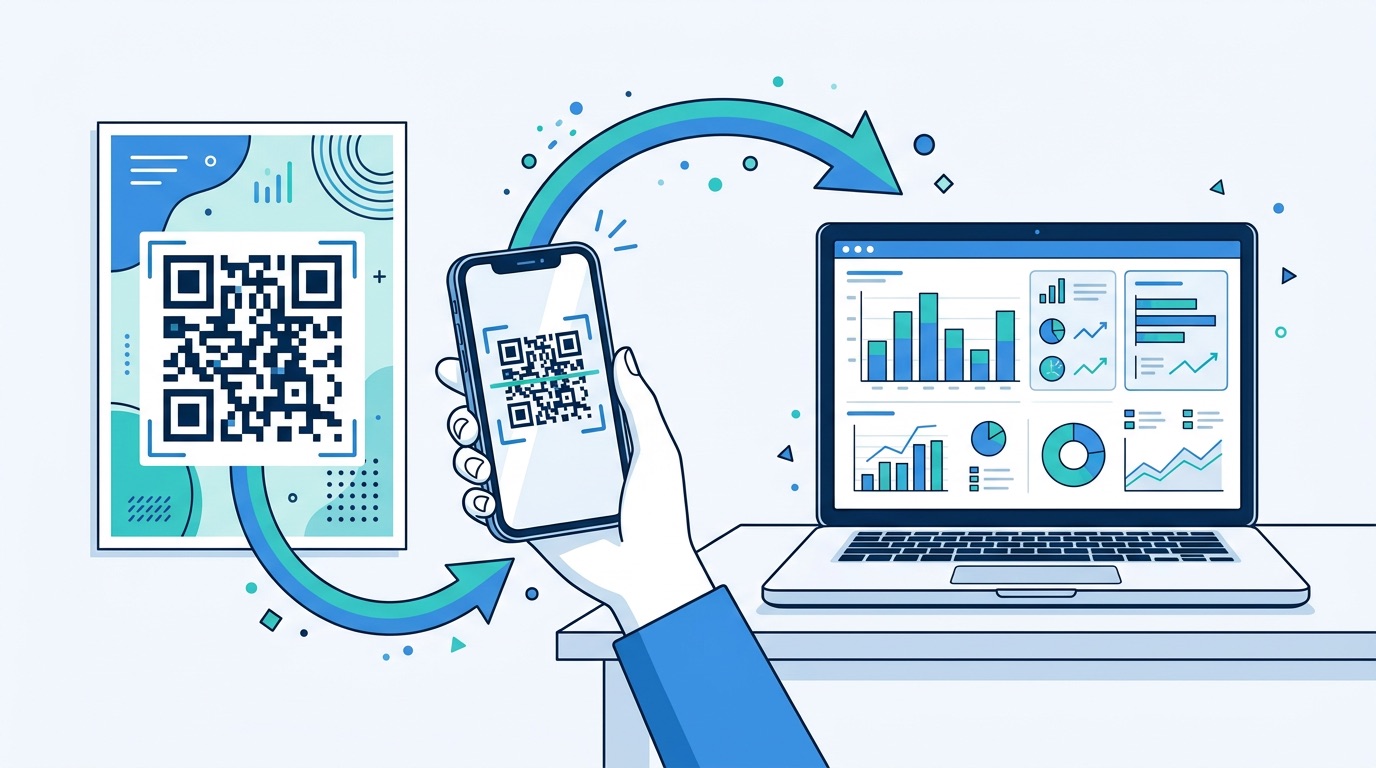
As a dynamic URL QR code, you can update the destination at any time without reprinting — invaluable for seasonal campaigns, rotating offers, and A/B testing creative. Dynamic URL codes also deliver real-time analytics: scan volume by day and hour, device type breakdown, and geographic heatmaps. Every printed code becomes a measurable marketing channel, not just a passive shortcut.
Best for: Marketing campaigns, posters, billboard advertising, product packaging, menus, and event signage.
Explore: URL QR Codes on Supercode
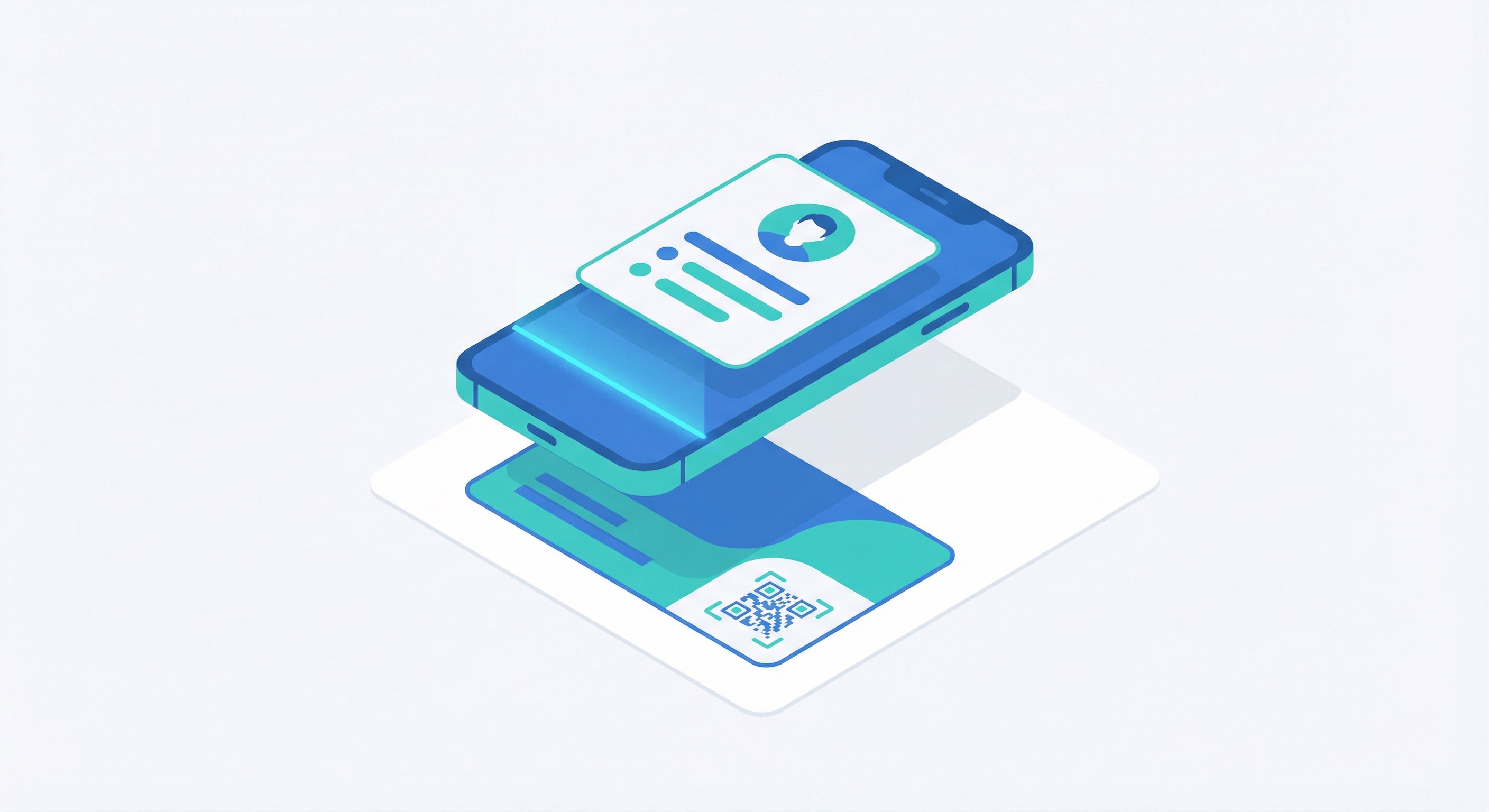
A vCard QR code encodes a full contact profile — name, job title, company, phone numbers, email address, website, and physical address — in a standardised format that any smartphone can read and save directly to its address book. No manual typing, no transcription errors. One scan, contact saved.
According to QR code usage research, 38% of QR code users scan codes specifically to retrieve contact information, making vCard one of the highest-engagement types for B2B and professional networking contexts.
Dynamic vCard codes allow you to update your contact details — new phone number, new role, new company — without reprinting your cards or signage. For professionals who change positions or organisations frequently, this is a significant advantage. Read more: QR Code Business Cards: The Complete Guide for Professionals (2026).
Explore: vCard QR Codes on Supercode
WiFi QR codes eliminate the friction of sharing network credentials. When scanned, the user's phone automatically connects to the WiFi network — no password required, no reading off a sticker, no mistyped characters. The code encodes the network name (SSID), security protocol (WPA/WPA2/WEP), and password in a standardised machine-readable format.
Static or dynamic? WiFi QR codes are typically static because the network credentials change infrequently. However, if you rotate your guest WiFi password regularly for security reasons, a dynamic WiFi code lets you update the encoded credentials without reprinting any signage.
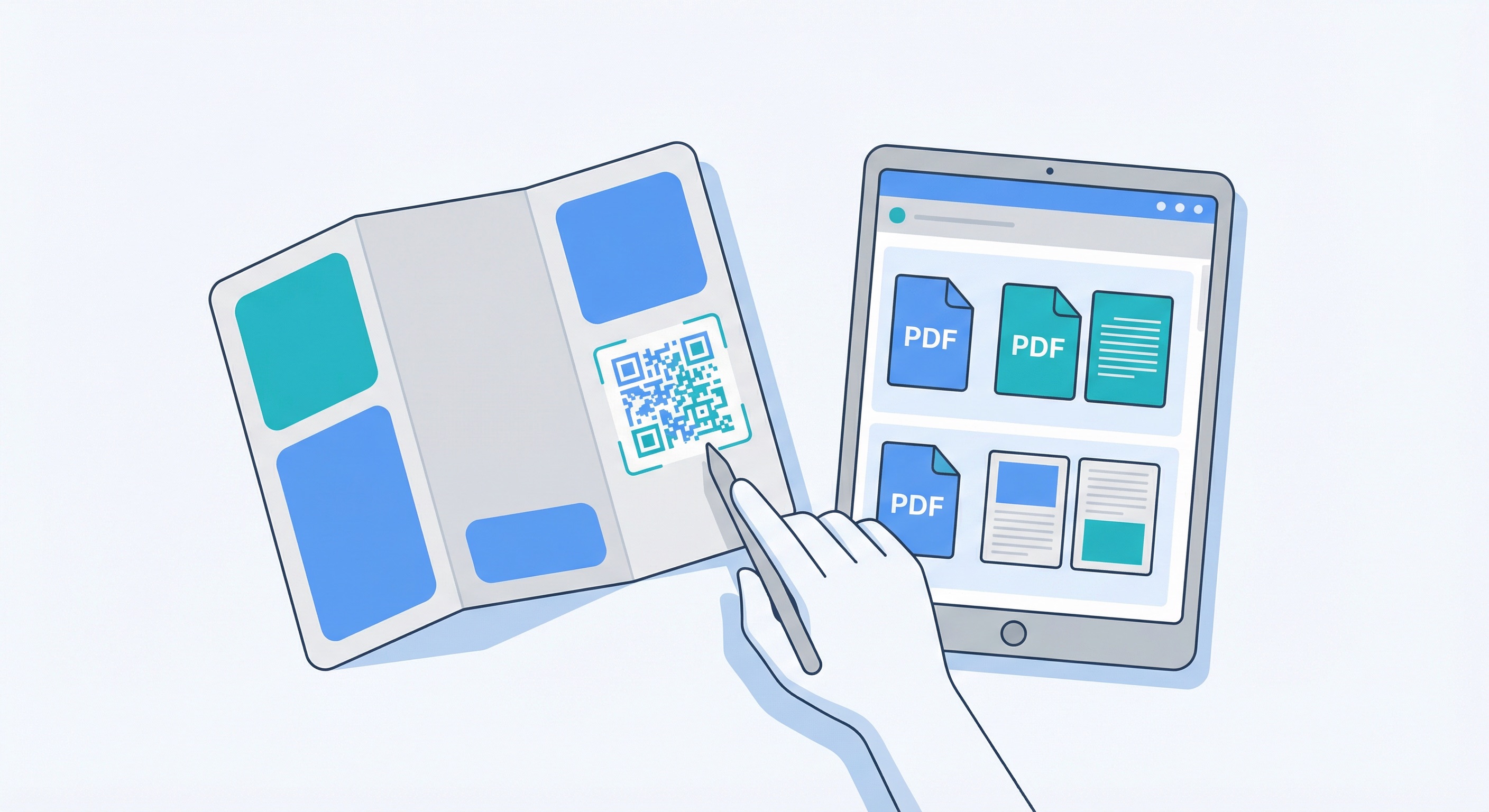
PDF QR codes link directly to a hosted PDF file — menus, product catalogues, instruction manuals, brochures, event programmes, ingredient lists, or any document you want users to access without navigating through a website. The user scans and the file opens immediately on their device.
Explore: PDF QR Codes on Supercode
A social media QR code links to a branded landing page that displays all your social media profiles in one place. One scan gives the user instant access to your Instagram, LinkedIn, TikTok, X (Twitter), Facebook, YouTube, and any other platform you're active on. No more choosing which single platform to feature on your packaging or in-store display — link them all simultaneously.
This type is especially powerful for fashion brands, creators, and retailers who want to grow their following across multiple channels from physical touchpoints.
Explore: Social Media QR Codes on Supercode
Email and SMS QR codes pre-populate a message so users can contact you, subscribe to a list, or send a specific text with a single scan — no typing required. This eliminates the single biggest barrier in direct response marketing: friction at the moment of action.
An email QR code encodes a recipient email address, subject line, and optional body text. When scanned, it opens the user's default email app with all fields pre-filled. Practical applications include:
An SMS QR code opens the user's messaging app with a pre-set recipient number and an optional message body. This is a particularly powerful tool for:
Both email and SMS codes reduce friction dramatically. Instead of asking a customer to find, remember, or type contact details, you make the action a one-tap moment at the right time and place.

WhatsApp QR codes open a pre-populated WhatsApp chat with your business number when scanned — instantly connecting the customer to your team (or chatbot) without them needing to save a contact or type a number. With over 2 billion active users globally and a 98% message open rate, WhatsApp is the highest-engagement direct communication channel available to brands in 2026.
For a comprehensive look at how businesses deploy WhatsApp QR codes across every industry, read: WhatsApp QR Code: The Complete Guide for Business in 2026.
Explore: WhatsApp QR Codes on Supercode
These two types cover the simpler end of the QR code spectrum, but each has highly specific and valuable applications worth understanding.
Image QR codes link directly to an image file or image gallery hosted online. When scanned, the image opens on the user's device without navigating through a website. Use cases include:
Plain text QR codes encode raw text that displays directly on the user's screen — no internet connection required. They are the only QR type that works completely offline. Applications include:
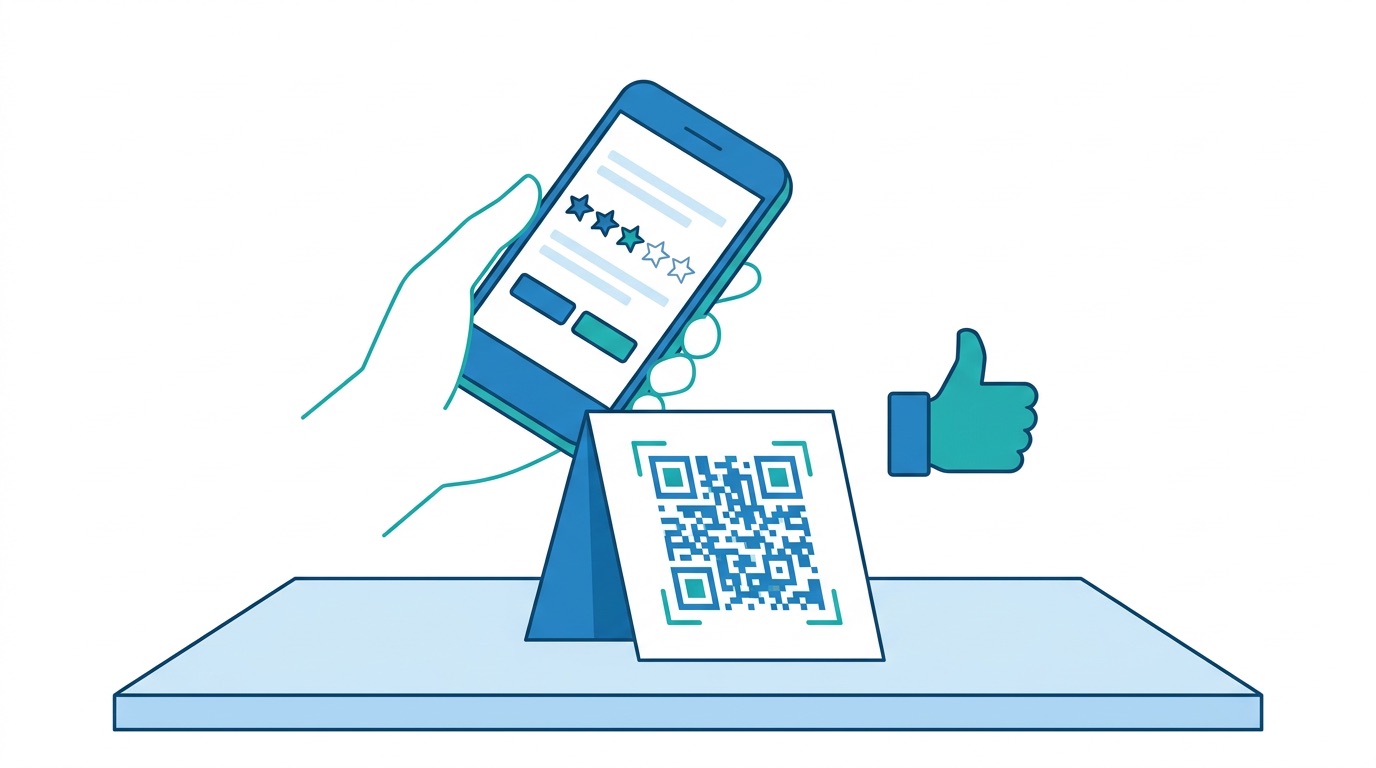
Feedback QR codes link to a survey form, star-rating widget, or review platform — turning any physical surface into a real-time feedback collection point. Businesses using QR-based feedback collection see response rates of 40–60%, compared to just 15–25% for traditional email survey campaigns, because the scan-to-respond experience eliminates the friction of delayed, email-based outreach.
Dynamic feedback QR codes let you update the linked survey form without reprinting signage — useful when you want to rotate between NPS surveys, CSAT forms, and specific topic questionnaires. For detailed strategies on maximising feedback response rates, read: QR Code Customer Feedback: 7 Proven Strategies to Boost Response Rates (2026).
Explore: Feedback QR Codes on Supercode
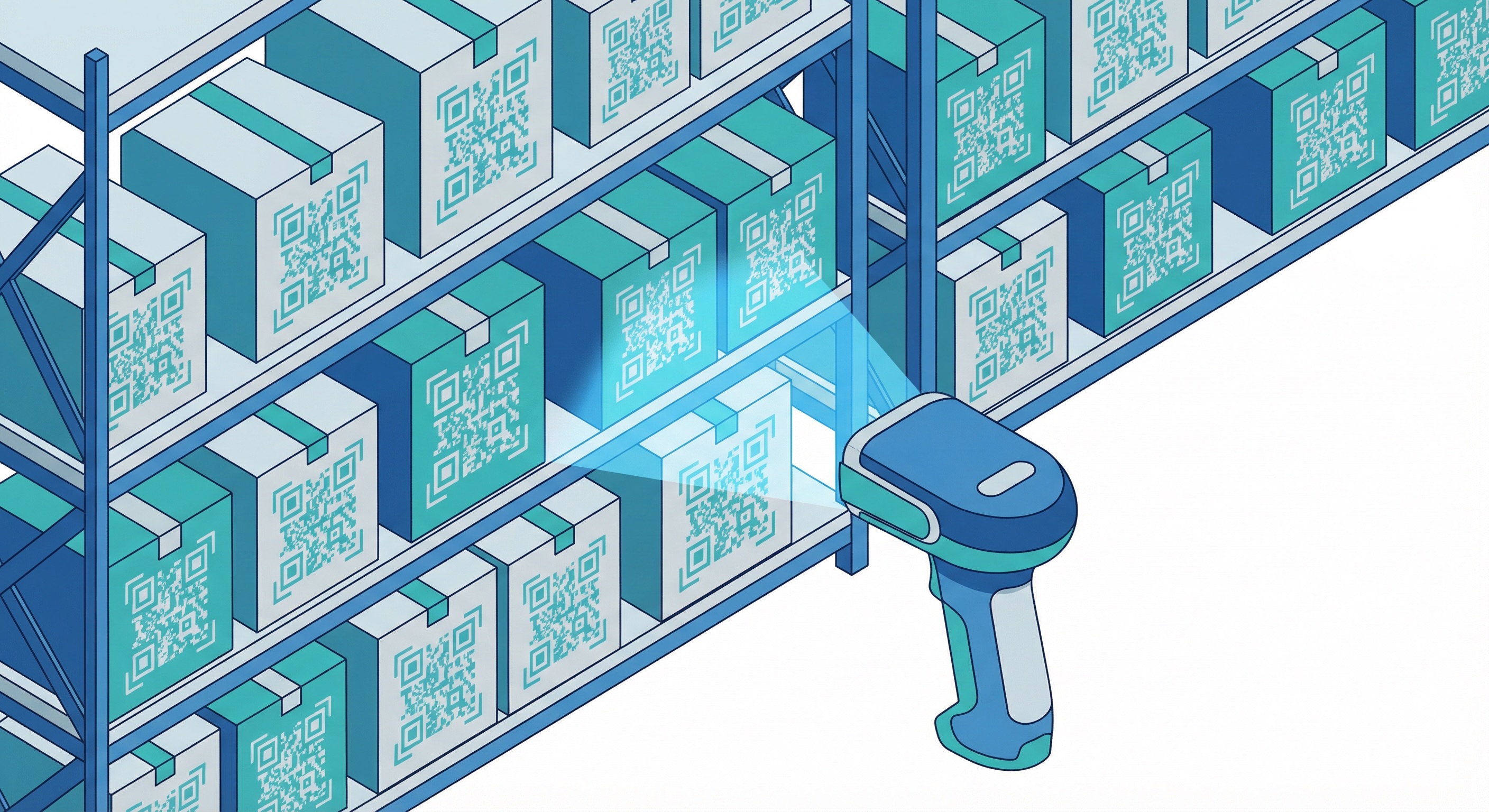
Bulk QR code generation allows businesses to create hundreds or thousands of unique QR codes simultaneously — each with a different URL, destination, or encoded value — from a single CSV or spreadsheet upload. This is not the same as printing one QR code many times; bulk generation produces an entirely unique code for every row in your dataset.
Bulk generation also dramatically accelerates workflows: what would take a team days of manual code creation completes in minutes. For a full walkthrough of how bulk generation works in practice, read: Bulk QR Code Generator: How to Create QR Codes in Bulk (2026).
Explore: Bulk QR Codes on Supercode
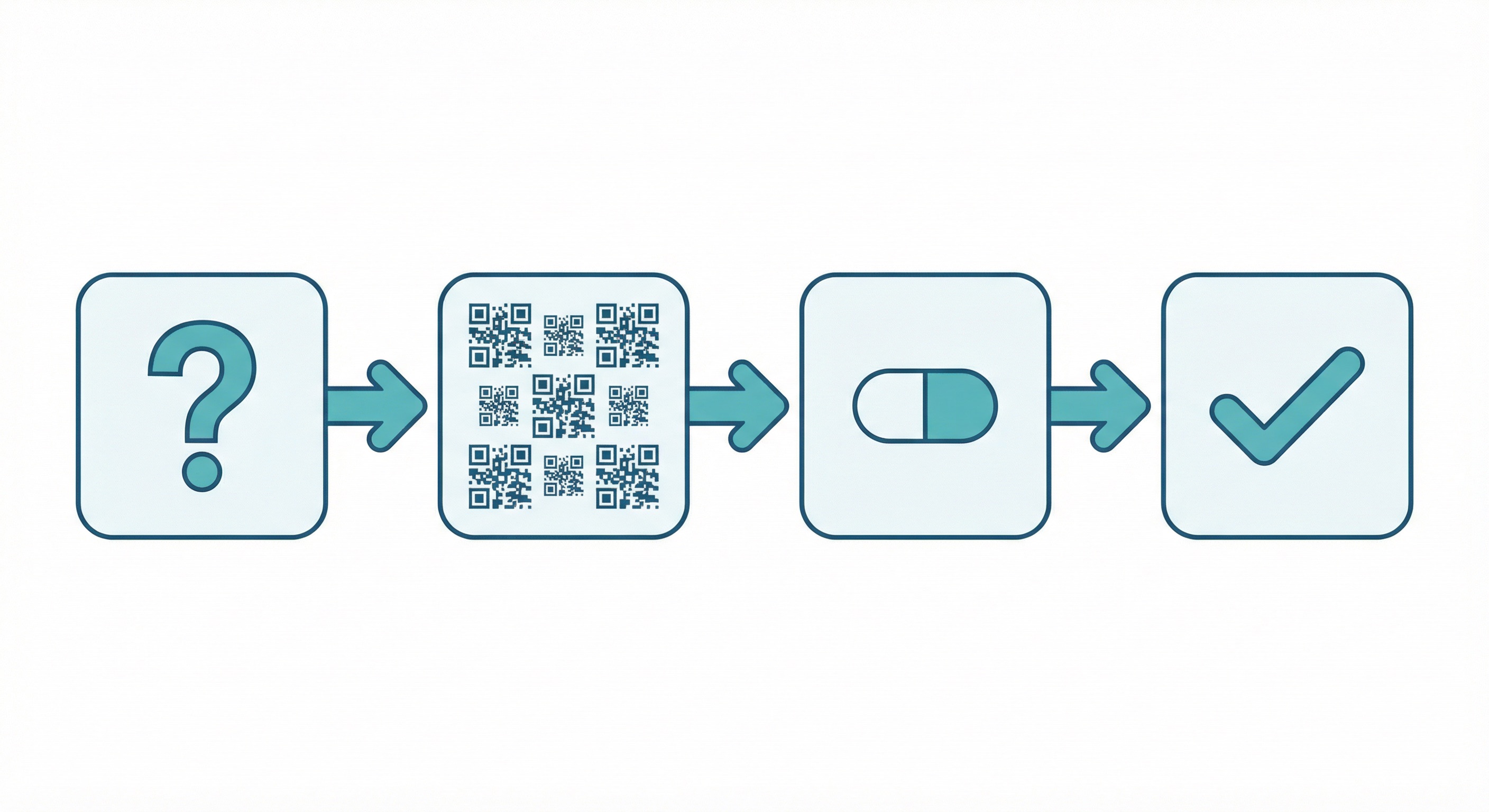
With 11 distinct QR code content types available, the decision process always comes down to one question first: what do you want the user to do when they scan?
Use this goal-to-type decision guide:
Once you know the type, consider whether the content will ever change. If the destination is permanent — a fixed WiFi password, a business card linking to a stable portfolio — static works perfectly and requires no ongoing subscription. If the destination might change, or if you want analytics on scan behaviour, always choose dynamic. For any marketing, feedback collection, or lead generation campaign, dynamic is almost always the right choice.
Regardless of type, a well-designed QR code scans better and converts better. Custom codes with brand colours, an embedded logo, and a clear call-to-action frame consistently achieve higher scan rates than default black-and-white codes. For complete design guidance, read: QR Code Design: The Complete Guide to Creating Custom QR Codes (2026). For tracking guidance, read: QR Code Tracking & Analytics: The Complete 2026 Guide.
Every QR code type on Supercode supports full design customisation: colours, logo embedding, frame shapes, and CTA text. Explore the complete feature set at Supercode's product page.
URL QR codes are by far the most common type, used to direct users to websites, landing pages, and app stores. They account for the large majority of QR codes deployed in marketing, packaging, and advertising globally. Their versatility — any URL can be encoded, and dynamic codes can be updated at any time — makes them the default choice for most business applications.
A single QR code is designed for one content type (URL, vCard, PDF, etc.). However, a dynamic URL QR code can point to a landing page that presents multiple options — for example, a page with buttons for WiFi login, social media profiles, and a PDF menu. This is how social media QR code hub pages work in practice, and it is the most flexible approach when you need one physical code to serve multiple user actions.
The difference is editability and analytics. A static QR code has its content permanently encoded in its pattern — change the destination and you need a new code. A dynamic QR code uses a redirect URL that you control via a dashboard: the printed code never changes, but the destination can be updated at any time. Dynamic codes also track every scan (volume, device, location, time). For most business applications, dynamic is strongly recommended. Learn more: Dynamic vs. Static QR Codes: The Definitive 2026 Guide.
No. Plain text QR codes work fully offline — the encoded text displays directly on screen without any connectivity. WiFi QR codes also use local device functionality to display credentials without requiring a prior connection. All other types — URL, vCard (when hosted), PDF, social media, email, WhatsApp, image, and feedback — require an internet connection to function fully.
Restaurants typically deploy four types in combination: URL QR codes (dynamic) linking to digital menus, WiFi QR codes for guest connectivity, feedback QR codes for post-meal reviews, and WhatsApp QR codes for reservations and delivery orders. Read the full industry guide: QR Codes for Restaurants: Digital Menus, Ordering & Payments (2026), and see the industry use case page: QR Codes for Restaurants.
Supercode supports 11 QR code content types: URL, vCard, Email, SMS, PDF, Social Media, WhatsApp, Image, Plain Text, Feedback, and Bulk. All types support full design customisation, and most are available as dynamic codes with complete scan analytics. Explore all types at supercode.com/solutions.
Yes — with dynamic QR codes, Supercode tracks every scan regardless of type. The analytics dashboard shows scan volume over time, geographic breakdown by country and city, device type split (iOS vs Android), and time-of-day patterns. You can also integrate scan data with Google Analytics 4 using UTM parameters embedded in your destination URLs. For a full guide, read: QR Code Tracking & Analytics: The Complete 2026 Guide.
Every business communication challenge has a QR code type purpose-built for it. Sharing contact details, distributing documents, collecting feedback, starting WhatsApp conversations, growing social followers, or running enterprise-scale serialisation campaigns — the right type exists, and choosing it correctly is the first step to a QR code strategy that delivers measurable results.
Supercode supports all 11 QR code types with full design customisation, real-time scan analytics, and dynamic editing capabilities — everything needed to create codes that work harder than a plain black-and-white square. Explore all available solution types at supercode.com/solutions, browse real-world applications at supercode.com/use-cases, or start creating your first code today: