

Trade shows remain one of the highest-ROI marketing channels available to businesses in 2026 — the global trade show market is valued at $45.5 billion, and 92% of attendees are actively looking for new products when they walk the floor. The challenge is converting those brief booth interactions into qualified leads, booked demos, and lasting business relationships. QR codes for trade shows solve exactly this problem: they bridge the physical booth experience with your digital marketing infrastructure, turning every scan into a trackable, actionable data point.
In this guide, you will learn the key benefits of using QR codes at trade shows, practical applications for every booth element, the latest statistics on QR-powered lead capture, and a step-by-step guide to creating and deploying codes with Supercode’s QR code generator.
Using QR codes in your trade show marketing strategy eliminates friction for attendees and gives exhibitors real-time intelligence they simply cannot gather from brochures or business cards alone.

Every brochure handed out at a trade show has roughly a 90% chance of ending up in a hotel bin. A vCard QR code placed on your booth banner or business card lets attendees save your contact details directly to their phone with a single scan — no data entry, no lost cards. According to Moots.ai’s 2025 trade show research, 51% of attendees request follow-up contact after visiting a booth, yet 80% of leads are never followed up on. QR codes that capture lead information automatically help you stay in that critical 24–48 hour response window.
Booth space is expensive and physical materials have hard limits. A URL QR code linking to a dedicated landing page, product demo video, or AR experience can communicate far more than a 4-page brochure ever could. Dynamic QR codes let you update the destination URL even after materials are printed — so if your pricing changes the day before the show, you simply update the link in your Supercode dashboard without reprinting a single poster.
Replacing heavy stacks of printed brochures with QR code brochures and QR-enabled posters significantly cuts material costs and logistics weight. Instead of shipping pallets of collateral to every show, exhibitors can bring lightweight display boards with QR codes that deliver the same content digitally. A PDF QR code replaces a full product catalog and can be updated between shows at zero additional cost.
The most effective trade show booths create experiences that attendees talk about. QR codes unlock interactive content — augmented reality demos, video testimonials, gamified scavenger hunts, and contest entries — that static signage simply cannot deliver. When attendees scan out of genuine curiosity or excitement, that engagement creates a far stronger memory anchor than a passive handout.
A feedback QR code at your booth lets visitors rate your product, leave comments, or complete a short survey before they even leave the hall. This data flows directly into your Supercode analytics dashboard, where you can see response trends by time of day, geography, and scan volume — giving you immediate insight into which product messages are resonating.
A social media QR code aggregates all your brand’s profiles into a single scannable destination. Instead of asking attendees to search for your handle, a single scan takes them to your Instagram, LinkedIn, or TikTok page. This approach is particularly effective for event-based industries where real-time social sharing amplifies booth visibility to a much wider audience.
One of the most powerful advantages of QR codes over traditional trade show marketing is measurability. Every scan is logged in Supercode’s analytics dashboard with timestamp, location, device type, and scan count. You know exactly how many people engaged with each piece of material, at which times during the show, and from which geographic markets — intelligence that makes every future trade show investment smarter.
From lead capture to check-in management, QR codes touch every phase of the trade show experience. Here are the most impactful applications for exhibitors in 2026.

Place QR codes next to items on display to give attendees instant access to detailed specifications, pricing, demo videos, and customer testimonials. A image QR code can open a full photo gallery of your product line. For service businesses, link to case studies or a booking portal where attendees can schedule a post-show consultation on the spot.
The traditional business card exchange is inefficient and wasteful. A QR code business card lets your sales team share contact details, LinkedIn profiles, and portfolio links instantly. When a prospect scans a vCard QR code, their phone automatically prompts them to save your details — no manual entry required. This is especially valuable for B2B business services companies where follow-up relationship quality matters.
QR codes are the bridge between physical trade show presence and your digital lead generation funnel. Link codes to a short lead capture form offering a discount, free trial, or exclusive content download in exchange for contact details. Because attendees are already interested enough to scan, conversion rates on these opt-ins are significantly higher than cold digital campaigns.
For product-based businesses, a QR code linking directly to your product page or shopping cart lets attendees place orders on the spot — even for items you could not bring to the show. This approach eliminates the “I’ll order when I get home” drop-off and converts booth interest into immediate revenue.
Scarcity drives action. A QR code displaying a show-exclusive discount or bundle offer — displayed on branded merchandise or a prominent booth sign — gives attendees a compelling reason to scan now rather than later. A dynamic code lets you activate and deactivate the offer so it genuinely expires at show end.
For companies running their own private events, breakout sessions, or VIP dinners alongside the main show, QR code check-in systems replace slow, error-prone guest lists. Attendees scan their digital badge, your staff instantly verifies entry, and you have a real-time attendance count in your dashboard — all without dedicated hardware. For more event applications, see the QR codes for events guide.
Google famously used multi-step QR code scavenger hunts at trade shows to drive engagement across the entire floor. Each scanned code revealed a clue leading to the next, building excitement and keeping participants engaged with the brand for far longer than a standard booth visit. This gamification approach works for companies of any size and creates organic social sharing as participants post about the experience. Read more QR code marketing ideas for event campaigns.
International shows introduce language and platform barriers. A WhatsApp QR code or SMS QR code lets international contacts connect through their preferred messaging platform without needing your local number. A pre-written WhatsApp message can even start the conversation automatically, giving your team an immediate opening for follow-up.
The data behind trade show QR codes paints a compelling picture for exhibitors evaluating where to invest their booth technology budget.
The combination of high-intent attendees, strong ROI fundamentals, and near-universal smartphone QR scanning capability makes trade shows one of the highest-yield environments for QR code deployment.
Creating professional, trackable QR codes for your next trade show takes minutes with Supercode’s QR code generator. Here is a step-by-step guide to setting up and deploying your booth QR code strategy.
Different trade show goals require different QR code types. Match your objective to the right format:
Log in to Supercode, select your QR code type, enter your URL, contact details, or content, and click Save. Your code is instantly ready to download. Use dynamic QR codes for any content you might need to update after printing — which is recommended for most trade show applications.
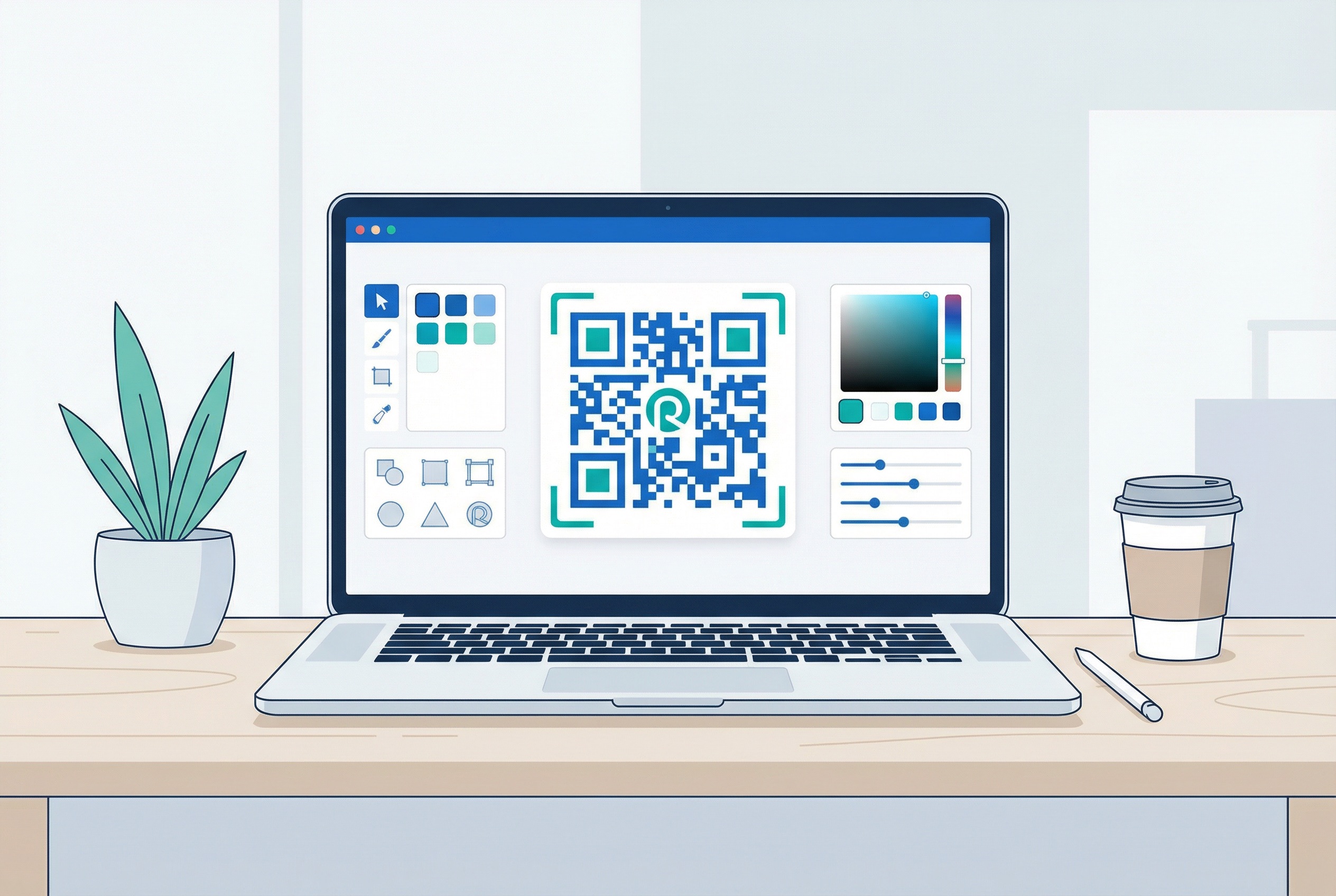
A generic black-and-white QR code blends into the noise of a busy trade show floor. Use Supercode’s QR code design tools to apply your brand colours, embed your company logo at the centre, select distinctive dot patterns, and add a compelling call-to-action frame like “Scan to Book a Demo” or “Scan for Exclusive Show Pricing.” Branded QR codes achieve significantly higher scan rates than plain codes, and they reinforce brand recognition at the point of scan.
If your team is managing multiple shows, booth sections, or product lines, Supercode’s folder system keeps everything organised. Create a folder per event, add all codes for that show, and share access with your marketing and sales teams. This is especially useful when using bulk QR codes to equip every sales rep with their own unique networking code.
Review the complete QR code printing guide before sending files to your printer. Key rules: print at minimum 2cm × 2cm for close-up scanning on handouts; 10cm × 10cm or larger for banners and stand-up displays; always test scan from the expected viewing distance before the show. For large-format printing on posters, displays, and banners, export as SVG for crisp, scalable output. Add codes to branded merchandise for giveaways that keep your brand scanning long after the show ends.
Test every QR code from multiple devices and at the actual viewing distance before the show opens. Verify that dynamic codes resolve to the correct destination, that vCards save all fields correctly, and that feedback forms load on both iOS and Android. A failed scan on the show floor wastes an attendee’s goodwill and your booth investment.
Open Supercode’s analytics dashboard on a tablet or laptop during the show to monitor live scan activity. After the event, export scan data to identify your highest-performing codes, peak engagement times, and geographic breakdown of scanners. Use this intelligence to optimise your QR code marketing strategy for the next event and to prioritise post-show follow-up with the most engaged leads.
A QR code without a call to action is a missed opportunity. Every code you deploy should include an instruction frame telling attendees exactly what they will get: “Scan to Download Our Product Catalogue,” “Scan to Book a Free Demo,” or “Scan to Claim Your Show Discount.” Attendees are far more likely to scan when the value is immediately obvious. Supercode’s frame designer makes it easy to add polished CTA text to any code.
Print size directly affects scannability. As a rule of thumb, your QR code should be at least one-tenth the size of its scanning distance. For a banner viewed from 2 metres, the minimum size is 20cm × 20cm. For brochures and flyers scanned from arm’s length, 3cm × 3cm is acceptable. Never allow codes to be printed below 2cm × 2cm. Read the full QR code printing guide for sizing tables and file format recommendations.
Dynamic QR codes are essential for trade show marketing because you can update the destination URL at any time — even mid-show — without reprinting materials. If your demo booking link changes, your promotional landing page goes down, or you want to redirect post-show traffic to a replay video, a dynamic code handles it instantly from your dashboard. Use static codes only for permanent content like plain-text discount codes that will never change.
QR codes require sufficient contrast between the dark modules and the background to scan reliably under trade show lighting conditions (which can be bright and uneven). Always use a dark code on a light background — never reverse white-on-dark for critical scanning applications. Maintain a quiet zone (blank border) of at least four modules around the code. Avoid placing overlapping design elements at the code’s edges. The QR code design guide covers contrast ratios and error correction levels in detail.
QR codes capture the data; your follow-up strategy converts it into revenue. Before the show opens, prepare your post-show email sequences, your CRM integration, and your lead qualification criteria. Supercode’s analytics export gives you a timestamped scan log that you can segment by product interest and follow up within that critical 24–48 hour window when 50% of buyers choose the first vendor to respond.
Different parts of your booth attract different interests. A product display should have its own code linking to that specific product page. Your networking station should have a vCard code. Your giveaway entry should have its own feedback or lead capture code. By using unique codes for each touchpoint, your analytics dashboard reveals which elements drive the most engagement — invaluable data for planning your next show’s layout and investment. Explore hospitality use cases and retail use cases for cross-industry inspiration.
Place QR codes on every physical element of your booth — banners, displays, brochures, business cards, and giveaway items. Each code should link to a specific destination aligned with its location: product pages near displays, vCard codes on business cards, feedback codes near your product demo area, and social media codes on high-visibility signage. Use dynamic QR codes so you can update destinations after printing, and connect all codes to Supercode’s analytics dashboard to monitor engagement in real time.
Yes. Supercode’s analytics dashboard records every scan with a timestamp, geographic location, and device type. For lead identification, pair your QR code with a short lead capture form — when attendees scan and submit their details, you collect structured contact data directly into your CRM. The scan log gives you a full picture of booth engagement even without a form submission.
For direct lead capture, a URL QR code linking to a short opt-in form (offering a demo, discount, or resource) is the most effective option. For networking and contact exchange, a vCard QR code is ideal. For attendees who prefer messaging, a WhatsApp QR code opens a direct conversation with your sales team. Most exhibitors deploy two to three different code types to accommodate different attendee preferences.
For a trade show banner or display board that will be scanned from 1–2 metres away, the QR code should be at least 10–20 cm (4–8 inches) square. For close-up scanning on business cards and brochures, a minimum of 2.5 cm (1 inch) is recommended. Always test scan from the expected viewing distance before printing. Refer to the complete QR code printing guide for sizing charts covering every booth material type.
QR codes can fully replace printed brochures and often deliver better results. A PDF QR code links to a downloadable digital brochure that attendees can access any time from their phone — unlike a paper brochure that typically ends up discarded. Dynamic PDF codes let you update the document between shows. For deeper product information, a URL code can link to a dedicated landing page with embedded video, pricing calculators, and booking options that no printed brochure can match.
Use Supercode’s bulk QR code generator to create unique codes for each product, each sales rep’s business card, or each booth station in a single export. Upload a CSV file with your URLs or vCard details and generate all codes in one batch. Organise them into a show-specific folder in your dashboard for easy management, and share the folder with your entire marketing team for coordinated deployment.
Trade shows reward exhibitors who make it easy for attendees to connect, learn, and buy. QR codes are the fastest, most measurable way to do all three simultaneously. Whether you are capturing leads at a product launch, networking at an industry conference, or running a gamified brand experience at a major expo, Supercode gives you the tools to create, customise, track, and optimise every code in your booth arsenal.
Ready to transform your next trade show into a measurable lead generation machine? Start creating QR codes with Supercode for free — no credit card required. Explore the full range of QR code solutions or browse other industry use cases to see how QR codes are driving results across every sector. For pricing details, visit Supercode’s pricing page.
Head to our FAQs section or reach out to us directly on info@supercode.com
Sign up for free

