Retail is the industry where QR codes deliver the most measurable impact — and the data makes the case. 64% of consumers have scanned a QR code while shopping in-store, with retail QR scans growing 43% year-over-year. Once scanned, 62% of retailers report increased sales from QR code campaigns, and shoppers who interact with QR codes show 22–25% conversion rates with average order values of $80–$90. For any retail business looking to bridge the physical shelf with digital engagement, QR codes for retail are no longer experimental — they are core infrastructure.
This guide covers every major retail QR code application: product information and extended content, customer reviews and social proof, loyalty programs and rewards, in-store navigation, payment acceleration, inventory management, and omnichannel integration. Each section includes implementation guidance, placement strategy, and the metrics that matter.
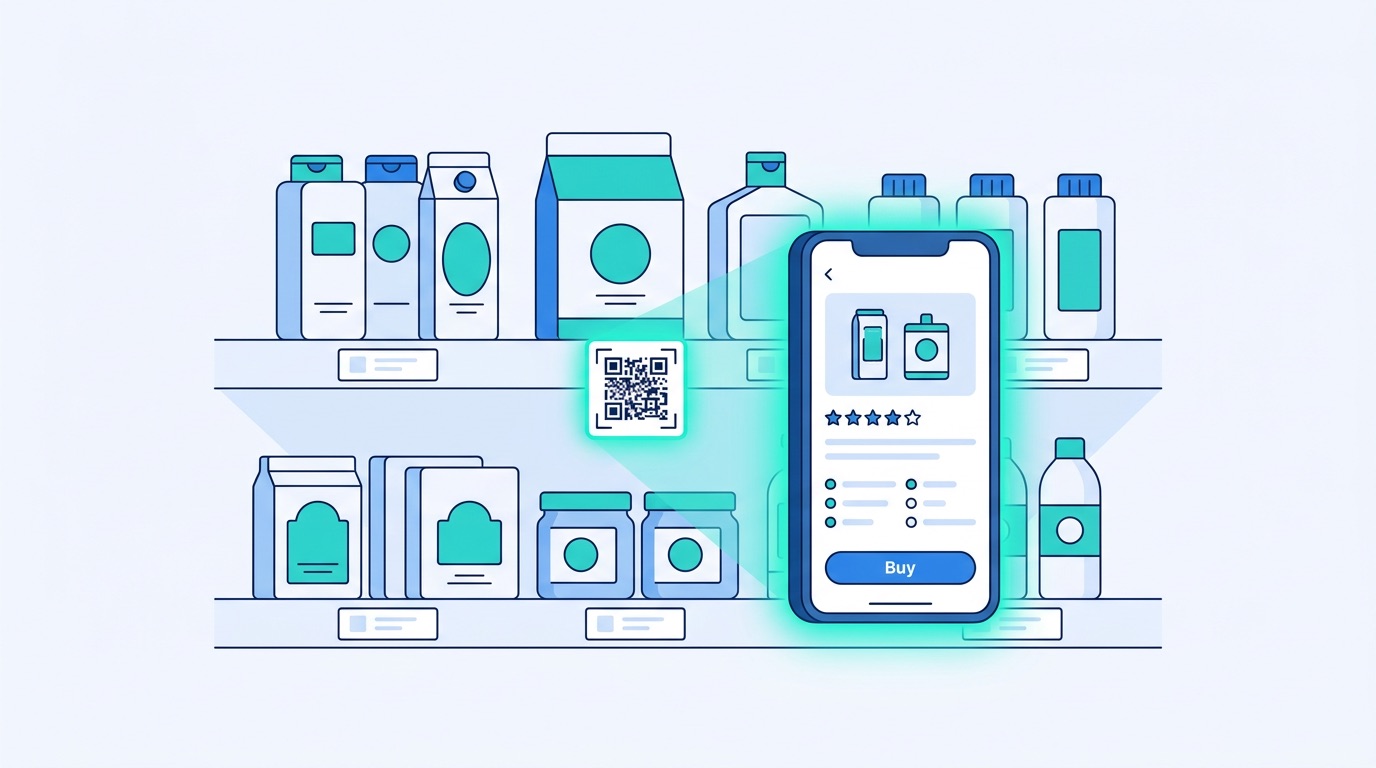
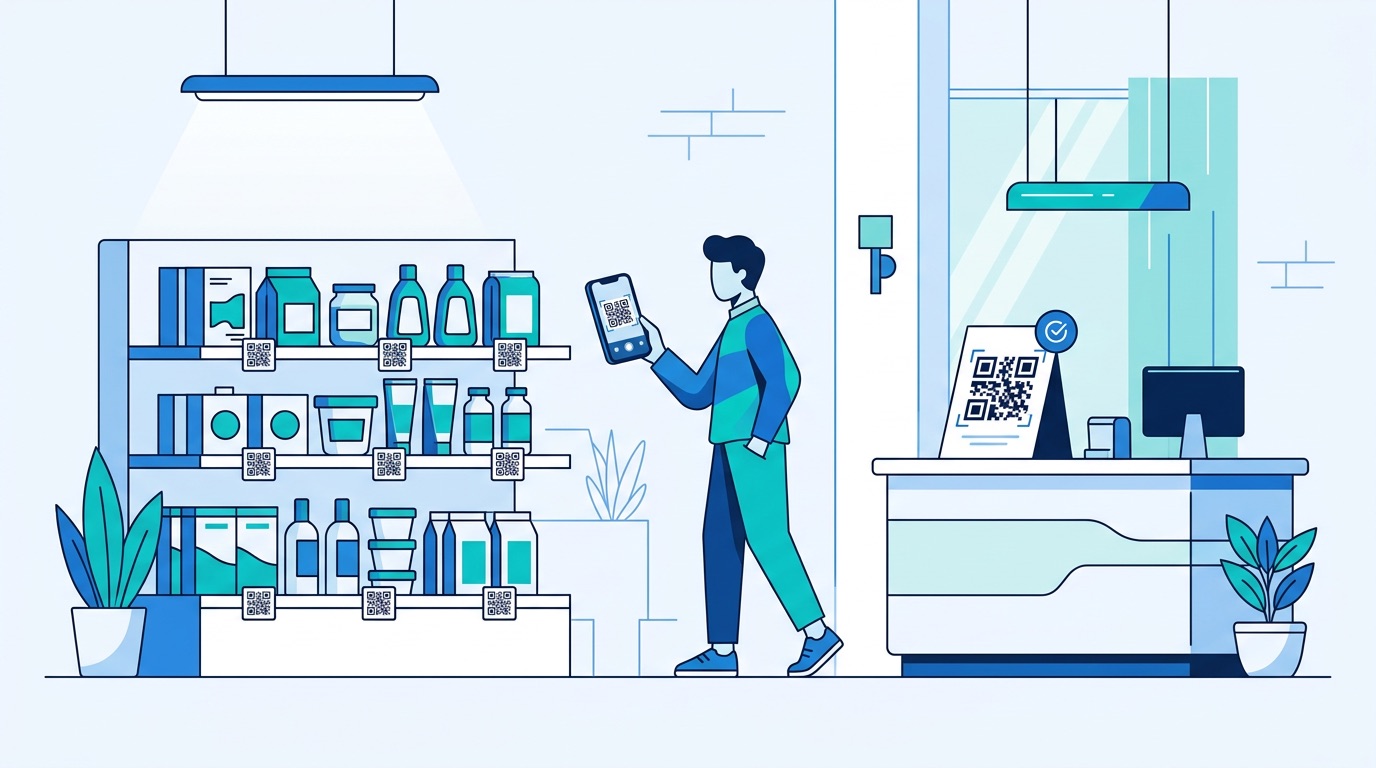
The modern retail shopper expects digital depth at the physical shelf. They want to compare prices, read reviews, check ingredients, watch product demos, and join loyalty programs — all without leaving the aisle. QR codes enable this by transforming every product, display, and receipt into a gateway to rich digital content.
The numbers tell the story: 79% of consumers are more likely to purchase when QR codes provide additional product information, according to customer experience research. 59% of consumers now scan QR codes daily, and Gen Z (83%) and Millennials (81%) are the most active scanners — a demographic that increasingly drives retail spend. For retailers, this is not incremental: it is a fundamental shift in how the physical store functions as a sales channel.
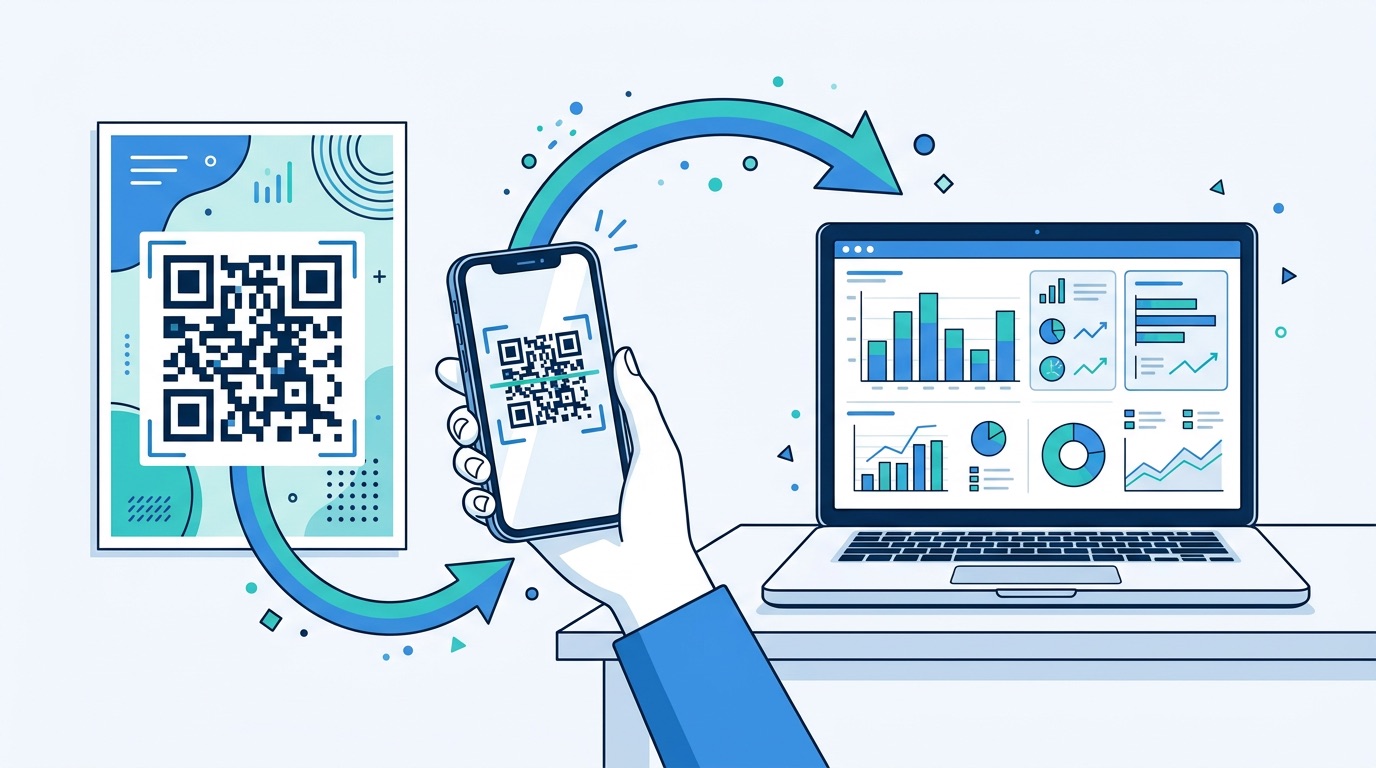
The technology has also matured. Every modern smartphone scans QR codes natively through the camera app — no third-party app required. Dynamic QR codes allow retailers to update linked content without reprinting labels or signage, and built-in analytics track every scan by location, device, and time. The result is a measurable, optimisable, physical marketing channel that connects directly to your digital analytics stack.
The shelf label can hold a product name, price, and a few bullet points. A QR code can deliver everything else — and that "everything else" is what converts browsers into buyers.
Place a URL QR code on the shelf edge or product display that links to a mobile-optimised product detail page. This page should include: high-resolution product images (multiple angles), full specifications and ingredients, comparison charts against alternative products, how-to-use guides or recipe ideas, and video demonstrations. The key insight is that 61% of consumers scan QR codes on products to access exactly this type of extended information — manuals, recipes, ingredients, and exclusive content.
For complex products — electronics, appliances, furniture — use a PDF QR code to deliver downloadable specification sheets, assembly guides, or warranty documentation directly to the customer's phone. This eliminates the need for printed brochures and ensures the customer always gets the most current version of the document.
Product demonstration videos convert at significantly higher rates than static content. A QR code on a display stand that links to a 60-second product video gives the shopper the confidence to buy without needing a sales associate. This is especially powerful in categories like beauty, electronics, and home improvement where seeing the product in action removes purchase hesitation.
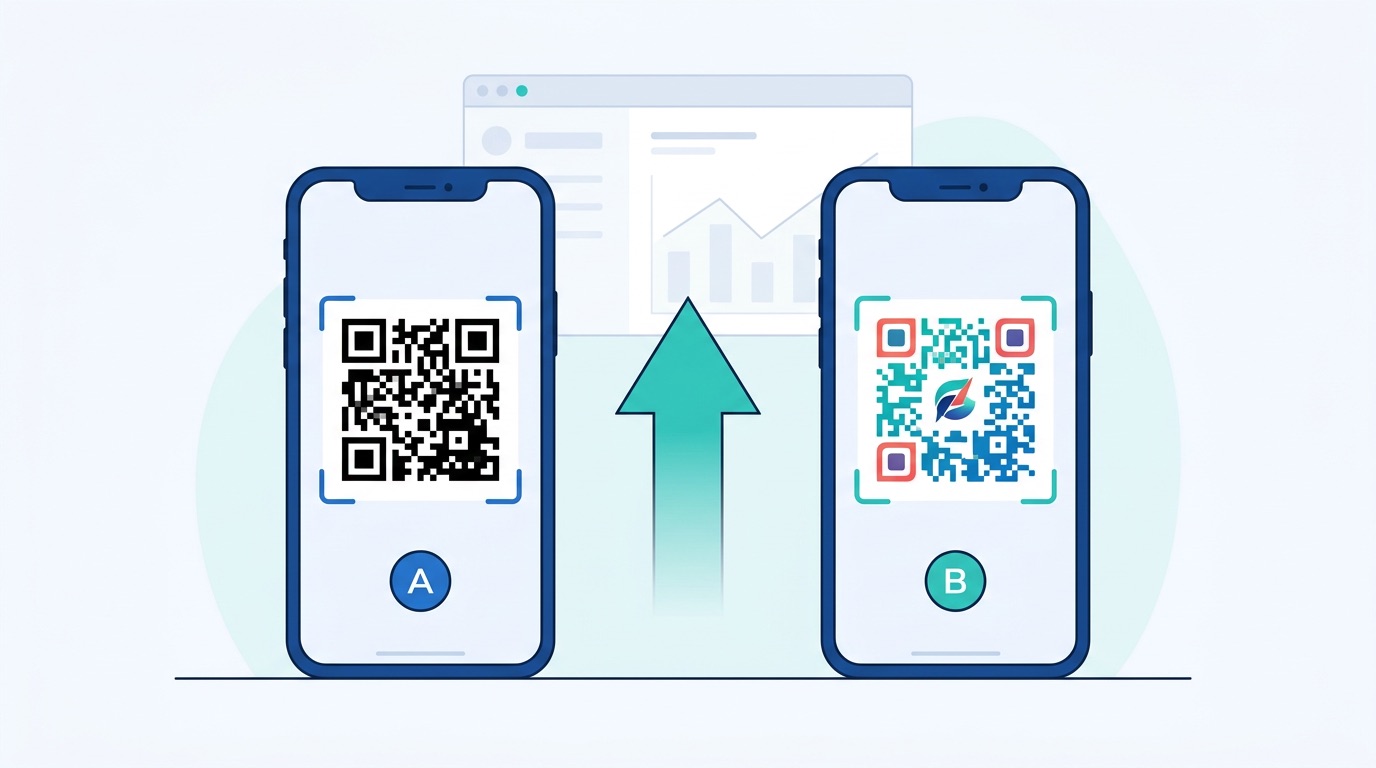
For implementation, use branded, custom-designed QR codes that match your store's visual identity — branded codes receive 35% more scans than standard black-and-white versions.
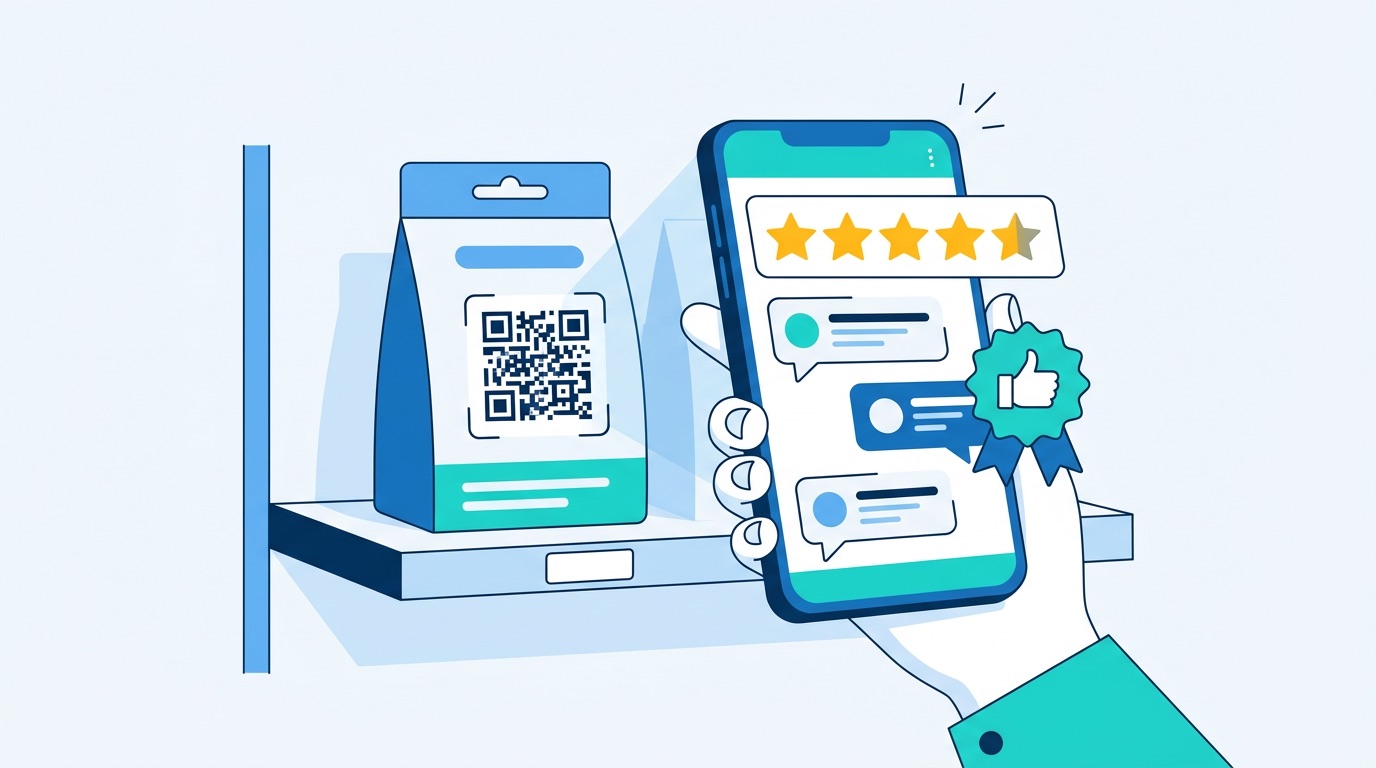
Online reviews are the single most influential factor in purchase decisions — and QR codes bring them into the physical store at the exact moment of decision. Instead of a shopper pulling out their phone and searching for reviews (and potentially finding a competitor), a strategically placed QR code delivers your curated review page instantly.
Place a QR code on the shelf tag or product display that links directly to the product's review page on your website or a trusted third-party platform. For products with strong ratings (4+ stars), this accelerates the purchase decision. For newer products without reviews, link to expert editorial content or hands-on demo videos instead.
The other side of social proof is collection. Place a feedback QR code on receipts, packaging inserts, or at the exit to prompt customers to leave a review while the experience is fresh. QR-based feedback collection achieves 40–60% response rates compared to 15–25% for email-based review requests, according to QR code feedback research. The scan-to-review friction is minimal: scan, rate, submit — no login required.
Use a social media QR code on in-store displays to encourage user-generated content: "Scan to share your purchase on Instagram" or "Scan to follow us for exclusive drops." This converts in-store shoppers into online brand advocates — extending the reach of every physical visit into the social graph.
QR codes are replacing plastic loyalty cards and complex app-based enrolment flows with a single-scan sign-up that works at every touchpoint in the store.
Place loyalty sign-up QR codes at checkout counters, on receipts, at the entrance, and on shelf displays for promoted products. The scan leads to a one-field or two-field sign-up form (email and name), with loyalty membership activated instantly. This frictionless approach outperforms traditional methods: 74% of consumers prefer digital loyalty solutions, and QR-based enrolment eliminates the barrier of downloading a dedicated app.
Deploy QR codes at checkout that customers scan to earn points on each purchase. For redemption, display QR codes on promotional signage: "Scan to redeem 500 points for 15% off." Dynamic QR codes allow you to update promotional offers in real time — rotating seasonal deals without reprinting any signage. See how QR codes increase sales for loyalty program conversion strategies.
Retailers like Starbucks and Nike have demonstrated the power of gamified QR experiences — scan-to-earn challenges, scavenger hunts across store sections, and surprise rewards for scanning codes on specific products. These campaigns drive foot traffic to underperforming store sections and increase average basket size. For campaign inspiration, see QR code marketing ideas: 15 creative campaign strategies.
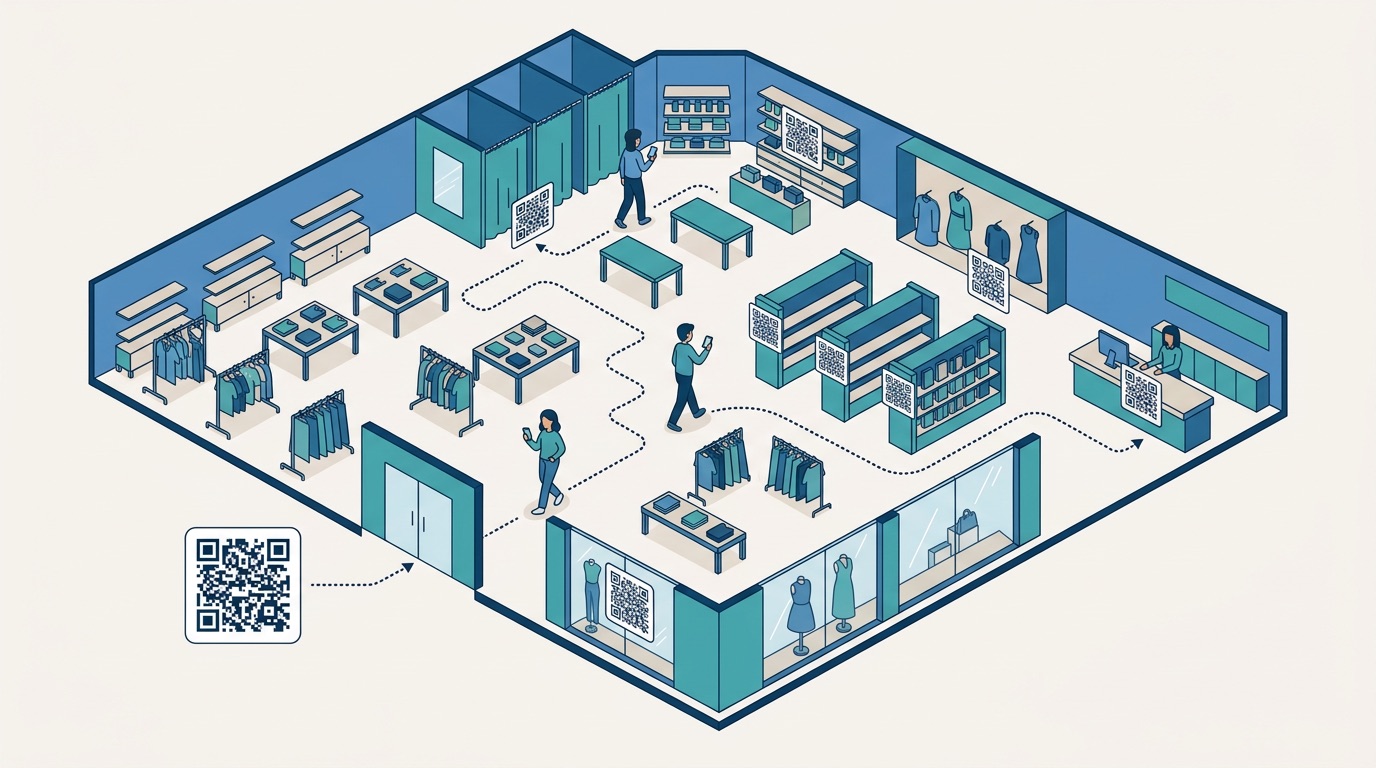
Large-format retailers, department stores, and multi-floor locations can use QR codes as an in-store navigation system. Place codes at store entrances, elevator lobbies, and section transitions that link to an interactive store map or department directory on the customer's phone.
This replaces expensive digital kiosk hardware with a solution that lives on the customer's own device — zero hardware cost, zero maintenance, and updatable in real time when store layouts change. For seasonal resets or pop-up sections, simply update the linked map content via dynamic QR codes without reprinting any signage.
Combine wayfinding codes with promotional triggers: when a customer scans the map for the electronics department, the landing page can include current electronics promotions alongside the directions. This turns navigation into a merchandising opportunity.
QR code payments are now mainstream in retail. 55% of North American businesses offer QR code payments, and retailers adopting scan-to-pay report an average 15% increase in sales — driven by reduced checkout friction and the ability to accept payments at any point in the store, not just at fixed registers.
Retail QR payment applications include:
For a deep dive into QR payment technology and global adoption, see QR Code Payments: The Global Shift to Scan-to-Pay.
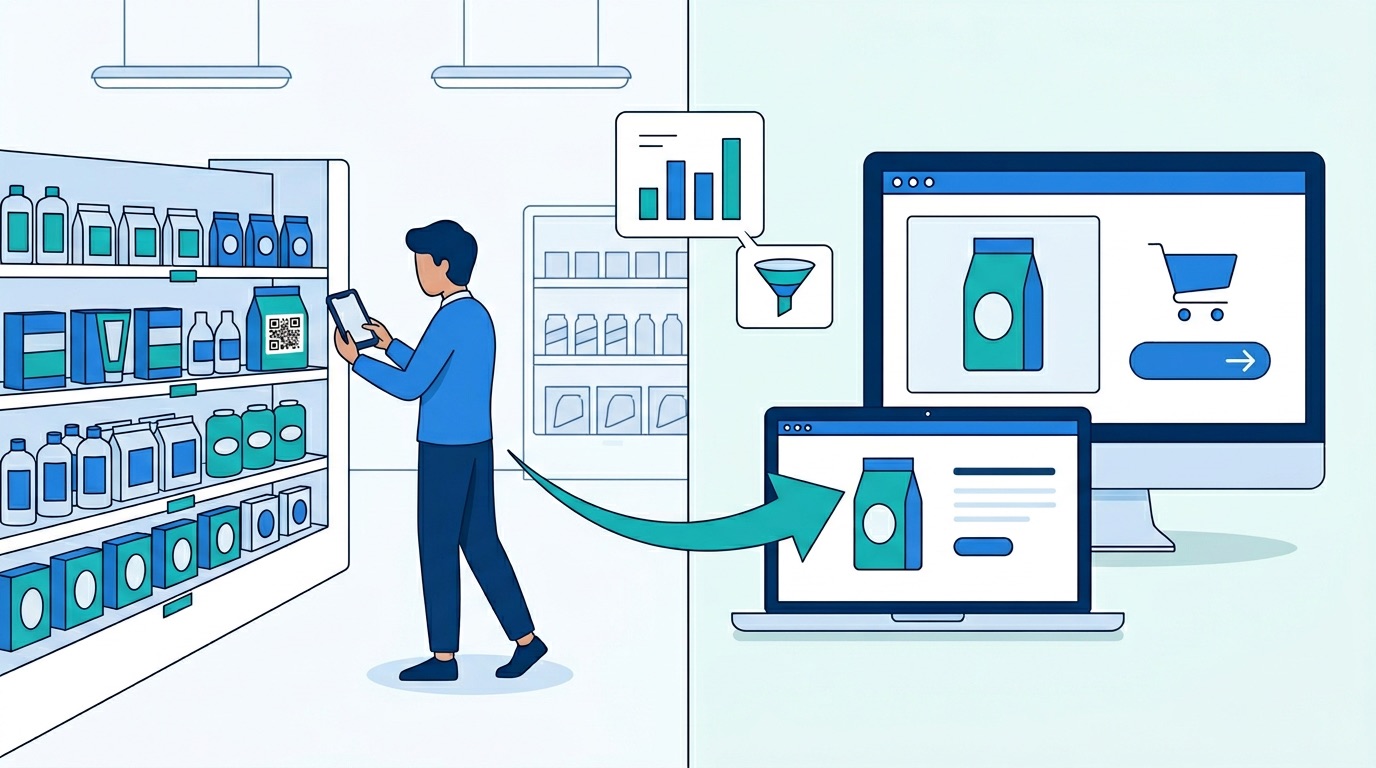
The most sophisticated retail QR strategies do not treat the store and the website as separate channels — they connect them. QR codes are the bridge that turns a physical store visit into an ongoing digital relationship.
When a customer scans a product QR code in-store but does not purchase, they now have the product page on their phone. Retargeting and email follow-up can convert that browsing intent into an online purchase later — extending the store's influence beyond the visit. Tag every in-store QR code with UTM parameters to track how many online conversions originated from in-store scans.
Place QR codes in the click-and-collect area that link to "Customers who bought this also liked" recommendations, upselling at the moment of pickup when the customer is already in the store. This turns a logistics touchpoint into a sales opportunity.
Replace printed receipts with QR code digital receipts — the customer scans a code at checkout to receive their receipt via email or text. This captures contact data for future marketing, eliminates paper waste, and creates a post-purchase touchpoint for review requests, loyalty programme prompts, and cross-sell recommendations.
For brands building cross-channel strategies, see the complete QR code marketing strategy guide and QR codes for lead generation.
Placement determines scan rate. The difference between a 2% scan rate and a 15% scan rate is almost entirely a function of where the code appears and what the call-to-action says. Here are the highest-performing retail placements:
For sizing and printing best practices, see the complete QR code printing guide. For design tips, see the QR code design guide.
Here is a practical five-step process to launch QR codes across your retail operation.
Start with the highest-impact application for your store format. For most retailers, product information QR codes on shelf-edge labels and loyalty programme enrolment at checkout deliver the fastest measurable ROI. Map each use case to a specific placement, destination URL, and success metric.
Use Supercode to create dynamic URL QR codes for each use case. Dynamic codes are essential for retail — they allow destination updates without reprinting and provide scan analytics by location. For multi-store rollouts, use bulk QR code generation to create unique codes for each store location via CSV import, enabling per-store performance tracking.
Customise each code with your brand colours, logo, and a CTA frame ("Scan for Details," "Join Loyalty," "Pay Here"). Print at the correct size for each placement — minimum 2 cm × 2 cm for close-range scanning (shelf labels), 10+ cm for poster and window placements. Use the QR code printing guide for material-specific recommendations.
Monitor scan data in Supercode's analytics dashboard: total scans, unique scans, device breakdown, geographic distribution (useful for multi-store), and scan-over-time trends. Layer UTM parameters on every destination URL to connect scan data to GA4 conversion tracking — attributing revenue, sign-ups, and engagement to specific placements. See the QR code tracking and analytics guide for the full measurement framework.
Once baseline data is established, run A/B tests on design, placement, and landing page variants. Test shelf-edge vs. display-stand placement; coloured vs. black-and-white codes; review page vs. product video landing pages. Iterate monthly to compound performance improvements. Every Supercode plan includes all features — including bulk generation and analytics — so you can start free and upgrade for more scan volume as your programme grows.
Different retail formats benefit from different QR code strategies. Here are optimised approaches by format:
Customers scan a QR code using their smartphone camera — no app needed. The code links to a URL that displays product information, reviews, loyalty sign-up forms, payment options, or any other digital content. For retailers using dynamic QR codes, the linked content can be updated in real time without reprinting any physical materials.
The highest-performing placements are: shelf-edge labels (5–10% scan rate), checkout counters, shop window displays, fitting rooms, promotional posters, and product packaging. Each placement serves a different purpose — shelf-edge for product information, checkout for loyalty, windows for after-hours commerce, and fitting rooms for sizing and styling.
Dynamic QR codes are strongly recommended for retail. They allow you to update the destination URL without reprinting (essential for seasonal promotions), provide scan analytics (track which placements perform best), and support A/B testing. Static codes are only suitable for permanent, unchanging links — which rarely applies in a retail context where promotions and inventory change frequently.
QR codes increase sales through multiple mechanisms: providing product information that removes purchase hesitation (79% more likely to buy), enabling frictionless loyalty programme enrolment that drives repeat visits, accelerating checkout through mobile payments, converting window shoppers into buyers outside business hours, and enabling post-purchase review collection that builds social proof for future customers.
Use dynamic QR codes with built-in analytics to track scan counts, unique scanners, device types, and scan timing. Add UTM parameters to destination URLs to connect scans to Google Analytics 4 data — tracking sessions, engagement, conversions, and revenue by placement. For multi-store operations, create unique codes per location to compare store-level performance.
Yes. QR code-based loyalty programmes eliminate plastic cards and reduce app-download friction. Customers scan a QR code at checkout to enrol or earn points — no card, no app, just a phone camera. 74% of consumers prefer digital loyalty solutions, and QR-based enrolment achieves higher sign-up rates than traditional methods because the barrier to entry is a single scan.
QR code implementation costs are minimal compared to most retail technology. Supercode's free plan includes every feature — dynamic codes, analytics, custom design, and bulk generation — so there is no upfront software cost to get started. Primary costs are printing codes on physical materials (shelf labels, posters, packaging) and the time to create destination landing pages. As scan volume grows, you can upgrade to Professional ($89/month for 1,000 scans) or Enterprise ($189/month for 5,000 scans). There is no hardware installation — the customer's own smartphone is the scanner.
QR codes have moved from a pandemic-era convenience to a permanent layer of the retail experience. With 64% of shoppers already scanning in-store and 62% of retailers reporting sales increases, the question is not whether to deploy QR codes — it is how comprehensively and how well.
The retailers pulling ahead are those treating QR codes as an integrated system: product information at the shelf, reviews and social proof at the point of decision, loyalty enrolment at checkout, payments everywhere, and analytics connecting every scan to revenue.
Start building your retail QR code program with Supercode — with dynamic code management, branded design tools, bulk generation for multi-store rollouts, and built-in analytics. View pricing plans or explore all QR code solutions.
For related strategies, see QR Code Statistics 2026, 15 Most Practical QR Code Uses, and QR Code Trends 2026.