
Every day, 175 million people send a message to a business on WhatsApp. With 3.2 billion global monthly active users and an inbox open rate of 98%, WhatsApp is no longer just a messaging app — it is the world’s most powerful business communication channel. Yet most businesses are still making their customers hunt for a phone number to start that conversation. A WhatsApp QR code eliminates that friction entirely: one scan, and the chat opens automatically. This guide covers everything you need to know about WhatsApp QR codes in 2026 — from how they work and where to deploy them, to designing, tracking, and creating one with Supercode.
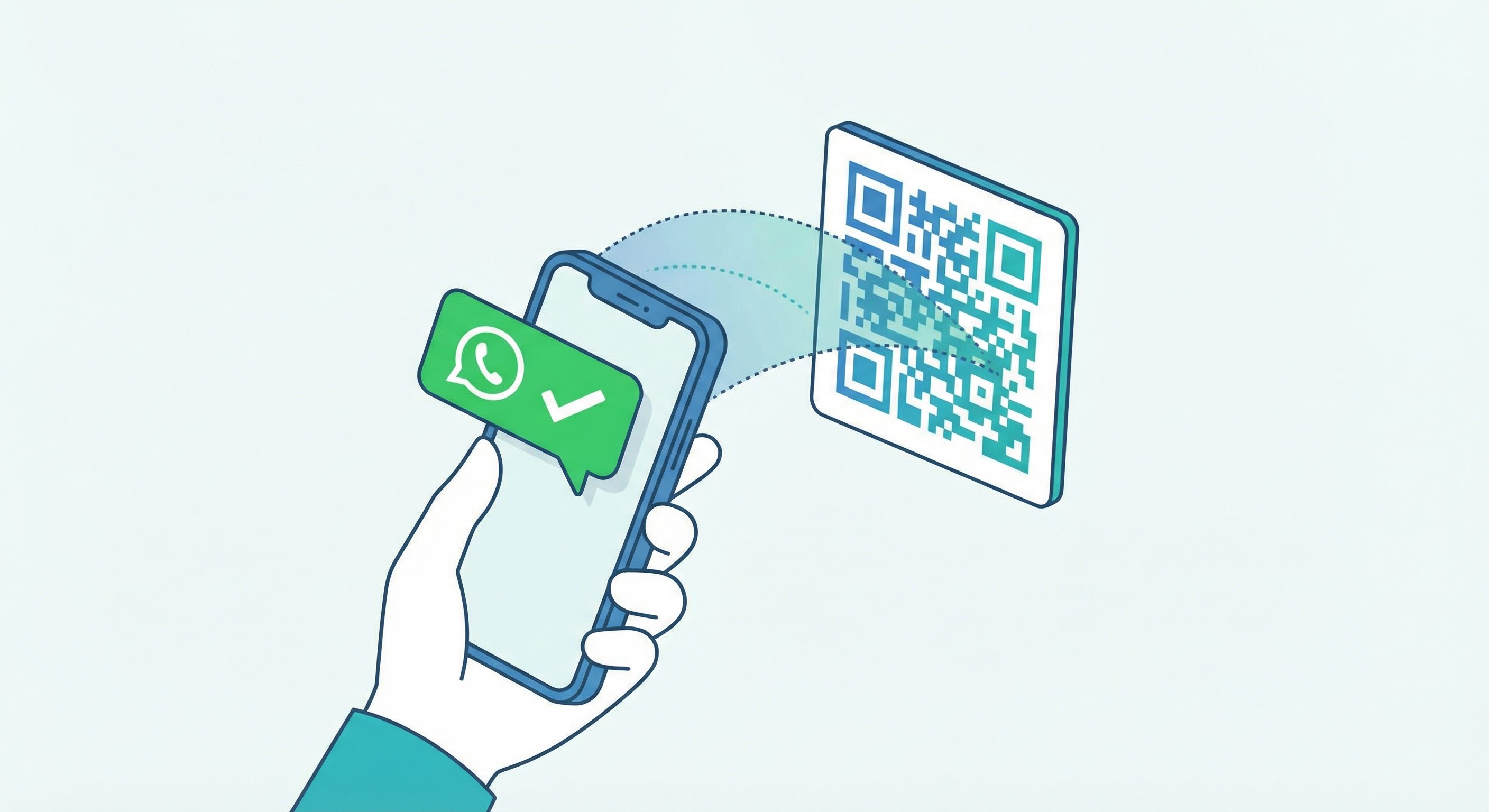
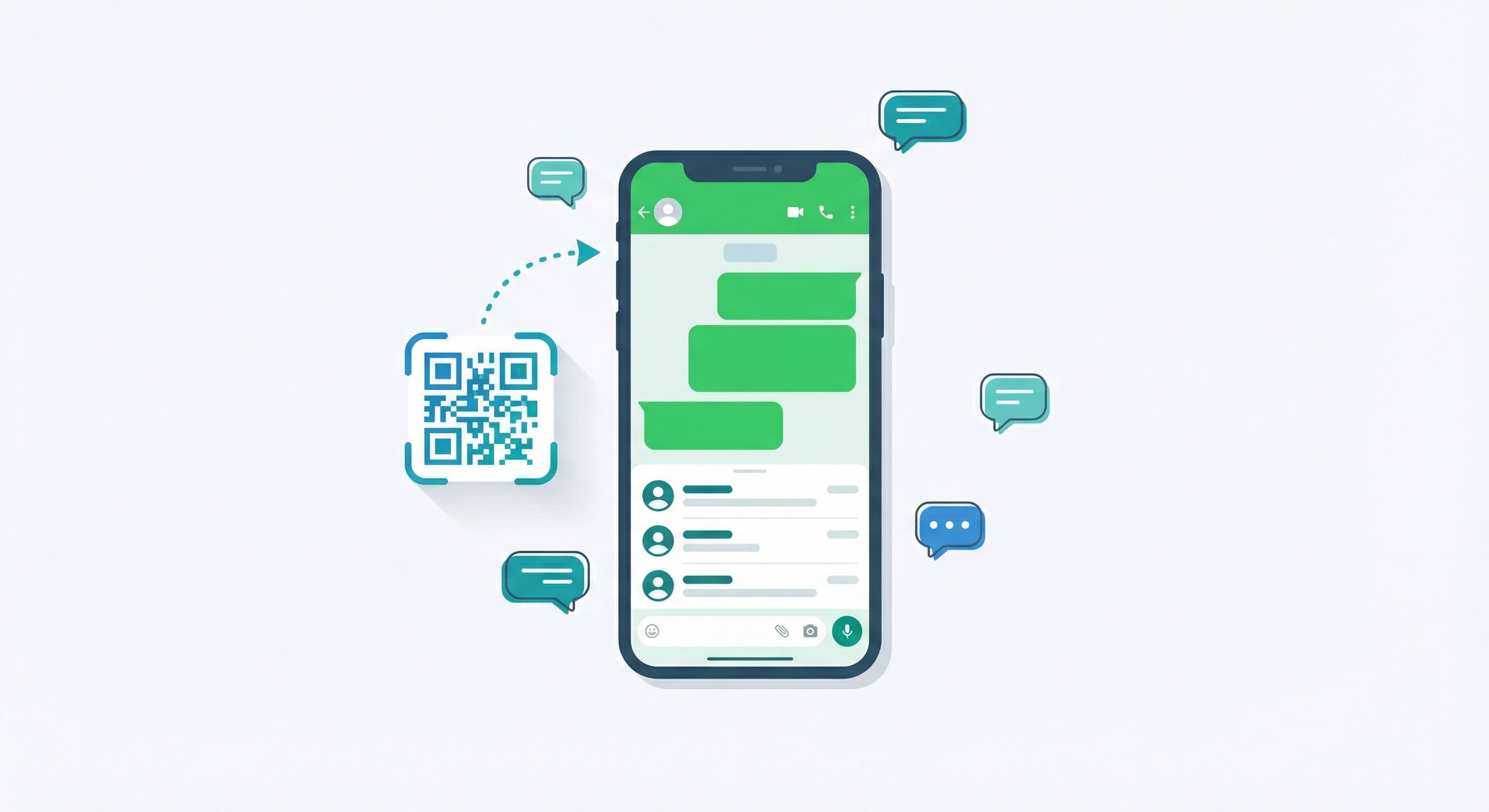
A WhatsApp QR code is a scannable code that, when read by a smartphone camera, immediately opens a WhatsApp conversation with a pre-set business number and — optionally — a pre-written message already typed in the chat box. Instead of a customer manually typing a phone number into their contacts, they simply point their camera at the code and WhatsApp launches instantly, ready to send.
The underlying mechanism encodes a wa.me link — for example, https://wa.me/15551234567?text=Hello — into a scannable image. That link carries the phone number and any pre-filled message you want to appear in the customer’s chat box. The code works across both WhatsApp Business (for SMBs) and numbers connected to the WhatsApp Business API (for enterprise-scale operations).
Unlike the basic QR code built into the WhatsApp Business app itself, a QR code generated with a dedicated tool like Supercode’s WhatsApp QR code generator is fully customizable — with your brand colors, logo, and call-to-action frame — and comes with real-time scan analytics. This distinction matters enormously for marketing campaigns, where brand recognition and performance measurement are non-negotiable.
Before creating a WhatsApp QR code, you need to decide which account type it should link to. Each serves a different audience and set of business requirements.
A personal WhatsApp account is built for one-to-one conversations with friends and family. While you can technically generate a QR code pointing to a personal number, it lacks the features that make WhatsApp powerful for business — no automated greetings, no business profile, no product catalog, and no analytics. For marketing purposes, this approach is not recommended.
The WhatsApp Business app (free on iOS and Android) is purpose-built for SMBs. It adds a verified business profile, product catalog, quick reply templates, automated away messages, and a built-in QR code. Over 200 million businesses now use WhatsApp Business monthly — a 4× increase since 2020 — making it the most widely adopted business messaging platform on the planet. If you are running a local business, service company, or e-commerce store with manageable message volume, this is the right starting point.
For enterprises and high-volume communication, the WhatsApp Business API unlocks CRM integration, AI chatbots, broadcast messaging, and end-to-end automation. QR codes created for API-connected numbers can automatically route scans into CRM pipelines, trigger automated welcome flows, and tag contacts by campaign source. This is the tier used by retailers, banks, airlines, and hospitality groups running large-scale conversational commerce programs. A QR code is still the primary acquisition trigger — it is simply what happens after the scan that scales up significantly.
Compared to other contact methods — phone numbers, email addresses, web forms — WhatsApp QR codes offer a genuinely different value proposition for modern businesses.
The data is clear: 73.3% of consumers across 22 global markets say they prefer messaging when contacting a business, and 72.4% are more likely to purchase from a brand that offers it. WhatsApp QR codes make it effortless to give customers the channel they already want. For a broader overview of how this fits into your strategy, see our guide to QR code marketing.
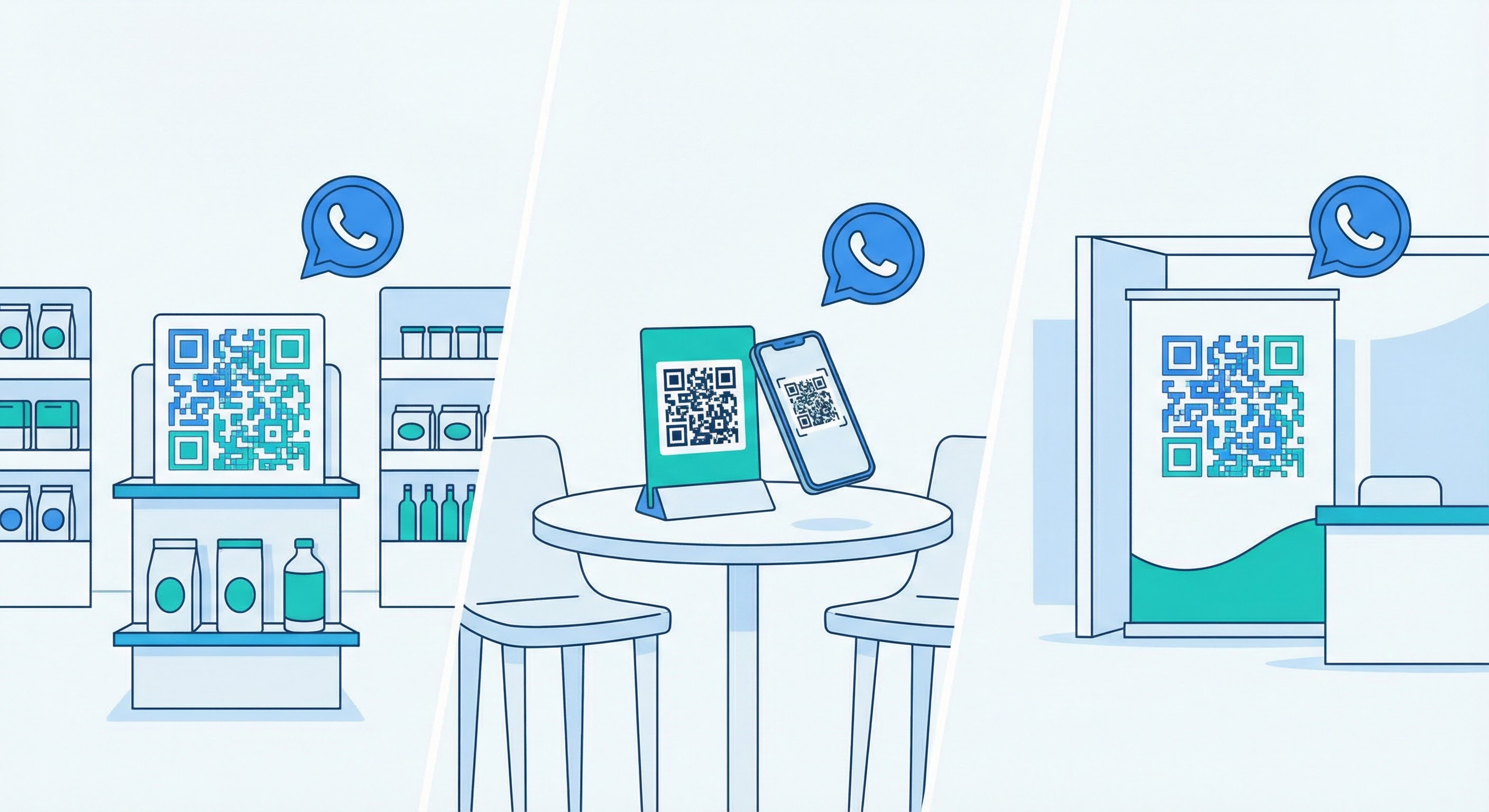
WhatsApp QR codes are not a one-size-fits-all tool — the best implementations are tailored to the interaction patterns of each industry. Here are the highest-impact verticals and how they deploy WhatsApp QR codes.
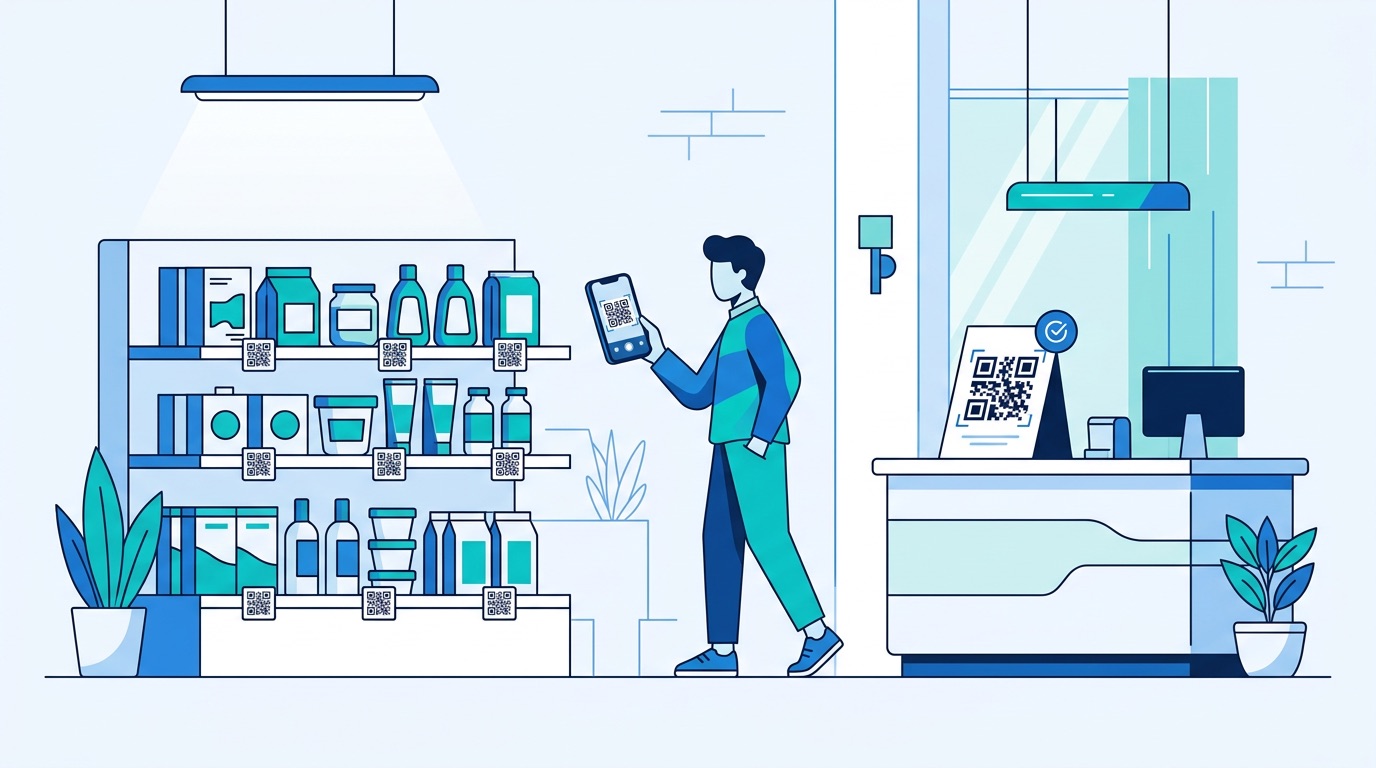
Place WhatsApp QR codes at the point of sale, on product packaging, and in shop windows to let customers ask about availability, sizes, and pricing without waiting in a queue. QR codes on packaging can trigger post-purchase check-ins, warranty registration, and loyalty program enrollment. For QR code strategies tailored to retail, the applications range from product authentication to in-store wayfinding and personalized promotions.
Hotels, restaurants, and cafes can place WhatsApp QR codes on table cards, room service menus, and check-in desks to handle reservation requests, special dietary inquiries, and service calls in real time. Guests strongly prefer messaging over phone calls — especially in noisy environments or when communicating across a language barrier. Our guide to QR codes for restaurants covers the full dining and hospitality spectrum, while the QR codes for hospitality page covers hotel-specific strategies in detail.
At trade shows and exhibitions, WhatsApp QR codes on booth banners, brochures, and badge lanyards capture leads at the precise moment of peak interest. A pre-filled message such as “I visited your stand at [Event Name] and would like more information” gives your sales team immediate context on every new contact — far more effective than a business card swap, and generating a measurable, trackable lead in the process.
Real estate agents can embed WhatsApp QR codes on property signs, window displays, and printed brochures, with a pre-filled message referencing the specific listing. Buyers browsing a neighborhood can reach an agent instantly, without needing to remember a number or find a website. See our real estate QR code marketing guide for a full playbook of placement strategies and campaign ideas.
Clinics, salons, and personal trainers can use WhatsApp QR codes on marketing posters and appointment reminder cards to make booking frictionless. Patients and clients who can message to confirm or reschedule appointments are far less likely to no-show than those who must call during business hours.
QR codes on food delivery packaging connect customers directly for reorders, feedback, or issue resolution — cutting out expensive third-party app commissions on repeat business. The immediacy of WhatsApp turns a passive packaging touchpoint into an active customer retention tool. For material-specific guidance, see our full resources on QR codes on food packaging.
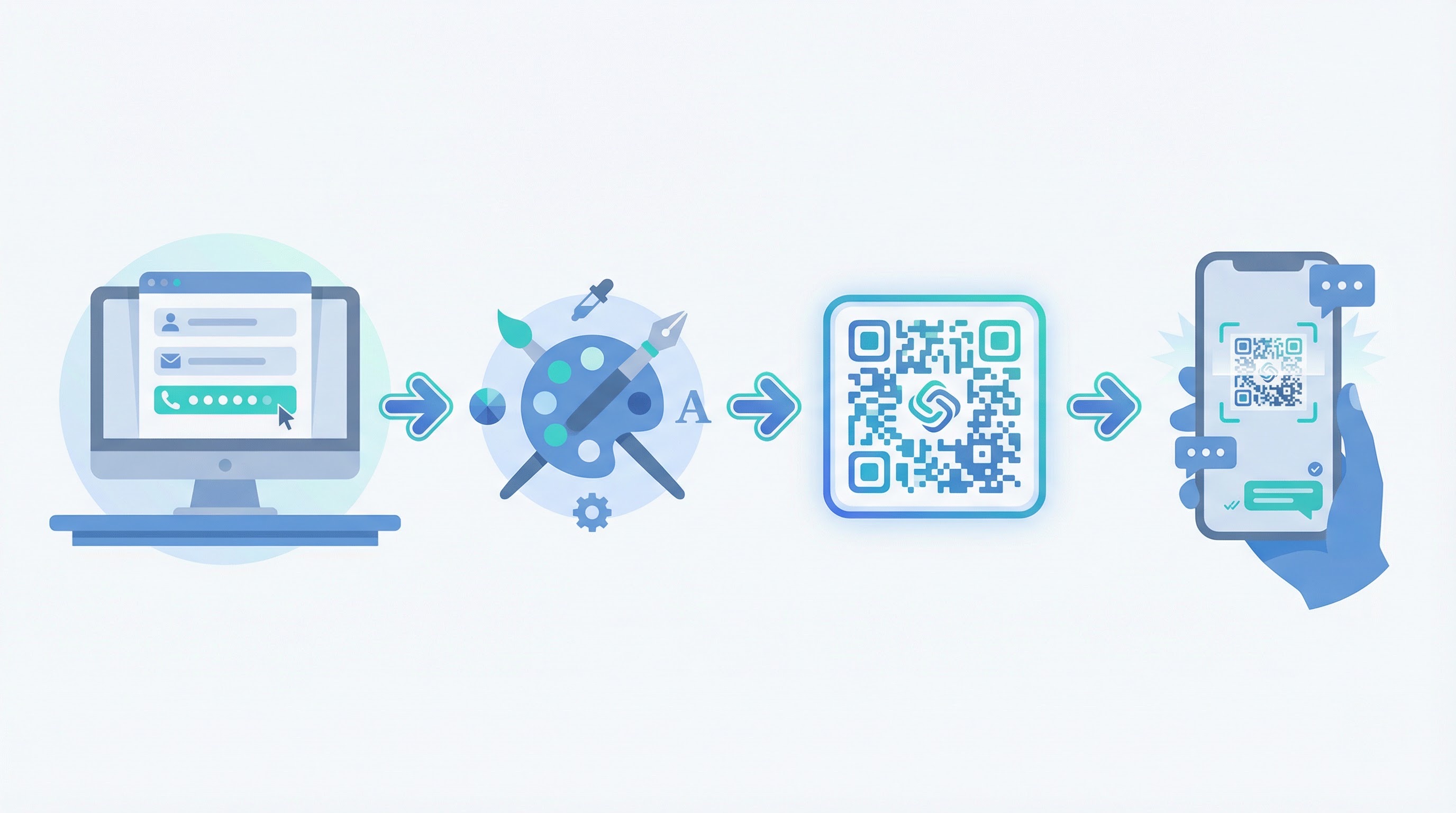
Supercode’s WhatsApp QR code generator gives you everything the native WhatsApp tool does not: brand customization, scan analytics, dynamic codes that can be updated without reprinting, and downloadable assets ready for both print and digital use. Here is how to create one in minutes.
Always perform a test scan on an actual print before distributing at scale. Different print materials, finishes, and lighting conditions can affect scannability. Our QR code printing guide covers minimum sizing, resolution requirements, and substrate considerations in detail.
A poorly designed QR code does not get scanned. A well-designed one gets scanned — and is recognized as trustworthy enough to act on. These design principles apply specifically to WhatsApp QR codes used in physical and digital marketing materials.
For deeper guidance on QR code design, our complete QR code design guide covers color theory, error correction levels, and logo integration in detail. For a practical pre-launch checklist, see our roundup of the 10 most common QR code mistakes to avoid.
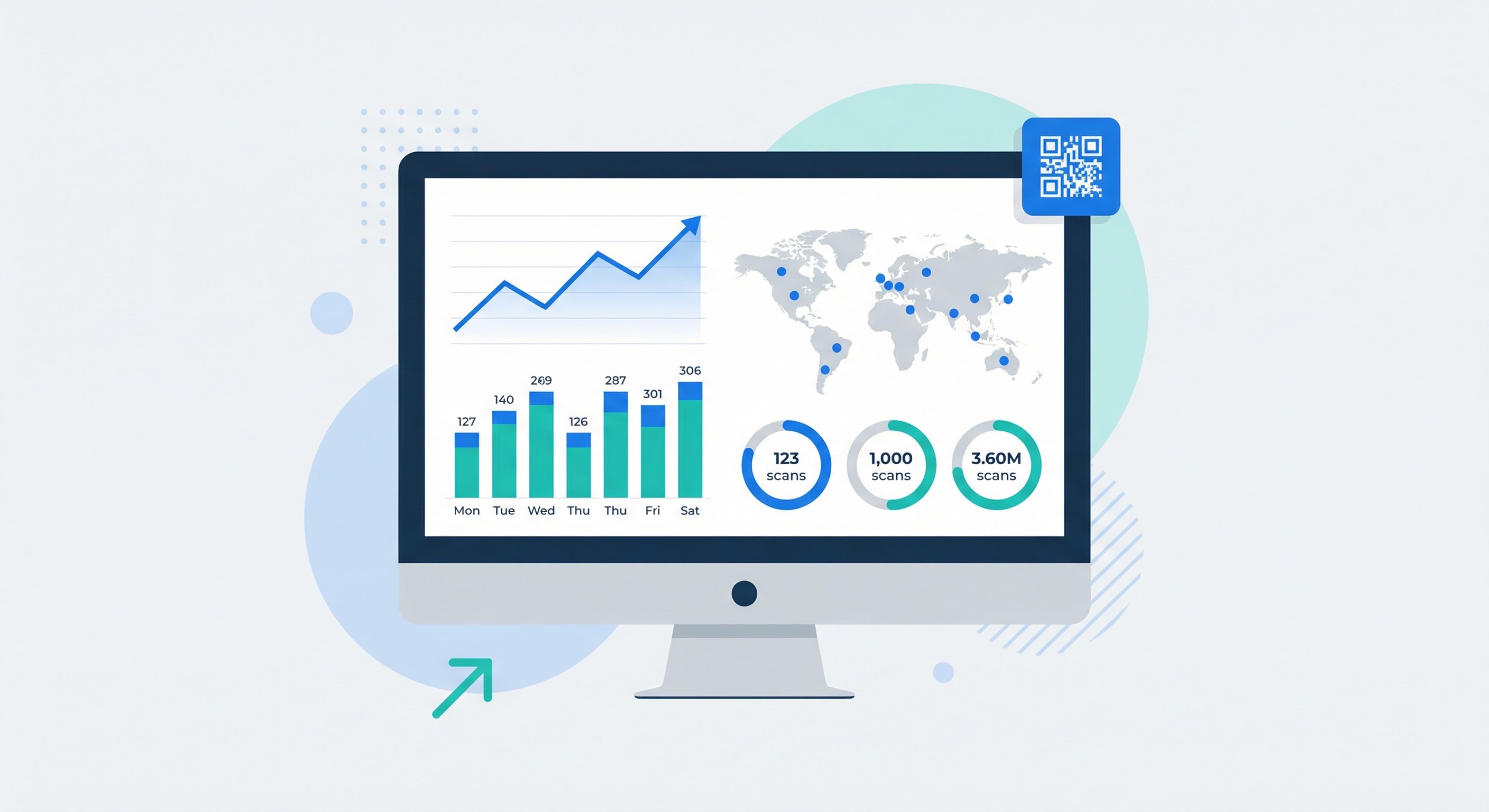
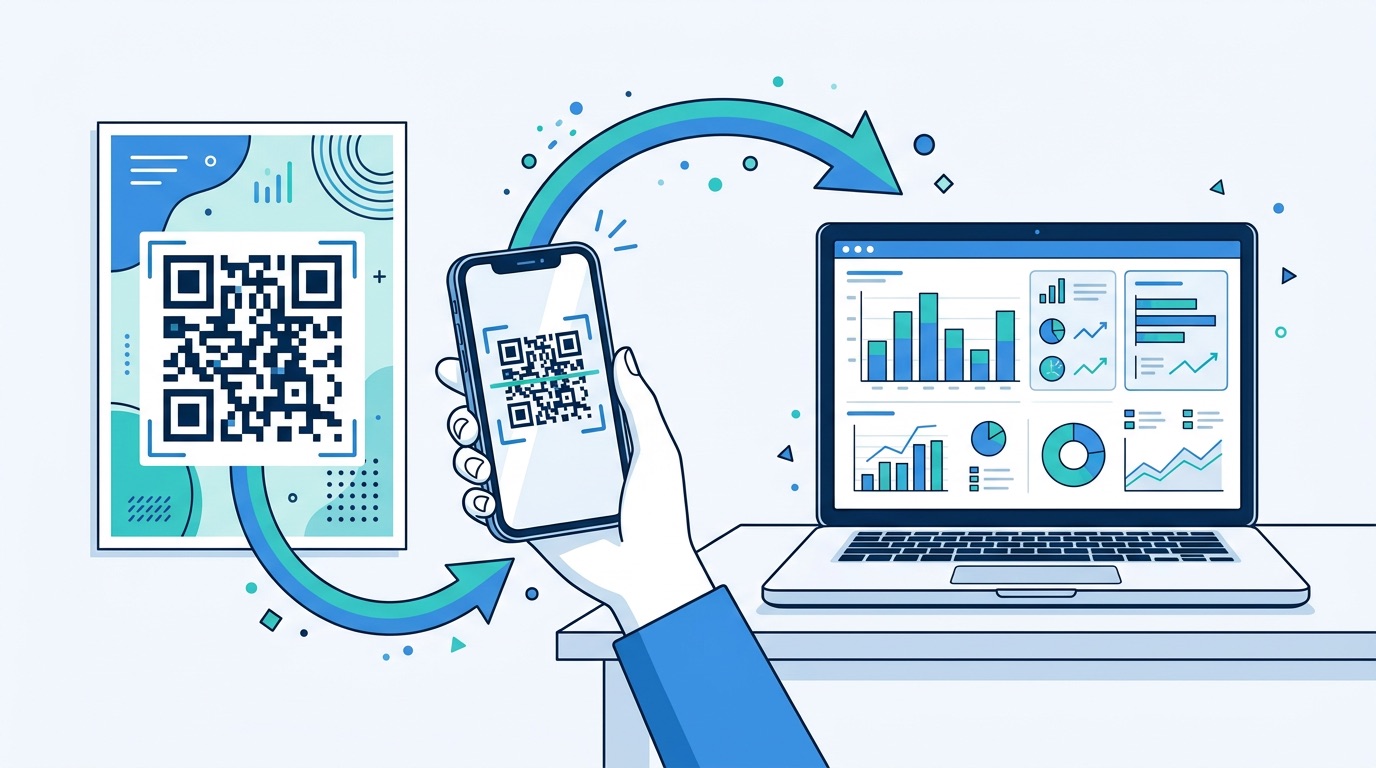
One of the most significant advantages of using Supercode over the native WhatsApp QR code is analytics. The built-in WhatsApp Business QR code tells you nothing about campaign performance. Supercode’s QR code analytics dashboard gives you a complete picture:
wa.me link resolves and is useful for debuggingFor teams running multi-location campaigns, Supercode allows you to create separate WhatsApp QR codes for each location or channel — each with its own analytics stream — while keeping everything organized in a single dashboard. This is essential for attributing inbound conversations to specific placements and calculating ROI per campaign.
Dynamic QR codes, available on every Supercode plan, including the free plan, can be updated to point to a different number, team, or pre-written message at any time — without reprinting. If you redirect seasonal campaigns, change sales team members, or pivot messaging, a dynamic code means your physical materials never go stale.
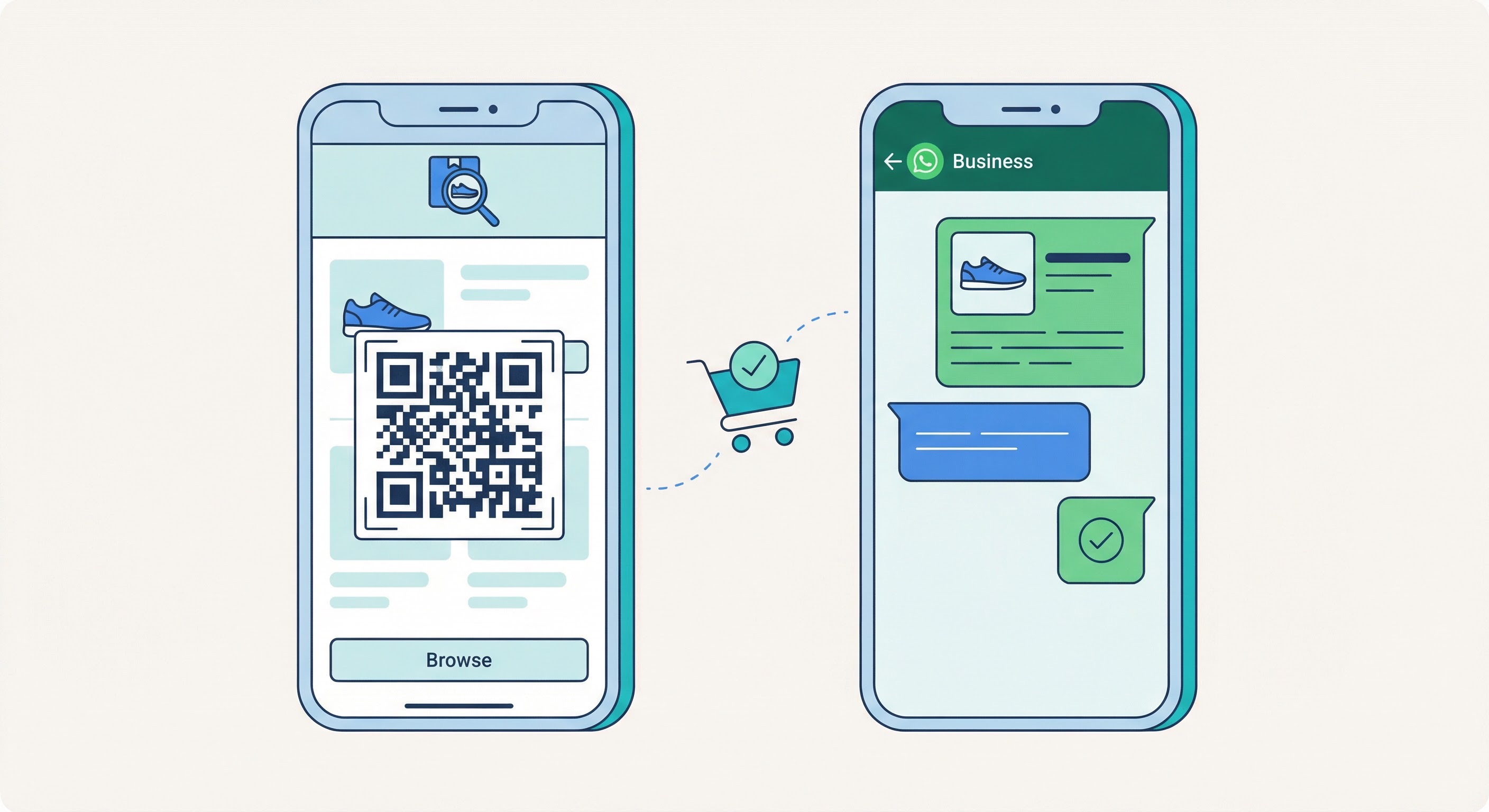
Conversational commerce — completing sales transactions through messaging — is one of the fastest-growing e-commerce trends of 2026. WhatsApp sits at the center of it. Research shows that conversational commerce on WhatsApp drives 3–5× higher conversion rates compared to traditional e-commerce flows, because it replicates the personal, guided experience of an in-store sales conversation rather than an impersonal self-service checkout.
The mechanics are straightforward: a customer scans a WhatsApp QR code from a product display, packaging, or poster. A pre-filled message opens the chat. An automated welcome flow (via WhatsApp Business API) or a live sales agent responds within seconds. The customer can ask questions, view product images, receive a payment link, and complete a purchase — all without leaving WhatsApp. No abandoned cart emails. No checkout drop-off. No app to download.
In markets where WhatsApp dominates — Brazil (installed on 99% of smartphones), India (70%+ of urban smartphone users), and across much of Europe and the Middle East — conversational commerce through WhatsApp is already the primary sales channel for millions of SMBs. In North America, where WhatsApp adoption is growing faster than any other messaging platform, early-mover businesses are capturing meaningful competitive advantage while the channel is still undersaturated.
For a broader look at how WhatsApp QR codes fit into a full acquisition and nurture funnel, see our guide to QR code lead generation. To explore how WhatsApp integrates with other QR code types in a multi-channel campaign, visit Supercode’s solutions hub.
WhatsApp QR codes also pair naturally with other code types. Social media QR codes can funnel Instagram or LinkedIn audiences to a WhatsApp number for 1-to-1 follow-up. SMS QR codes can run alongside WhatsApp codes for domestic and international audiences respectively — eliminating international SMS charges for overseas customers while maintaining familiarity for local ones. And vCard QR codes on business cards can be complemented with a WhatsApp code at the same networking event, giving contacts multiple ways to reach you from a single physical touchpoint.
The WhatsApp Business app includes a built-in QR code feature. So why use Supercode? The answer lies in what you need the code to do beyond simply opening a chat.
Both options let you link a pre-filled message to a phone number. Here is what Supercode adds on top:
The native WhatsApp QR code is adequate for a personal business card or a small one-off placement where tracking and brand consistency do not matter. But for any serious marketing material — a product package shipped to thousands of customers, a billboard, a trade show banner, a printed poster campaign — you need analytics to know whether the placement is working, and branded design to maximize scan rates. Supercode provides both, along with the ability to manage an entire library of codes from one dashboard.
For businesses running multiple QR code types alongside their WhatsApp codes — vCard codes for networking, PDF codes for product documentation, feedback codes for customer surveys — Supercode’s unified platform means every code type, every campaign, and every analytics view lives in one place. Explore the full Supercode product features to see what is possible.
No. When a customer scans your WhatsApp QR code, the WhatsApp app opens with your number pre-loaded in a new chat window — no manual entry or contact saving required. This is the core advantage over sharing a raw phone number.
Yes. WhatsApp operates over Wi-Fi and mobile data, so there are no international SMS charges for customers scanning from any country. The only requirements are that both parties have WhatsApp installed and an active internet connection. Always format your phone number with the full international country code (e.g., +1 for the US, +44 for the UK) when setting up the code.
A pre-written (pre-filled) message is text that automatically appears in the customer’s message box when they scan your QR code — ready to send with one tap. You should always include one. It removes the blank-page friction of starting a conversation, and it gives your team immediate context about who is reaching out and why, without requiring the customer to explain themselves.
With a static QR code, no — any change to the underlying phone number or message requires generating and redistributing a new code. With a dynamic WhatsApp QR code (available on every Supercode plan, including free), you can update the destination number or pre-filled message at any time without reprinting. For any placement with a long shelf life — packaging, banners, signage — a dynamic code is strongly recommended. See our dynamic vs. static QR code guide for a full comparison.
The native WhatsApp Business QR code provides no scan analytics. To track performance, create your WhatsApp QR code through Supercode, which provides a full analytics dashboard with scan counts, geographic data, device types, and time-of-day patterns. For setup guidance, see our QR code analytics guide.
A WhatsApp QR code encodes a wa.me WhatsApp link into a scannable image. The link itself works for digital placements where clicking is possible. The QR code is the physical-world delivery mechanism — it makes the same link usable on packaging, posters, business cards, and any other printed surface where a clickable link is impractical.
WhatsApp is where your customers already are — all 3.2 billion of them. A WhatsApp QR code is the most direct possible bridge between your physical marketing materials and that audience. With Supercode, you can create a branded, trackable, dynamic WhatsApp QR code in under five minutes — and start every customer conversation from a position of context and intent.
Start for free on Supercode and create your first WhatsApp QR code today.