


Create smarter QR code campaigns.
Start using Supercode today.
Sign up for free


Create email QR codes that open a pre-filled message in seconds. Add to posters, packaging, business cards, and more. Start free with Supercode.
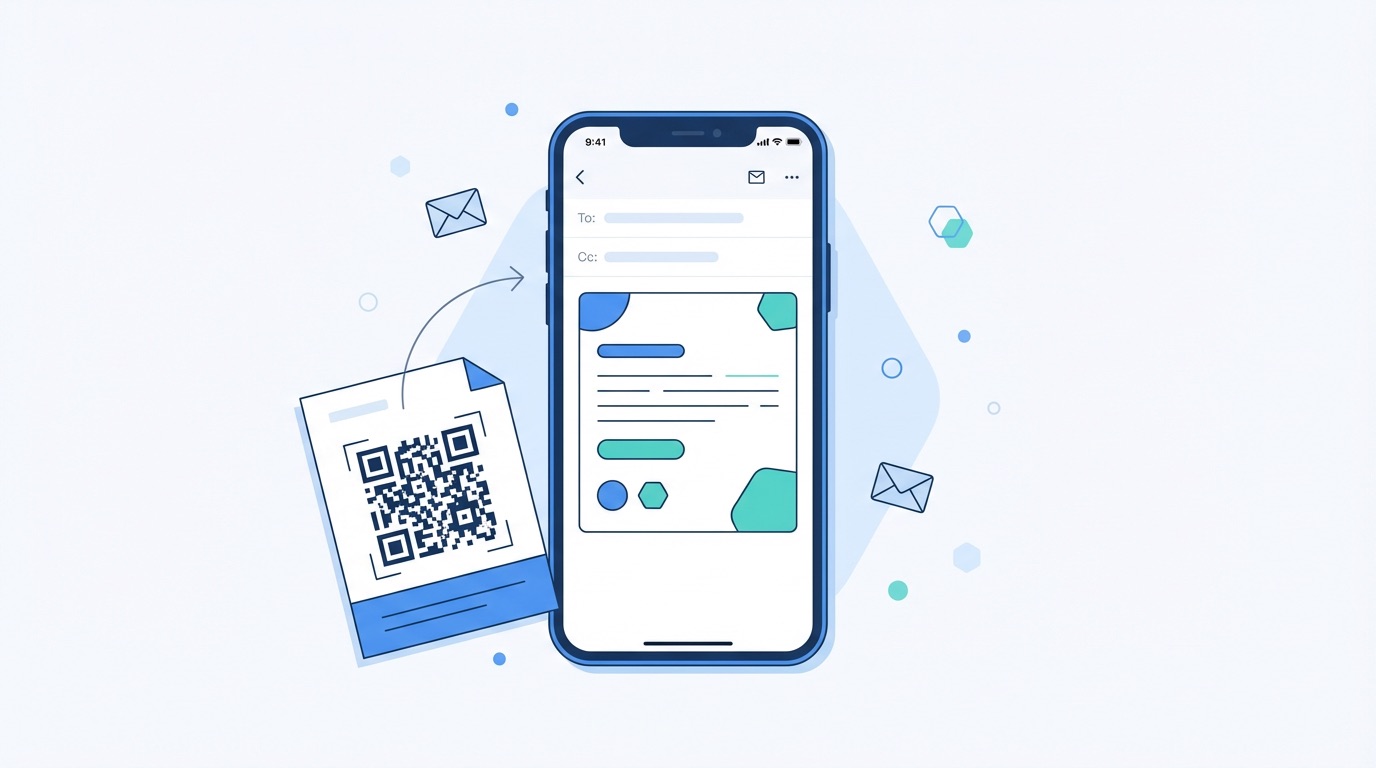


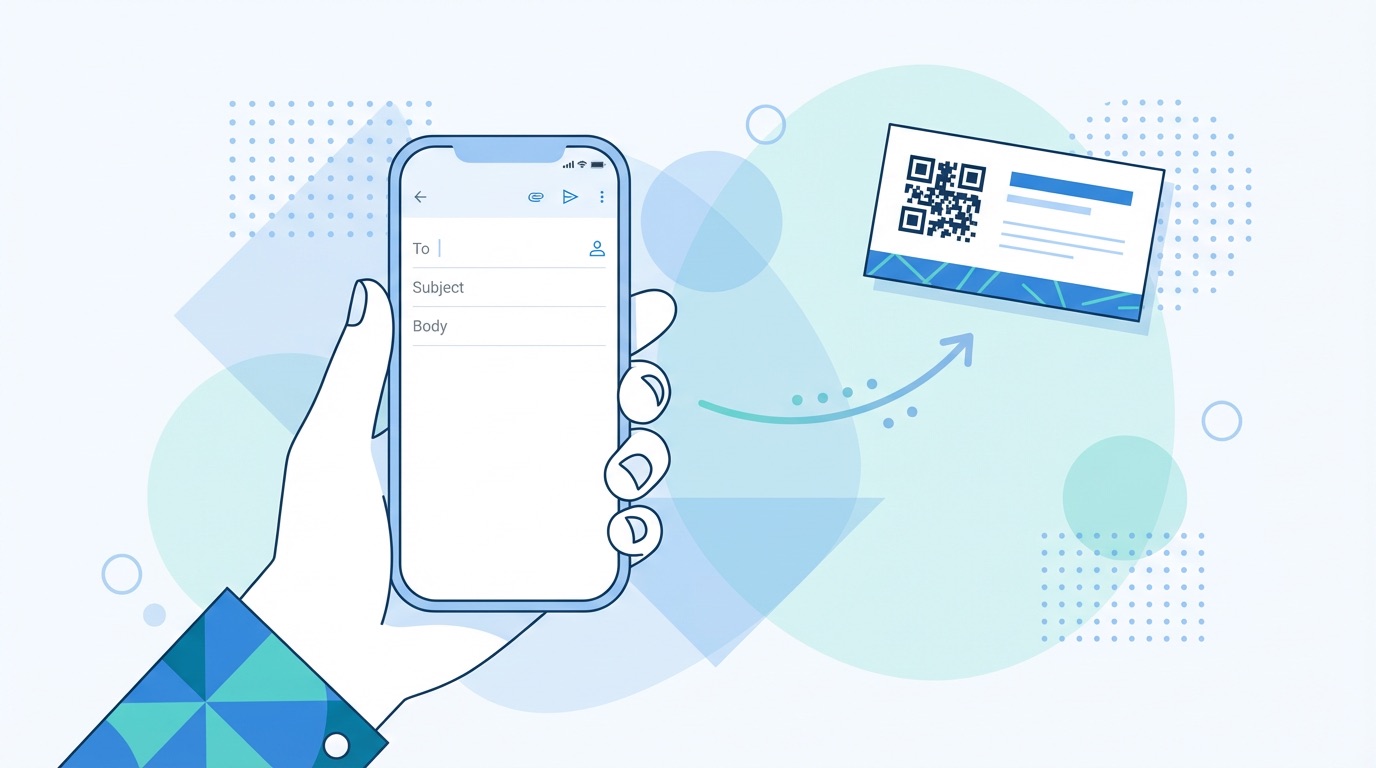
With 47% of marketers now using QR codes in email channels and over 376 billion emails exchanged worldwide every year, the pressure to make digital communication frictionless has never been higher. An email QR code removes every point of friction between a customer's intent and their inbox.
When a user scans an email QR code, their default email app opens automatically with the recipient address, subject line, and message body all pre-filled. No typing, no searching for a contact address, no subject-line guesswork — the entire email is composed in seconds. The user simply taps "Send."
This makes email QR codes one of the most powerful conversion tools for any printed marketing material. Here is what they unlock for your business:
Unlike SMS QR codes that open a text thread, email QR codes are ideal when you need a more formal, documented channel — for service inquiries, order support, consultation bookings, or B2B proposals. Read on to see exactly how different business types are deploying them in 2026.

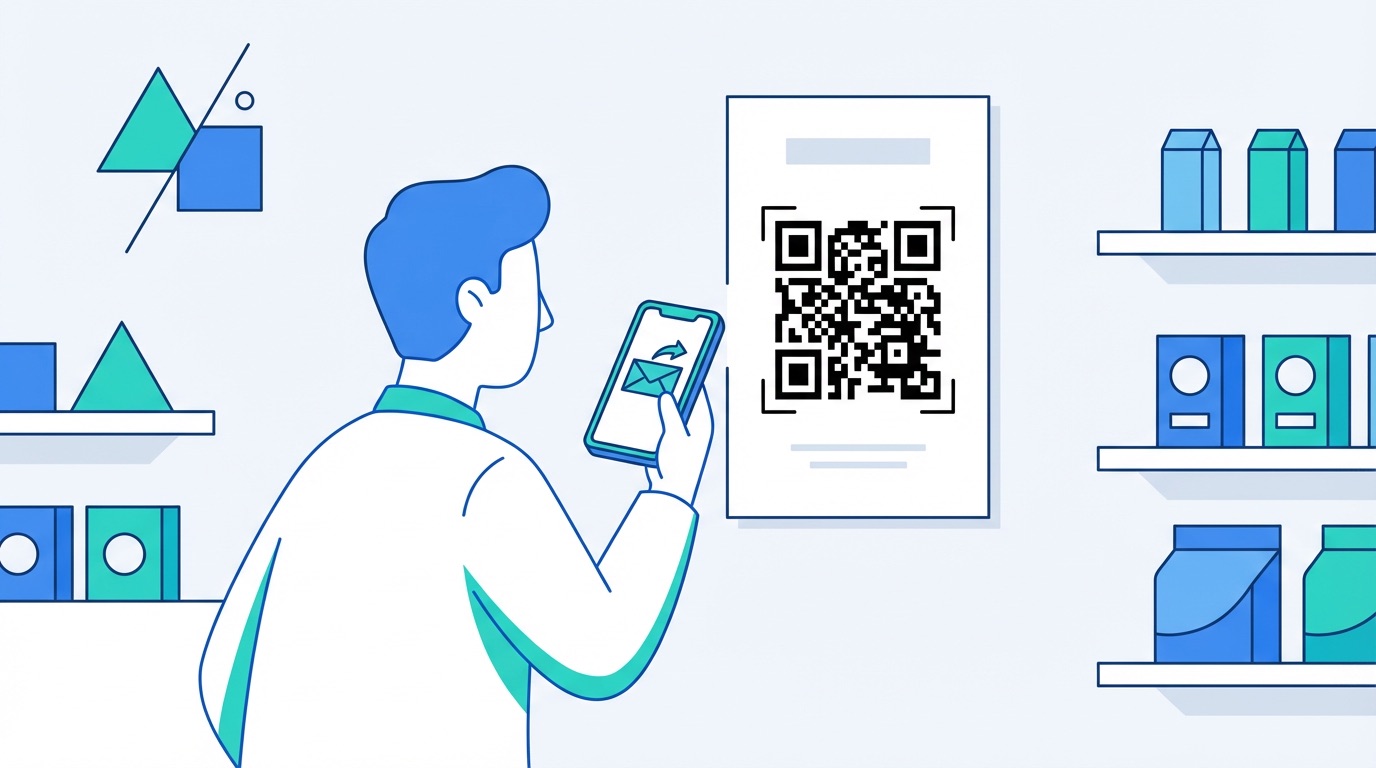
Email QR codes solve a real-world problem across every industry: how to turn a passive viewer into an active contact without friction. Here are five high-impact applications businesses are deploying right now:
B2B Services and Professional Firms
Business service providers — consultants, law firms, agencies — add email QR codes to proposals, brochures, and conference materials. When a prospect scans, a pre-written inquiry email opens with the subject "I'd like to discuss your services," routing the lead straight to the right team member.
Retail and E-commerce
Retailers place email QR codes on in-store signage and product tags to collect stock requests, warranty registrations, or size queries. The pre-filled message ensures every email arrives categorized and ready to process — no manual inbox triage required.
Events and Conferences
At events and trade shows, email QR codes on name badges and exhibitor stands let attendees fire off a follow-up email with a single scan — before the conversation is forgotten. Pre-filled subject lines like "Meeting follow-up — [Event Name]" make post-event CRM sorting effortless.
Healthcare and Patient Services
Clinics and healthcare providers use email QR codes on waiting room posters and appointment cards to let patients submit non-urgent queries or request prescription repeats without calling. The pre-defined email format means requests arrive structured and immediately actionable.
Hospitality and Property
Hotels and property managers add email QR codes to in-room materials for maintenance requests and special requirements. Pair with a feedback QR code for the complete guest communication toolkit.
How to Create an Email QR Code with Supercode
Getting started takes under two minutes on Supercode's QR code generator:

Getting the technical setup right is only half the job. These best practices will ensure your email QR codes perform at their peak in 2026:
Frequently Asked Questions
What does an email QR code do exactly?
When scanned, an email QR code opens the user's default email app with the recipient address, subject line, and message body already filled in. The user simply reviews the draft and taps "Send." No manual typing is required at any point.
Can I change the email address after printing?
Yes — if you create a dynamic email QR code with Supercode, you can update the recipient address, subject, or body at any time without changing the printed QR code image. Static codes encode the details permanently at creation.
What's the difference between a static and dynamic email QR code?
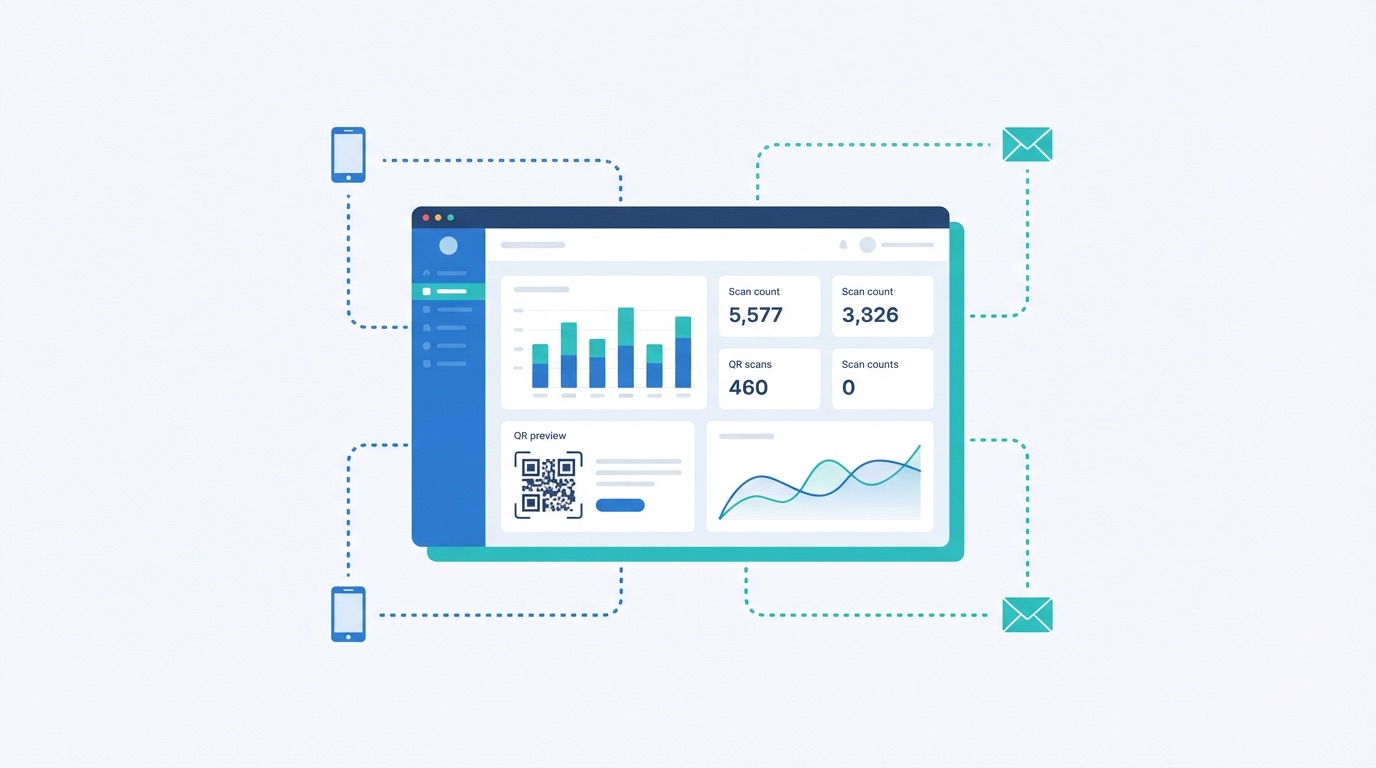
A static email QR code encodes the email details directly and cannot be edited after creation. A dynamic email QR code routes through an editable redirect — giving you the ability to change the destination and access scan analytics including scan counts, device types, and geographic data.
Is an email QR code free to create?
Supercode offers email QR code creation on its free tier. Dynamic codes with analytics, real-time editing, and custom branding are available on paid plans. Visit the pricing page for a full feature comparison.