


Create smarter QR code campaigns.
Start using Supercode today.
Sign up for free


Create image QR codes that display swipeable photo galleries on scan. Share portfolios, product shots, event photos, and more — update anytime with dynamic codes.



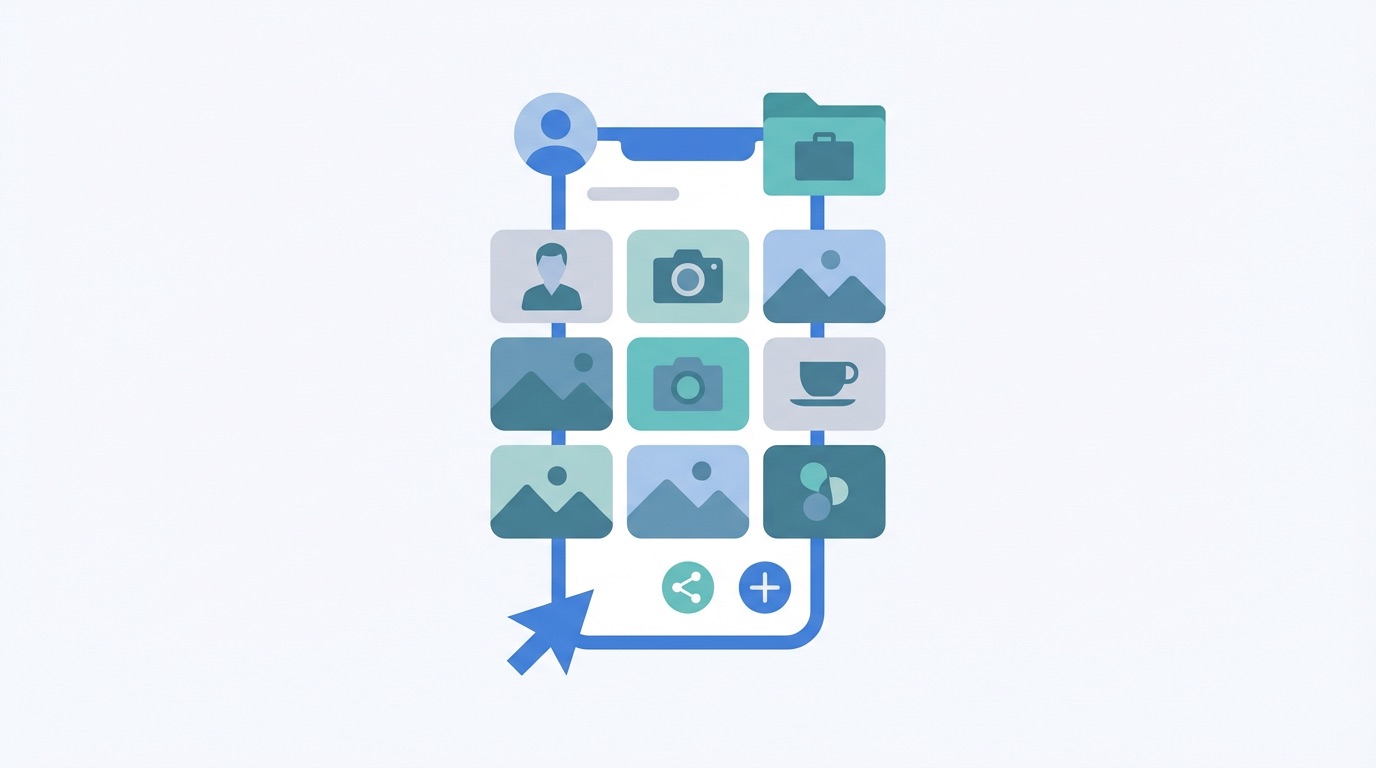
Visual content receives 94% more views than text-only content — and image QR codes put that advantage directly in the hands of every business with a printed marketing material. With a single scan, your audience sees a full photo gallery on their smartphone, no app required.
An image QR code is a dynamic QR code that displays a curated gallery of photos when scanned. Unlike a simple URL redirect, the image gallery loads instantly in any smartphone browser, letting your audience browse, swipe through images, and tap a customizable CTA button to reach your website, booking page, or contact form. Because these are dynamic codes, you can update your gallery at any time without reprinting.
Key benefits of image QR codes with Supercode:
With over 2.2 billion people actively scanning QR codes globally and scan volumes up 433% since 2021 (qr-insights.com), image QR codes are one of the most effective ways to turn print materials into an immersive visual experience.


Image QR codes are versatile enough to add value in almost any industry. Here are the most impactful real-world applications — and how Supercode makes each one easy to deploy.
Real Estate and Architecture
Property agents and architects add image QR codes to for-sale signs, window displays, and brochures. Prospects scan and instantly browse interior photos, floor plans, and project portfolios — giving them compelling context before they book a viewing or consultation.
Retail and Product Marketing
Retailers embed image QR codes on product packaging and in-store displays. According to Bitly's 2025 QR Code Survey, 46% of marketers already use QR codes on product packaging. Shoppers who scan see lifestyle photography, color variants, and sizing guides — building confidence that drives purchase. In fact, 79% of consumers say they are more likely to purchase products when QR codes provide additional product information.
Art, Photography, and Creative Portfolios
Musicians, artists, and photographers print image QR codes on business cards, exhibition placards, and merchandise. One scan reveals a curated portfolio — turning a small printed card into a full digital gallery without requiring a website URL.
Fashion and Apparel
Fashion brands attach image QR codes to clothing tags and lookbook print materials, letting shoppers browse complete outfit styling, seasonal collections, and runway imagery directly from the garment.
Events and Hospitality
Event organizers and hospitality venues use image QR codes on signage, brochures, and check-in desks. Scans reveal venue photography, illustrated event schedules, and photo galleries from past events — building anticipation and trust before guests arrive.
How to Create an Image QR Code With Supercode
Supercode's platform includes real-time analytics, dynamic code editing, bulk generation, team folders, and enterprise-grade reliability — everything you need for a professional image QR code campaign at any scale.

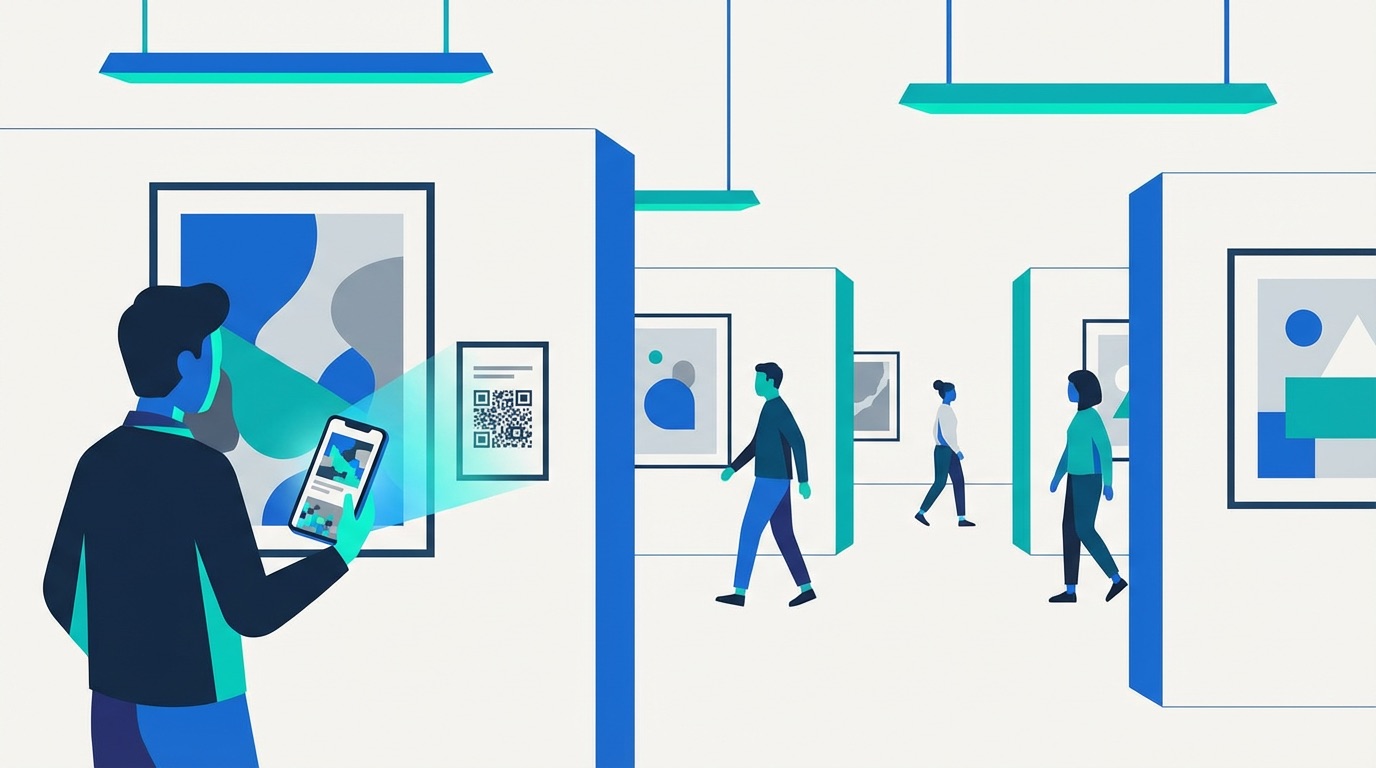
Getting the most from your image QR codes in 2026 comes down to a few proven principles:
1. Keep your gallery focused and curated
Limit each gallery to 5–10 high-quality images. A tightly curated selection performs better than an overwhelming feed — viewers stay engaged and the gallery loads faster on mobile. Choose images that tell a clear visual story and support a single goal (portfolio showcase, product detail, venue preview).
2. Always use dynamic codes
Static QR codes lock your content permanently. Supercode's dynamic image QR codes let you refresh seasonal imagery, update product shots after a rebrand, or swap event photos after the fact — the printed code stays identical. Combine with PDF QR codes for document campaigns or URL QR codes for landing page redirects alongside your image strategy.
3. Test before printing
Scan on multiple devices and in different lighting conditions before committing to a print run. Your QR code should be at least 2.5 cm × 2.5 cm (1 × 1 inch) for reliable scanning at standard distances, with strong contrast between the code and background. Review our complete QR code printing guide for size and resolution standards.
4. Add a visible call to action
Frame your image QR code with a prompt such as "Scan to see the full gallery" or "View more images". Always include a CTA button inside the gallery linking to your booking page, product page, or social media profiles. For larger campaigns across multiple products or locations, use bulk QR code generation to create unique gallery codes from a CSV upload in minutes.
Frequently Asked Questions
Q: What is an image QR code?
An image QR code is a dynamic QR code that displays a swipeable photo gallery on the user's smartphone when scanned — no app required. You can upload multiple images, add a CTA button, and update the gallery at any time without reprinting the code.
Q: What image formats does Supercode support?
Supercode supports JPEG, PNG, and GIF formats. You can upload multiple images to create a swipeable gallery that loads instantly in any smartphone browser, on iOS and Android alike.
Q: Can I update my image gallery after printing the QR code?
Yes — Supercode's image QR codes are dynamic. Add, remove, or replace images at any time through your dashboard, and the printed code always points to your latest gallery. This is ideal for seasonal campaigns, real estate listings that update frequently, or event photos added after the event.
Q: Where can I use image QR codes?
Image QR codes work on any surface: product packaging, posters, business cards, clothing tags, magazine ads, exhibition placards, and digital screens. For outdoor placement, ensure the code is at least 2.5 cm × 2.5 cm and use high-contrast colors for reliable scanning in varying light conditions.
Q: How do I track image QR code performance?
Supercode's analytics dashboard shows total scans, unique visitors, device types, operating systems, and geographic locations in real time. Use scan data to optimise your placements, schedule gallery refreshes at peak engagement periods, and prove ROI from your print campaigns.