QR codes have become a cornerstone of modern marketing. According to Linkscan, approximately 99.5 million US smartphone users will scan a QR code in 2025 — a 240% increase since 2020. Marketing QR code scans grew 323% between 2021 and 2024, and 94% of marketers increased their QR code usage in the past year. The technology works. The problem is execution.
Despite this explosive growth, many businesses are leaving serious ROI on the table due to preventable mistakes. A Bitly survey of marketing professionals found that 87% struggle to understand the customer journey after a scan, and 85% face challenges integrating QR code data with other marketing metrics. These are not technology failures — they are planning and strategy failures.
Whether you are creating your first QR code for a marketing campaign or managing dozens of codes across multiple channels, this guide covers the 10 most costly mistakes to avoid in 2026 — and exactly how to fix each one.
Not all QR codes are created equal. Selecting the wrong code type for your objective is one of the most fundamental errors marketers make, and it undermines every other element of your campaign before it even launches.
The single most important decision you will make is whether to use a static or dynamic QR code. Static codes encode data directly into the pattern — once printed, the destination cannot be changed. Dynamic codes use a short redirect URL, meaning you can update the destination, fix errors, run A/B tests, and track scan analytics without reprinting a single physical material.
For almost any professional marketing use case, dynamic codes are the right choice. The only scenario where static codes make sense is truly permanent, low-stakes content that will never need updating — such as a simple plain-text WiFi password card for internal office use.
Beyond static vs. dynamic, choose the right content type for your specific goal:
Make a list of your campaign objectives before generating a single code. The right type makes your QR code a precision tool; the wrong type makes it a liability.
A technically perfect QR code will fail every time if it is placed on an incompatible surface. Material selection is a frequently overlooked variable that directly determines scan success rate.
Before mass-producing printed materials, always produce and test a physical proof at the intended display size and on the intended material. What looks scannable on screen often fails in the real world. Consult our complete QR code printing guide for material-specific recommendations.
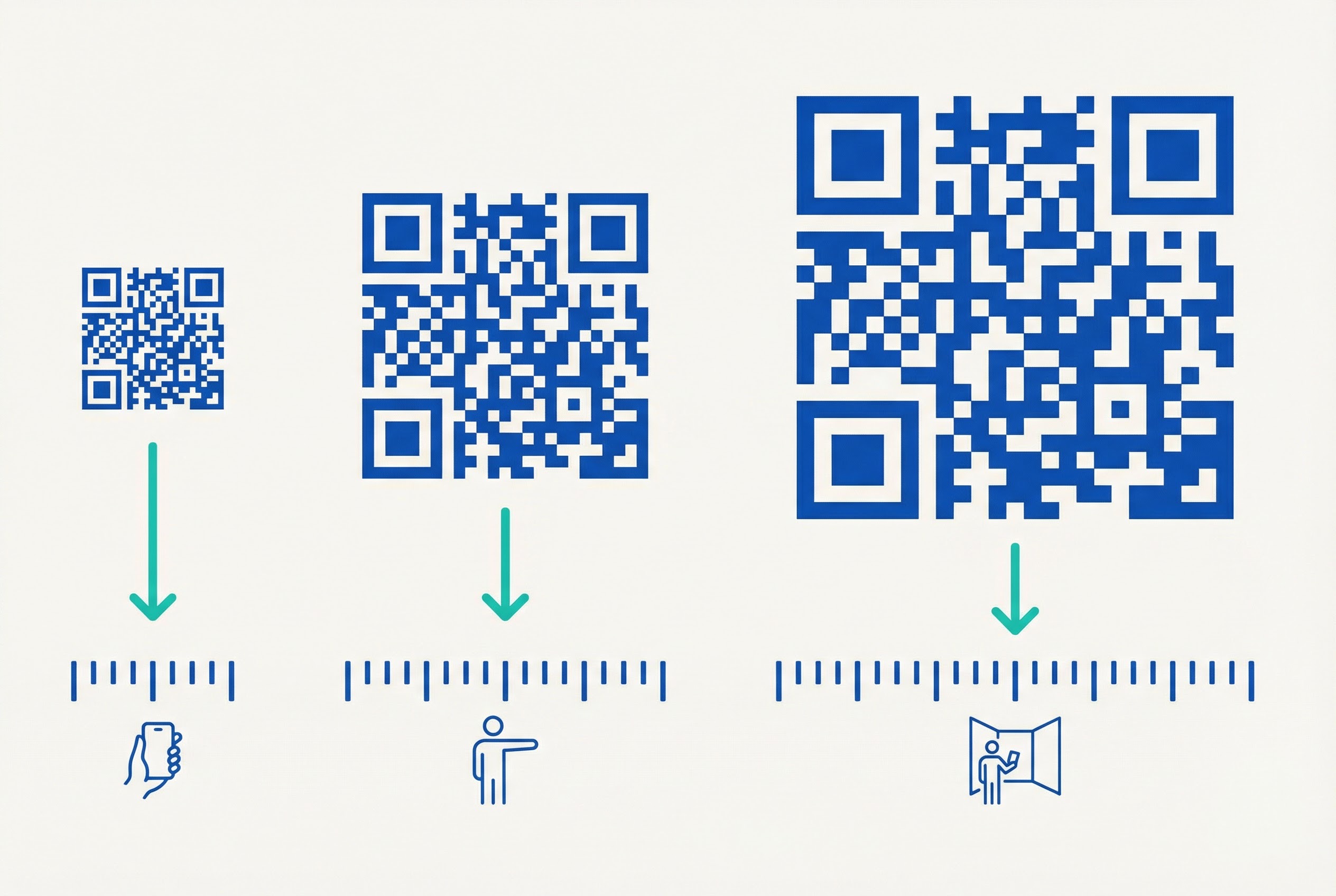
Scanability is determined by size, placement, and location working together. Getting any one of these wrong can cut your scan rate to near zero.
QR codes must be sized in proportion to the distance from which they will be scanned. The standard rule is a 10:1 ratio: your code should be at least 1/10th the scanning distance. Practical benchmarks:
The absolute minimum for any QR code in print is 2.5 cm (1 inch) square. Below this, most smartphone cameras cannot achieve the resolution needed for reliable decoding. See our QR code printing guide for complete size specifications by material type.
A QR code at ankle height, above eye level, or on a surface that requires an awkward camera angle will not be scanned — not because users do not want to, but because it is physically inconvenient. Position codes at a natural viewing angle, typically between waist and chest height for standing adults.
For poster campaigns, center the code within the lower third of the design — reachable without bending or stretching. For billboard and outdoor advertising, place codes only on installations where pedestrians can safely stop and scan; codes on high-speed roadway billboards have essentially zero scan utility.
QR codes that link to URLs require data connectivity to function. Do not place URL-based codes in areas where users are unlikely to have a signal — underground parking garages, certain event venues, or rural locations. If your use case demands functionality in low-connectivity environments, consider an SMS QR code that transmits information via text message instead.
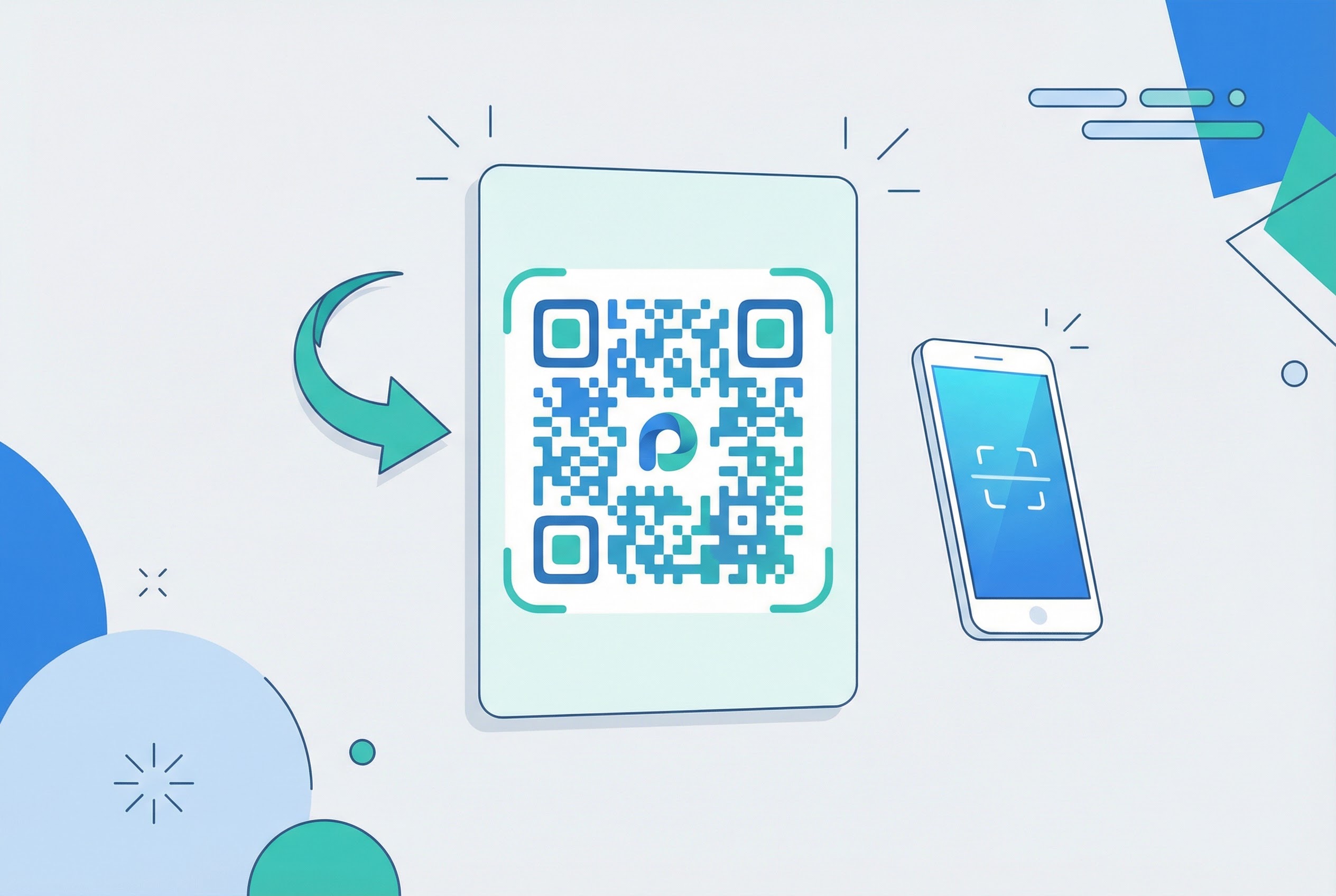
The default black-and-white QR code pattern is anonymous. It communicates nothing about your brand, creates no visual incentive to scan, and blends into the background of any printed material. Branded QR codes — with custom colors, your logo, and a clear call-to-action — are demonstrably more effective.
Research consistently shows that branded QR codes generate up to 80% more scans than plain black-and-white versions. The visual differentiation signals that the code leads somewhere worthwhile, and the brand recognition builds trust that the destination is legitimate.
Supercode's QR code design tools let you apply brand colors, upload your logo, add frames, and customize corner shapes — all in minutes, with real-time preview. Explore the full product feature set to see the complete design system.
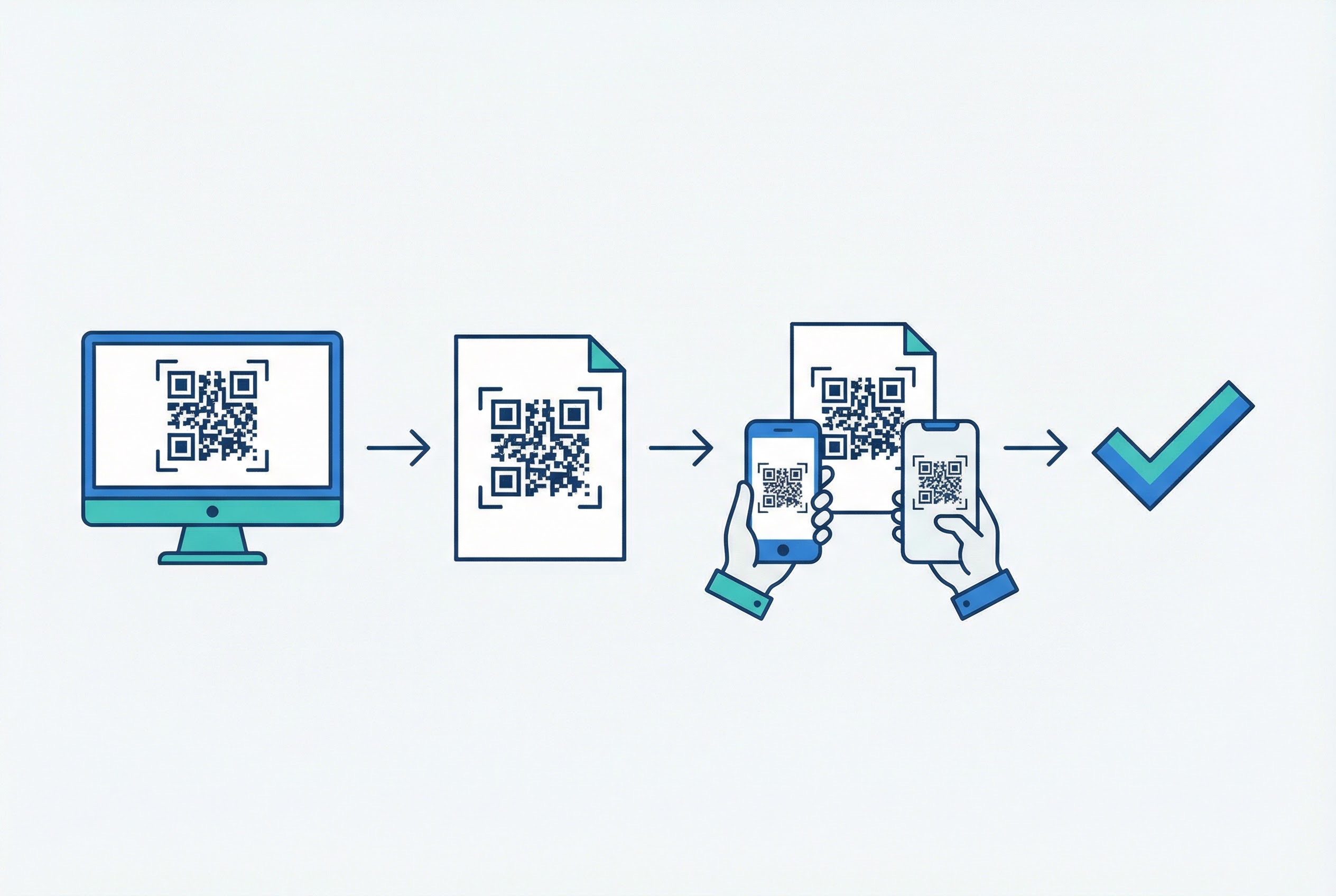
Testing sounds obvious. It is also the step most commonly skipped under time pressure — and the consequences can be expensive. QR codes printed on thousands of product packages, event brochures, or trade show banners that scan to a 404 page, a non-mobile-optimized site, or entirely the wrong destination represent a direct financial loss and a brand credibility hit.
QR codes have a 30% error correction rate built in (at Level H), meaning they can recover from partial physical damage. But error correction does not protect against human errors: wrong URL entered, expired campaign link, link to a desktop-only page. Only testing catches these.
With dynamic QR codes, you retain the ability to fix the destination after printing — but you still cannot recover from printing a code at the wrong size, on an incompatible material, or without a CTA. Test everything before committing to production volume.
QR codes multiply quickly. A single marketing team running campaigns across retail, events, print, and digital channels can easily accumulate dozens or hundreds of active codes within months. Without deliberate organizational structure, this leads to confusion, errors, and waste.
Common disorganization failures include: using a code from a previous campaign on new materials, accidentally deploying a code linked to an expired promotion, confusing bulk-generated codes across different campaigns, and having no clear ownership of which team member manages which codes.
Supercode's dashboard provides campaign folders, descriptive naming, and a clean organizational structure that scales from a handful of codes to enterprise-level deployments. Explore Supercode's solutions to see how the platform handles multi-campaign management.
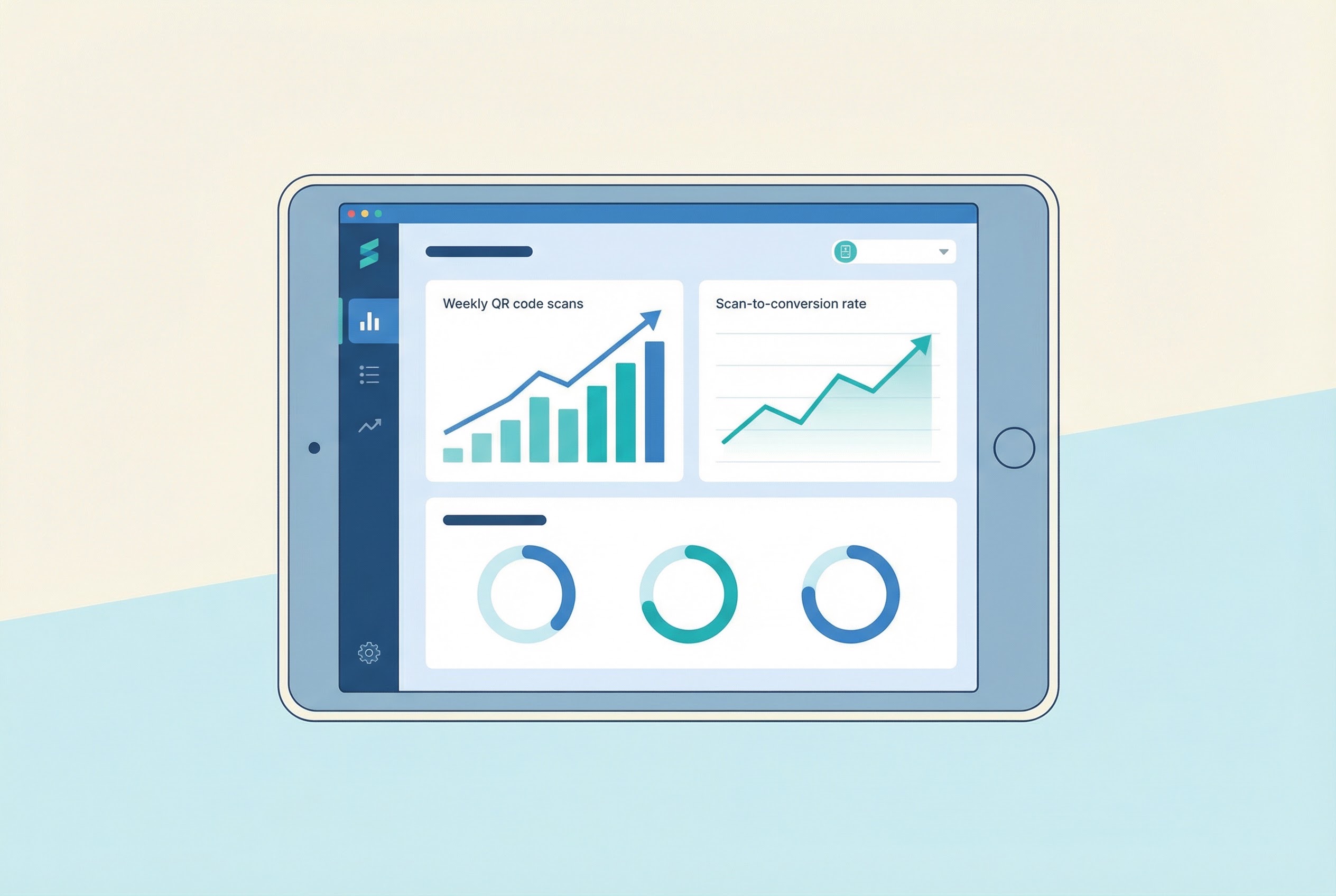
QR codes offer something that physical marketing has historically lacked: measurable data at the individual scan level. Every dynamic QR code can tell you when it was scanned, where the scanner was located, what device they used, and how many unique users engaged vs. repeat scans. Ignoring this data is the equivalent of running a paid search campaign and never checking the click-through rate.
The scale of this problem is significant. A Bitly marketing survey found that only 31% of marketers monitor post-scan user journeys, and just 16% directly tie QR code performance to revenue. The 84% not tracking at this level are making future campaign decisions blind.
Industry benchmarks provide useful context: QR Insights reports that in-store displays achieve 5–10% scan rates, event materials 10–20%, and print advertising 1–3%. If you are not measuring, you cannot know whether you are above or below benchmark. Explore Supercode's QR code tracking and analytics guide for a complete breakdown of available metrics.
Free and low-cost QR code generators frequently impose hard limits on the codes they produce: expiration dates after 30 or 90 days, maximum scan counts of a few hundred, or both. These limits are not always clearly communicated at code creation time — and discovering them after materials have been printed and distributed is a costly surprise.
A QR code that stops working mid-campaign is not just an inconvenience. It actively damages your brand: customers who scan and receive an error message assume your business is unreliable or no longer operating. The code becomes a negative brand touchpoint instead of a positive one.
Supercode offers generous scan credits on every plan — with codes that remain active as long as your account is current — with advance notice and options if you ever need to change plans. See the full pricing breakdown — every feature on every plan, choose the scan volume that fits your needs.
One of the defining advantages of dynamic QR codes is the ability to change the destination without reprinting the physical code. This is only valuable if you actually use it. Many businesses create dynamic codes, print them on materials, and then leave the destination unchanged for months or years — even as the linked content becomes outdated, irrelevant, or broken.
Common scenarios where QR code updates are essential but often missed:
Build QR code destination review into your standard content calendar. A quarterly audit of all active dynamic codes — checking that each destination is still live, relevant, and mobile-optimized — takes less than an hour and prevents months of brand damage from silent broken experiences.
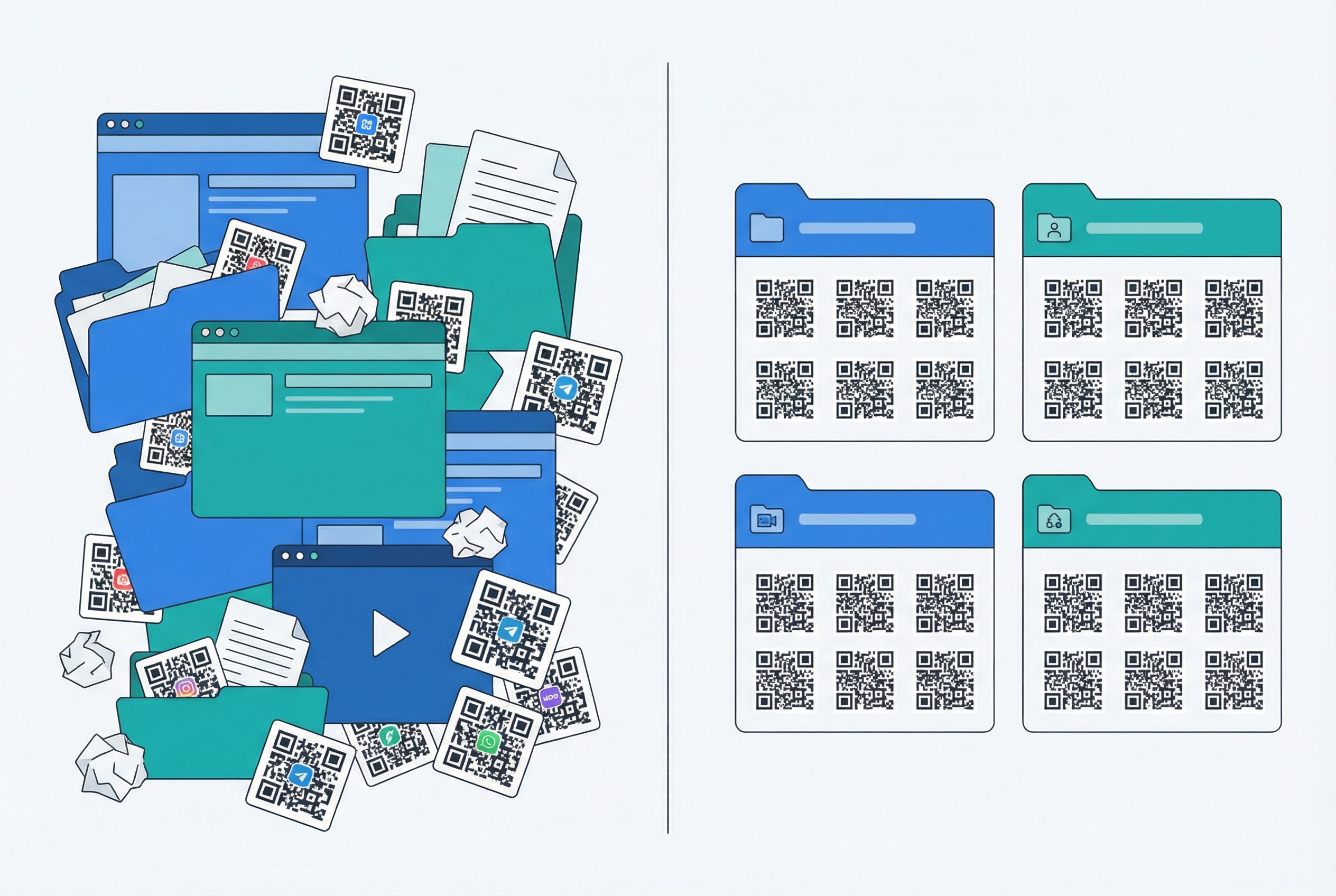
The proliferation of free QR code generators makes it tempting to use whichever tool is fastest for each individual job. One team member uses a free browser tool for a poster. Another uses a different generator for an email campaign. A third uses a third platform for event materials. The result is a fragmented landscape of codes scattered across multiple accounts, with no unified analytics, no consistent design standards, and no central management.
Beyond the organizational chaos, there are serious practical risks:
Committing to one professional QR code platform consolidates your analytics, standardizes your design system, and creates a single source of truth for all campaign assets. It also dramatically reduces the time spent on QR code management — freeing your team to focus on strategy and creative execution rather than tool-switching and troubleshooting. Learn more about the full range of use cases Supercode supports across industries and materials.
Before any QR code goes live on physical or digital materials, run through this checklist:
The most common mistake is using static QR codes for content that needs to change — promotions, menus, event details. Once a static code is printed, the destination cannot be updated without reprinting all materials. Dynamic QR codes solve this entirely by allowing unlimited destination updates after printing.
The absolute minimum size for reliable scanning is 2.5 cm (approximately 1 inch) square, and this only applies for codes scanned at very close range (15–30 cm). For larger scanning distances, apply the 10:1 rule: the code must be at least 1/10th of the expected scanning distance. A code meant to be scanned from 2 meters away must be at least 20 cm wide.
Yes, if it is a dynamic QR code. Dynamic codes use a short redirect URL, so you can update the destination content — the URL, PDF, menu, or any other linked asset — as many times as needed without changing the printed code itself. Static QR codes encode the destination directly into the pattern and cannot be changed after creation.
This usually indicates one of three issues: the code is too small for cameras with lower resolution sensors to resolve at the intended distance; the design customization has compromised the pattern integrity (particularly near the corner finder patterns); or the contrast ratio is insufficient for cameras with different sensitivity levels. Test on at least two devices — one iOS and one Android — before finalizing any code for production.
Static QR codes never expire on their own — they work as long as the encoded destination (URL or content) is still valid. Dynamic QR codes are managed by your QR code platform, so their availability depends on your account and subscription status. Free-tier platforms commonly impose expiration dates or scan limits. Professional platforms like Supercode offer codes with unlimited scans that remain active as long as your subscription is current.
For most printed applications, Error Correction Level M (15% recovery) or Q (25% recovery) provides a good balance between scan reliability and code density. Use Level H (30% recovery) whenever you add a logo to the center of the code — this ensures the code remains scannable even with the logo covering part of the pattern. Avoid Level L (7%) for anything that will be printed, as it provides minimal tolerance for physical damage or printing imperfections.
Every mistake on this list is preventable. The businesses that see the strongest QR code ROI are not the ones with the biggest budgets — they are the ones that plan deliberately, test thoroughly, measure consistently, and manage everything from a single professional platform.
Supercode gives you dynamic QR codes with unlimited scans, a complete design system for branded codes, campaign folder organization, real-time analytics, and bulk generation for large-scale deployments. Everything you need to avoid every mistake on this list — in one place.
Ready to build QR code campaigns that deliver measurable results? Sign up for Supercode free and create your first professional QR code in minutes. Explore the full product feature set or review Supercode's pricing — every feature on every plan, starting free.