The global QR code generator market is projected to reach USD 16.73 billion by 2030, growing at a 16.19% CAGR. With over 2.2 billion people worldwide actively scanning QR codes, the platform you choose to create, manage, and track those codes can make or break your campaigns. But with dozens of QR code generators competing for your attention, how do you separate the truly best QR code generator in 2026 from the noise?
We tested and compared the leading platforms — Supercode, QR TIGER, Bitly, Uniqode, QR Code Generator Pro, and Scanova — across design, analytics, pricing, and scalability. This guide gives you an honest, side-by-side breakdown so you can pick the right tool for your business.

QR codes are no longer a pandemic-era workaround. They are a permanent channel bridging physical and digital experiences across retail, hospitality, events, and marketing campaigns. According to recent QR code statistics, marketing and advertising alone account for 40% of total QR code usage, and 95% of businesses report collecting valuable first-party data through QR implementations.
Choosing the wrong platform means limited design options, inaccurate tracking, rigid pricing, or vendor lock-in. The right platform scales with your needs, gives you actionable analytics, and ensures every code you print performs reliably.
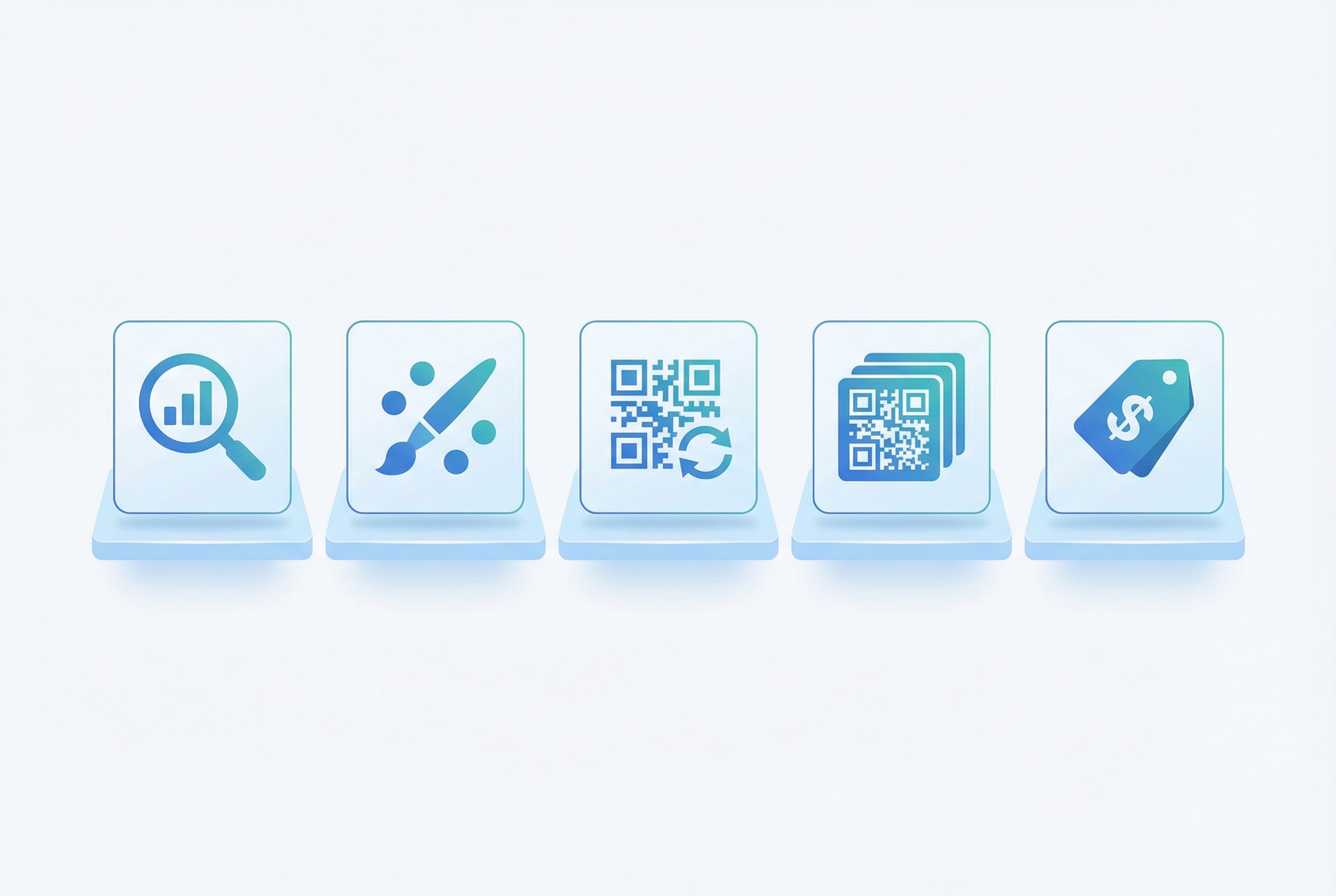
Before diving into individual platforms, here are the six criteria that matter most when evaluating a QR code generator for business use:
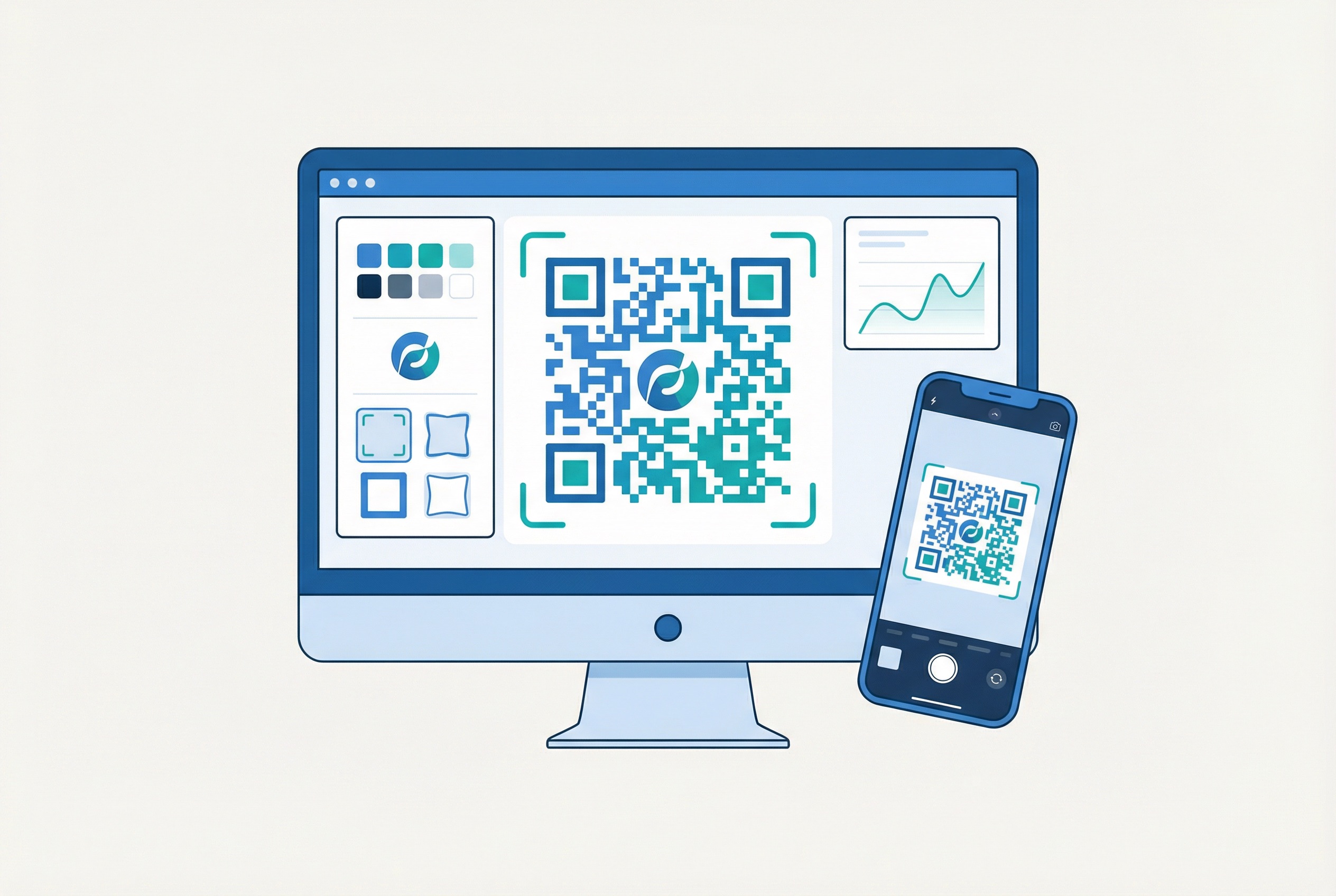
Supercode stands out as the best QR code generator in 2026 for teams that value design quality, intuitive workflows, and transparent pricing. It offers both dynamic and static QR codes with a visual editor that makes brand customization effortless.
Supercode offers three tiers (view full details on the pricing page):
All plans include unlimited scans per code — a critical differentiator from competitors that cap scan counts.
Marketing teams and businesses that want polished, on-brand QR codes with strong analytics and straightforward pricing. If you are new to QR codes, our step-by-step creation guide walks you through the entire process.
QR TIGER is one of the most feature-packed QR code generators on the market. It offers multi-URL QR codes, app-store detection, and advanced customization. However, the sheer number of options can overwhelm users who just need to get a campaign live quickly.
Power users and developers who need granular control and API integration.
Bitly is best known as a URL shortener, and its QR code generator is an extension of that core product. If you already use Bitly for link management, adding QR codes is seamless. But as a standalone QR code solution, it has notable gaps.
Teams already invested in Bitly’s link management ecosystem who need basic QR functionality.
Uniqode (formerly Beaconstac) targets enterprise teams that need deep analytics, CRM integration, and compliance features. It is the most analytics-heavy platform on this list, with attribution tracking that connects scans to revenue.
Enterprise marketing teams that need granular attribution data and CRM connectivity.
QR Code Generator Pro offers a strong free tier that covers basic needs. It is a solid entry point for businesses testing QR codes for the first time.
Small businesses and freelancers who need straightforward QR codes without advanced analytics.
Scanova positions itself as a simple, reliable QR code generator with a 14-day free trial. It covers the essentials well but lacks the polish of more established platforms.
Mid-size businesses looking for a simple QR code generator with API access.
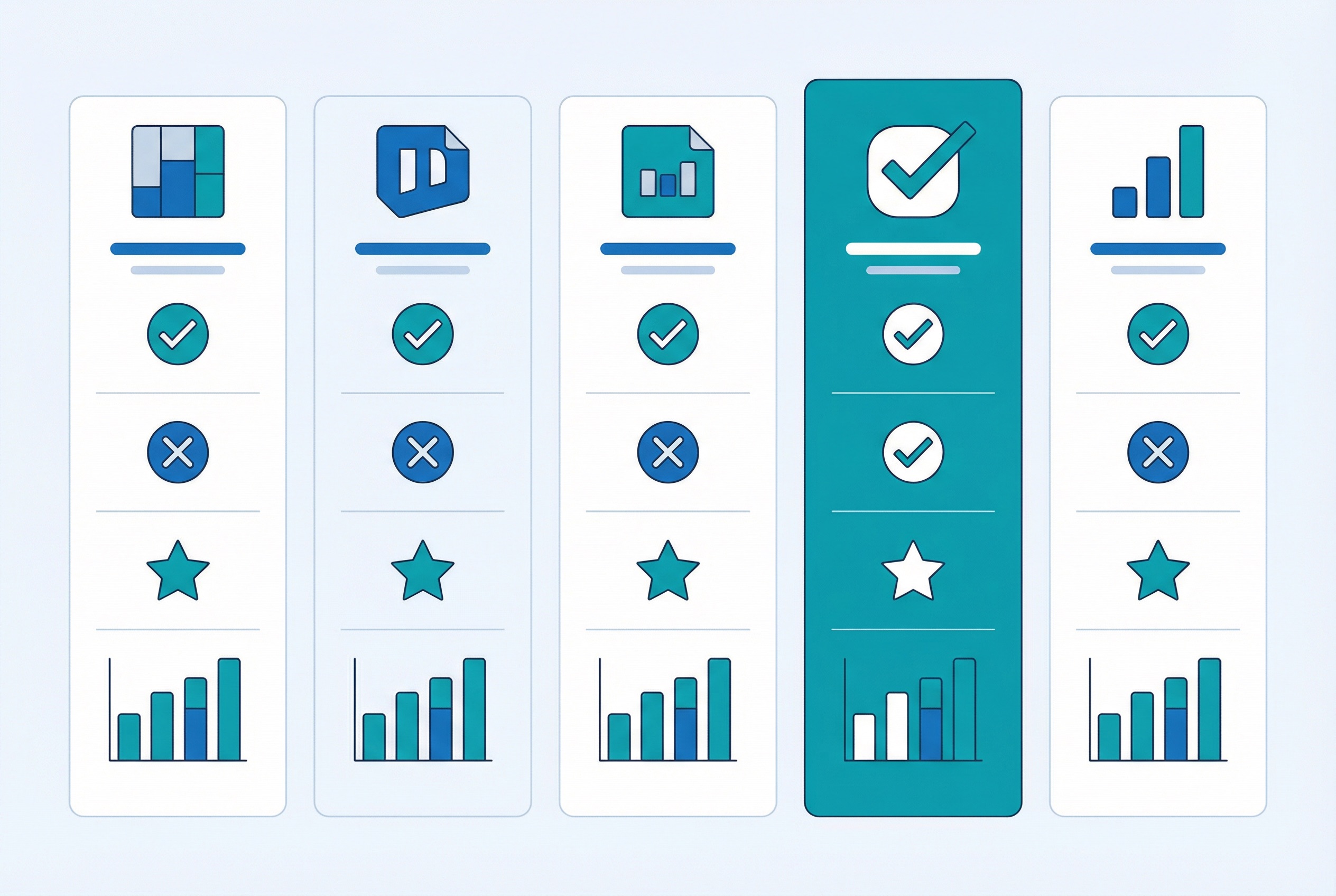
Here is how the six platforms stack up across the features that matter most:
Dynamic QR codes — All six platforms support dynamic codes on paid plans. Only QR Code Generator Pro and Bitly restrict dynamic codes from their free tiers.
Design customization — Supercode and QR TIGER lead with full color, logo, frame, and template options. Bitly and QR Code Generator Pro offer limited customization. Uniqode and Scanova fall in the middle.
Analytics depth — Uniqode leads with revenue attribution. Supercode offers strong real-time dashboards. QR TIGER provides detailed scan data. Bitly, QR Code Generator Pro, and Scanova offer basic analytics.
Bulk generation — Supercode and QR TIGER support CSV and Excel bulk creation. Uniqode offers bulk via API. Bitly, QR Code Generator Pro, and Scanova have limited or no bulk options.
QR code types — Supercode supports 10+ types including URL, vCard, WiFi, PDF, social media, SMS, WhatsApp, email, feedback, and images. QR TIGER matches this breadth. Others offer 4 to 7 types.
Export formats — All platforms offer PNG and JPG. Supercode, QR TIGER, and Scanova also support SVG for high-quality print output.

Price alone should not drive your decision, but understanding what each dollar buys helps you avoid overpaying or hitting limits mid-campaign.
At the Professional tier ($60/month billed annually), Supercode delivers 500 dynamic codes, bulk generation, advanced QR types, full design customization, and real-time analytics with unlimited scans. Competitors at similar price points either cap scan counts, limit code types, or restrict design features.

The best QR code generator depends on your specific needs. Here is a quick decision framework:
No matter which platform you choose, investing in a dynamic QR code strategy is essential — it gives you flexibility to update destinations, track performance, and optimize campaigns without reprinting.
What is the best free QR code generator in 2026?
QR Code Generator Pro offers the most functional free tier with basic static codes. However, free plans universally lack dynamic codes and analytics. Supercode’s Essential plan at $19/month is the most affordable option that includes both.
What is the difference between a dynamic and static QR code?
A dynamic QR code lets you change the destination URL after printing and tracks scan data. A static QR code is fixed permanently with no analytics. For business campaigns, dynamic codes are strongly recommended.
Can I add my logo to a QR code?
Yes. Supercode, QR TIGER, Uniqode, and Scanova all support logo integration. Supercode makes it especially intuitive with its visual editor. Learn more in our QR code design guide.
How many QR codes can I create with Supercode?
The Essential plan supports 5 dynamic codes and unlimited static codes. Professional supports 500 dynamic codes. Enterprise offers unlimited codes. All plans include unlimited scans. Check the pricing page for details.
Do QR codes expire?
Static QR codes never expire. Dynamic QR codes stay active as long as your subscription is active. If you cancel a paid plan, dynamic codes may stop redirecting.
Which QR code generator has the best analytics?
Uniqode leads in analytics depth with revenue attribution. Supercode offers the best balance of visual analytics and usability. Read our QR code tracking guide for details on which metrics matter most.
Can I generate QR codes in bulk?
Supercode, QR TIGER, and Uniqode support bulk QR code generation. Supercode lets you upload CSV or Excel files to create hundreds of codes on Professional and Enterprise plans.
Ready to see the difference? Start creating QR codes with Supercode today and experience a cleaner, smarter way to connect your physical and digital marketing.