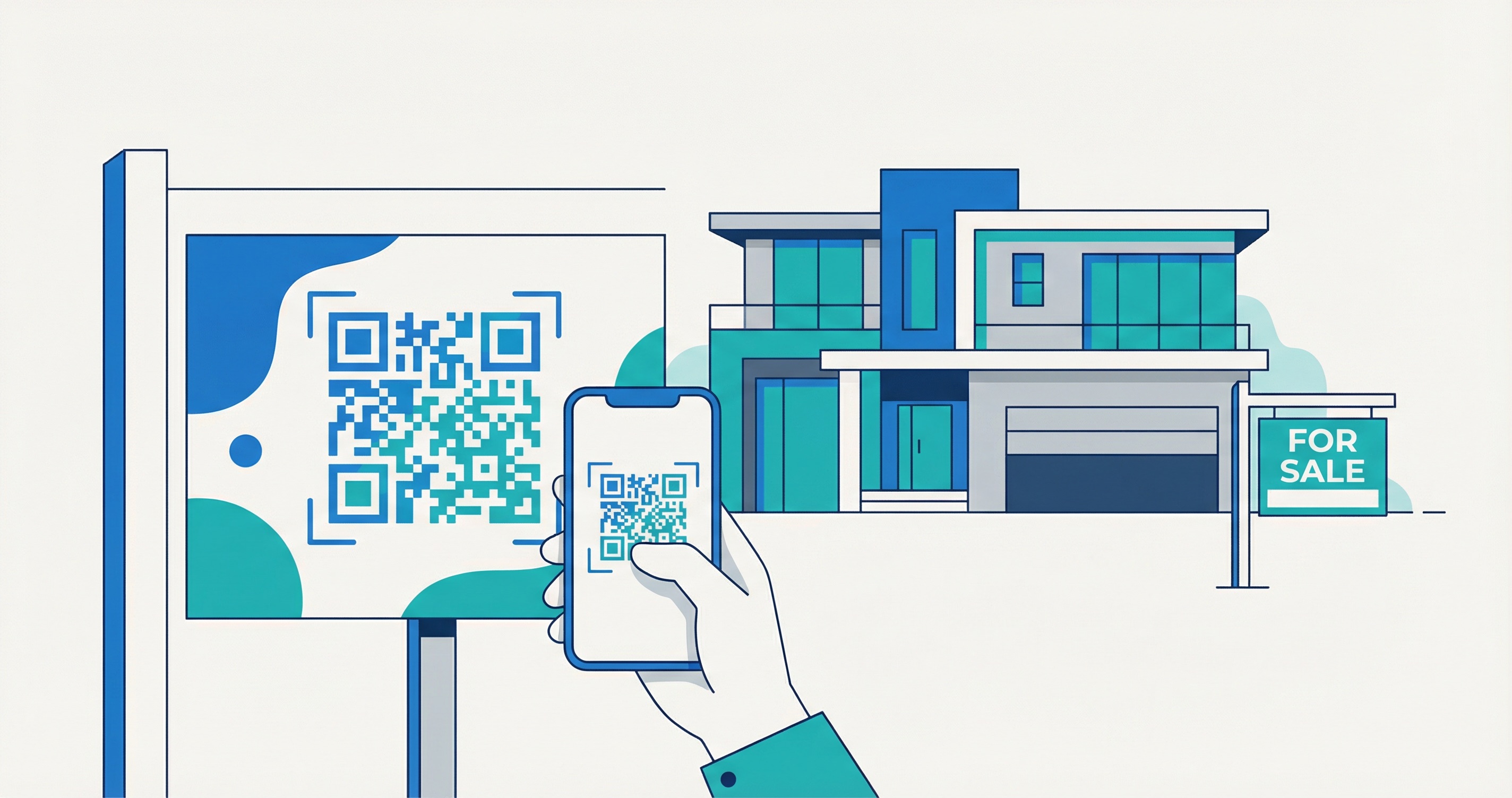
The real estate market moves fast—but in 2026, buyer research moves even faster. According to a Bitly survey of more than 1,500 marketers, 93% increased their QR code usage in the past 12 months. The reason is simple: QR codes deliver an average 37% click-through rate on QR-initiated customer journeys—more than ten times the typical 2–5% CTR of digital display advertising. For real estate professionals, that gap is an untapped opportunity hiding on every yard sign, brochure, and postcard you already print.
Whether you are a solo agent or managing a full brokerage, this guide walks you through every QR code type that works in real estate, where to deploy each one, how to track performance, and exactly how to set up your first campaign with Supercode. By the end, you will have a clear, actionable system for turning physical marketing materials into measurable digital lead funnels.
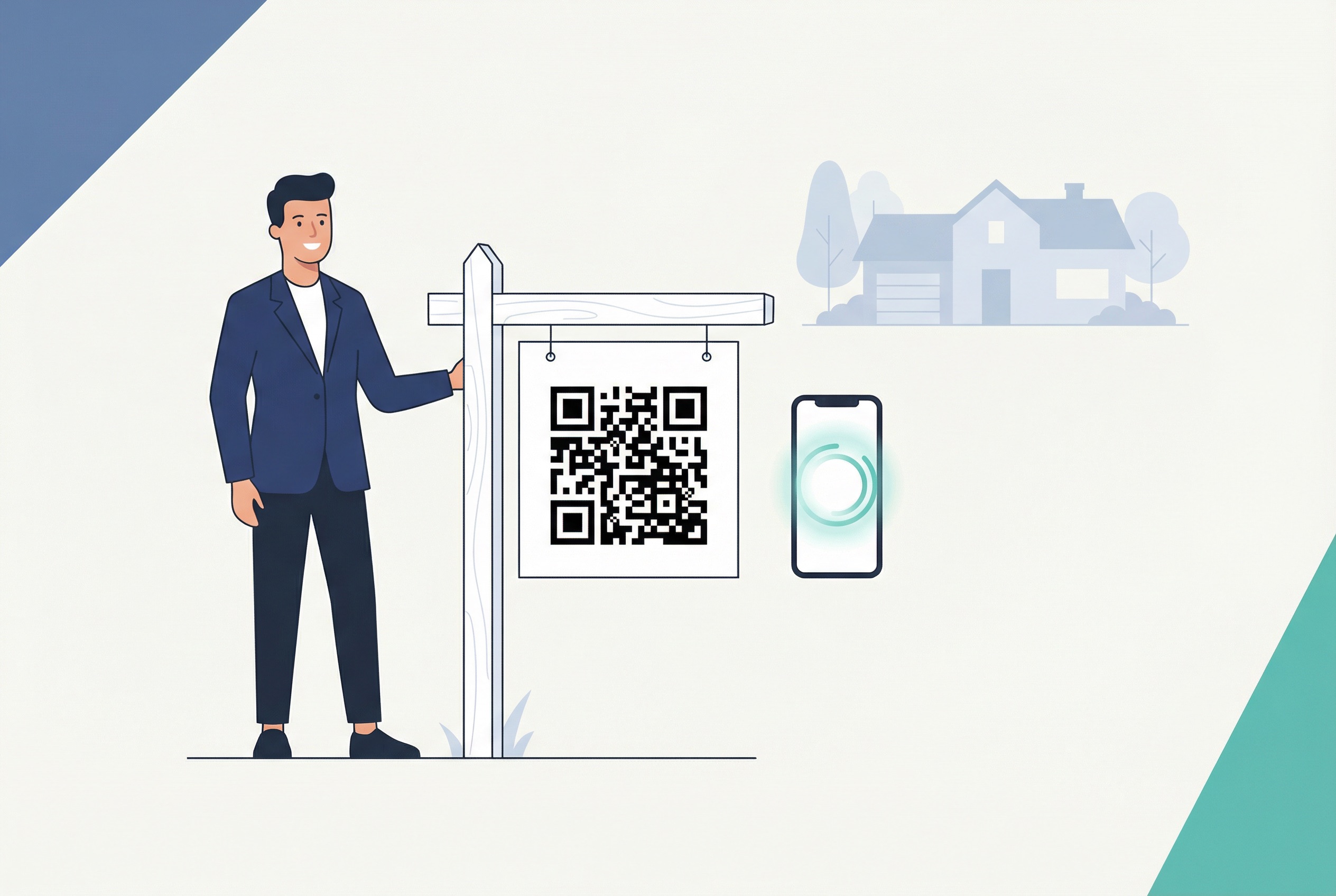
Real estate has always been a relationship business built on physical touchpoints: yard signs, open house flyers, business cards, and direct mail postcards. The challenge is that physical materials are expensive to produce, impossible to update once distributed, and impossible to measure. A yard sign planted in front of a property can sit for weeks with no way to know how many people stopped, looked, and drove away.
QR codes solve all three problems simultaneously. The global QR code market reached $13.04 billion in 2025, with total global scans hitting 41.77 million—a 433% increase since 2021. Consumer adoption is near-universal: 79% of smartphone users have scanned a QR code in the past year, and 59% do so daily.
For real estate specifically, the performance data is compelling. A 2024 case study found that a Home Value Estimate QR code converted 13.6% of scans to listing leads—five times the national average conversion rate. That kind of performance does not come from the technology alone; it comes from combining a clear call to action with a compelling destination and the analytics to optimize both over time.
The shift is also driven by buyer behavior. According to the National Association of Realtors, 96% of today's buyers use the internet during their home search, the vast majority on a mobile device. QR codes bridge the physical marketing materials agents already pay for with the digital experiences buyers already expect—instantly, with no typing required.
From a cost perspective, dynamic QR codes mean you print once and update forever. A single yard sign code can route buyers to a full virtual tour this week, updated pricing next week, and an open house registration form the week after—all with zero reprinting cost.
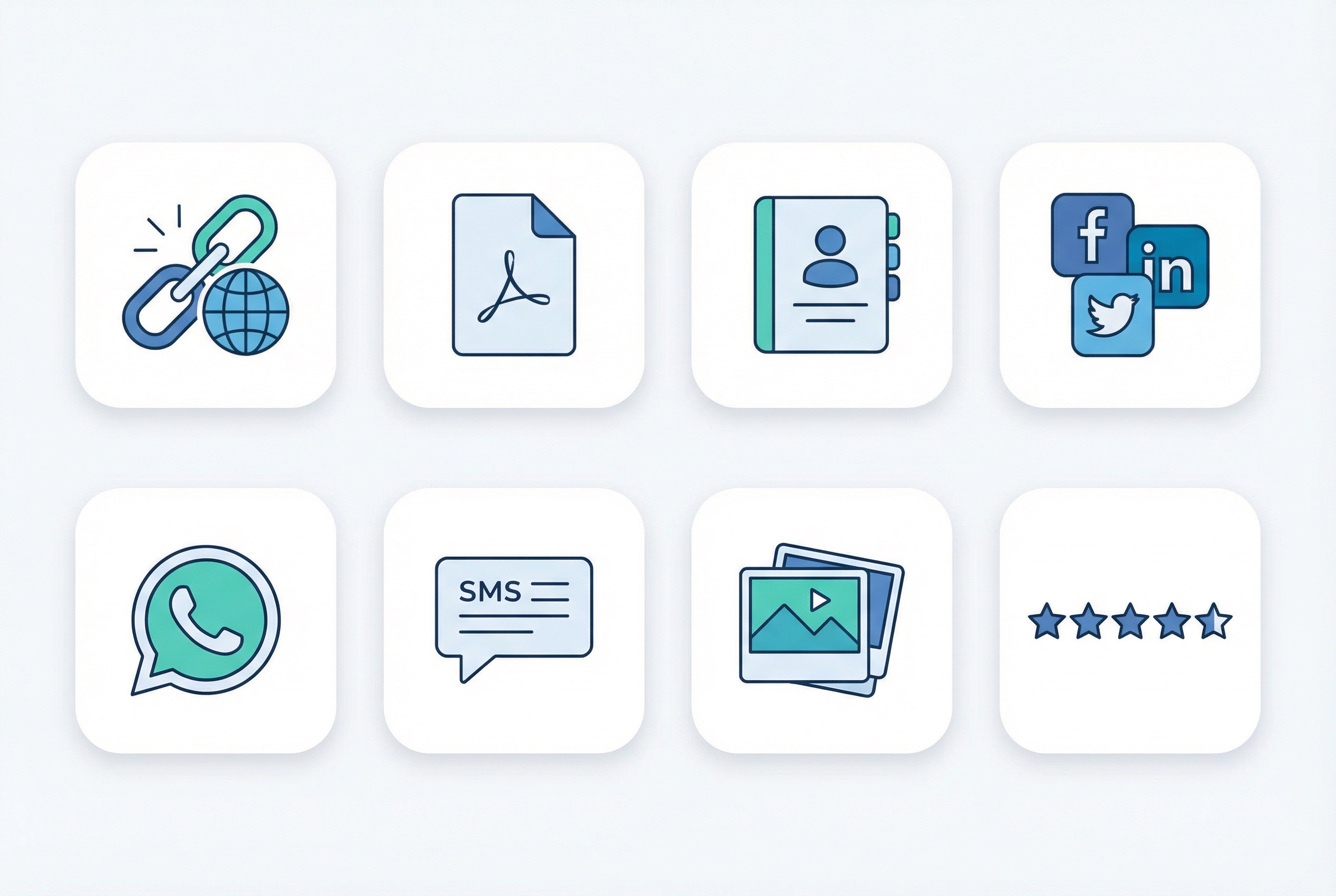
Not all QR codes serve the same purpose. Supercode's QR code generator supports eight distinct code types that each solve a different real estate marketing challenge. Understanding which type to use—and where—is the difference between a code that drives consistent leads and one that collects dust.
The sections below cover each type in detail, including the best placements and how to configure each one for maximum lead capture in a real estate context.
URL QR codes are the workhorses of real estate marketing—versatile, simple to configure, and effective for nearly any placement. A single URL code on a yard sign can route buyers directly to a full property page with photos, floor plans, pricing history, and a booking form, all reachable from a scan that takes under two seconds.
The distinction between static and dynamic URL QR codes matters enormously in real estate. Static codes embed the destination URL permanently in the QR pattern—once printed, they cannot be changed. Dynamic codes store a redirect URL on a server, so you can update the destination at any time from your dashboard. When a property goes under contract, update the code destination to a "Sold" confirmation and a link to your active listings. When pricing is reduced, the linked page reflects the change automatically.
Best placements for URL QR codes in real estate:
For agents running campaigns across multiple properties, Supercode's bulk QR code generator lets you create hundreds of unique URL codes from a single CSV upload—an essential tool for brokerages managing large listing portfolios.
PDF QR codes are particularly well-suited to real estate because buyers want detail. A four-page full-color property brochure costs $2–$4 per copy to print, most copies end up discarded, and none can be updated once distributed. A PDF QR code on a compact card costs fractions of a cent per view, delivers a complete document to the buyer's phone, and can be updated with new information at any time from your dashboard.
Effective placements for PDF QR codes:
Because PDF QR codes are dynamic by design, you can replace the linked document at any time. Swap in an updated spec sheet after an inspection, add a comparative market analysis for a price reduction, or replace the brochure entirely for a new listing—no reprinting required.
The classic real estate business card is due for a digital upgrade. A vCard QR code encodes your complete contact information—name, phone numbers, email address, website, and profile photo—directly into a scannable code. When a buyer or seller scans it, their phone automatically populates a new contact entry with all your details, correctly formatted, with no manual typing required.
This eliminates the most common friction point in real estate networking: the moment when a potential client finds your card three weeks later and cannot confirm they have the right number. A vCard QR code delivers your information instantly and accurately every time.
See our guide to why QR code business cards are essential for professionals in high-relationship industries. For real estate agents specifically, the most impactful applications include:
Today's buyers research agents on social media before making contact. A social media QR code consolidates all your profiles—Instagram, Facebook, LinkedIn, YouTube—onto a single scannable palette. Instead of asking buyers to search for you by name and risk finding a competitor, one scan takes them directly to your full social media presence.
For direct communication, WhatsApp QR codes and SMS QR codes are increasingly used in real estate because they remove the barrier between seeing a property and contacting an agent. A WhatsApp QR code on a yard sign with the call to action "Questions? Scan to message me now" opens a pre-filled WhatsApp chat addressed to your number. The buyer does not need to search for your contact, compose a message from scratch, or copy a phone number—they scan and type.
SMS QR codes function identically for agents who prefer standard texting or serve markets where WhatsApp adoption is lower. Pre-fill the message body with text like "Hi, I'm interested in this property" so the inquiry is ready to send with one tap.
Recommended placements by code type:
Image QR codes display a photo gallery when scanned, making them ideal for properties that photograph exceptionally well. A sprawling estate, a recently renovated kitchen, or a sunset view from a master bedroom cannot be captured in a postage-stamp thumbnail on a yard sign—but an image QR code reveals the full visual story on scan.
Supercode's image QR codes include a built-in call-to-action button, so you can link directly to "Book a Showing" or "See Full Listing" below the gallery. This pairs the emotional pull of photography with an immediate conversion opportunity, which is exactly what you want from a high-traffic placement like a yard sign or open house poster.
Additional use cases for image QR codes in real estate:
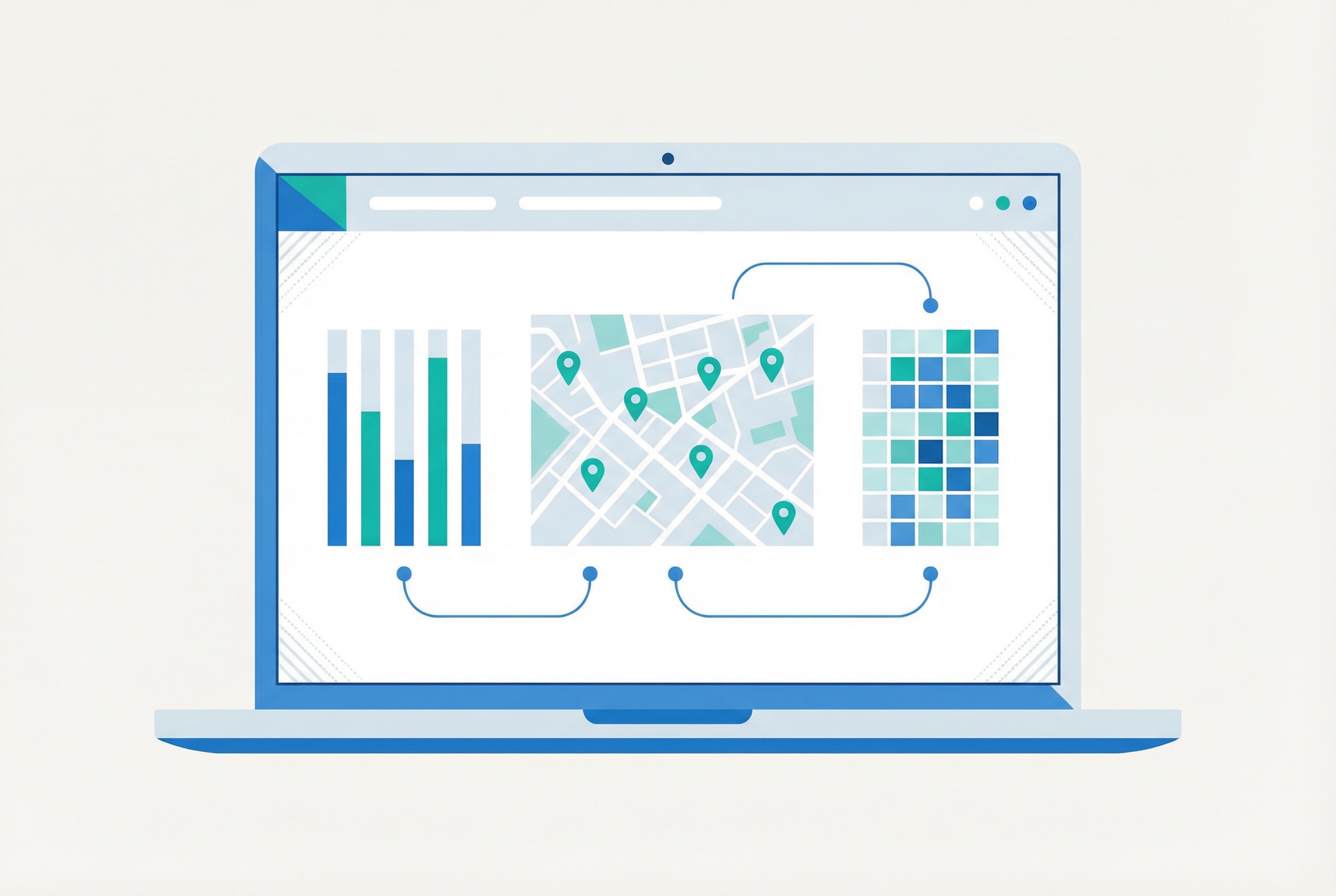
The most significant advantage dynamic QR codes hold over traditional print materials is built-in, real-time analytics. Every scan on a Supercode dynamic code is recorded with timestamp, geographic location, and device type, giving agents data that yard signs and brochures can never provide. Our comprehensive QR code tracking and analytics guide covers the full methodology, but these are the metrics most relevant to real estate campaigns:
This analytics layer connects directly to QR code lead generation strategy—allowing you to scale the placements that convert and cut spending on those that do not. Analysis of real estate QR code campaigns consistently shows that agents who actively review scan data and optimize their placements generate 2–3x more qualified leads per campaign dollar than those running purely static print campaigns.
The practical workflow is straightforward: create one dynamic QR code per placement type (yard sign, postcard, flyer, business card), name each code clearly in your Supercode dashboard, and review analytics weekly. After a 30-day campaign, you will have clear data identifying which materials drive genuine buyer interest.
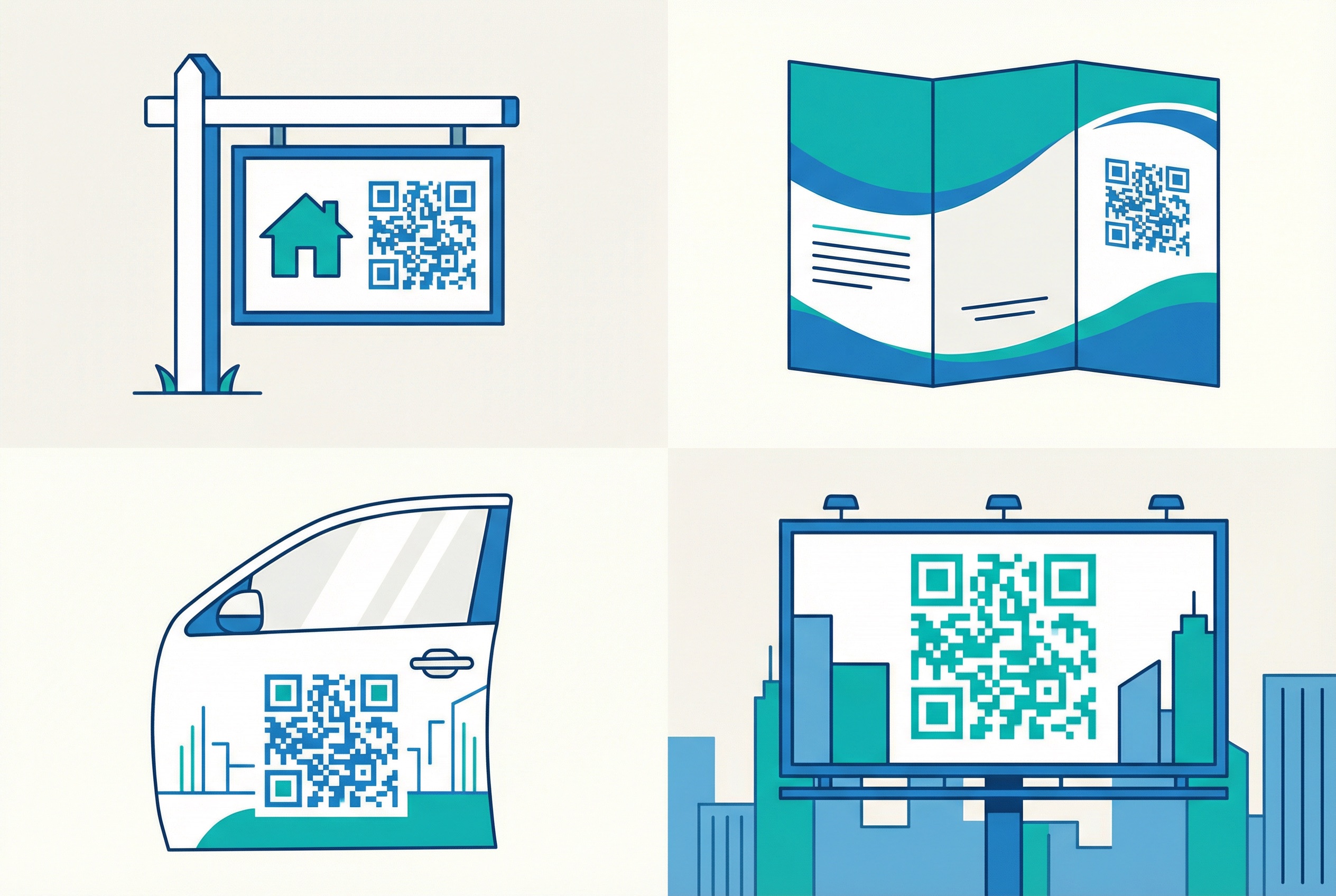
A perfectly designed QR code that nobody can scan is wasted marketing budget. Our complete QR code printing guide covers technical specifications in depth, but these are the real estate-specific rules every agent should follow before committing to a print run:
For brochures and flyers that buyers might photograph with their own phones, the code must scan reliably even from a second-generation image. Test this scenario specifically before large print runs. For billboard and outdoor advertising, size codes large enough to scan reliably from at least four meters away.
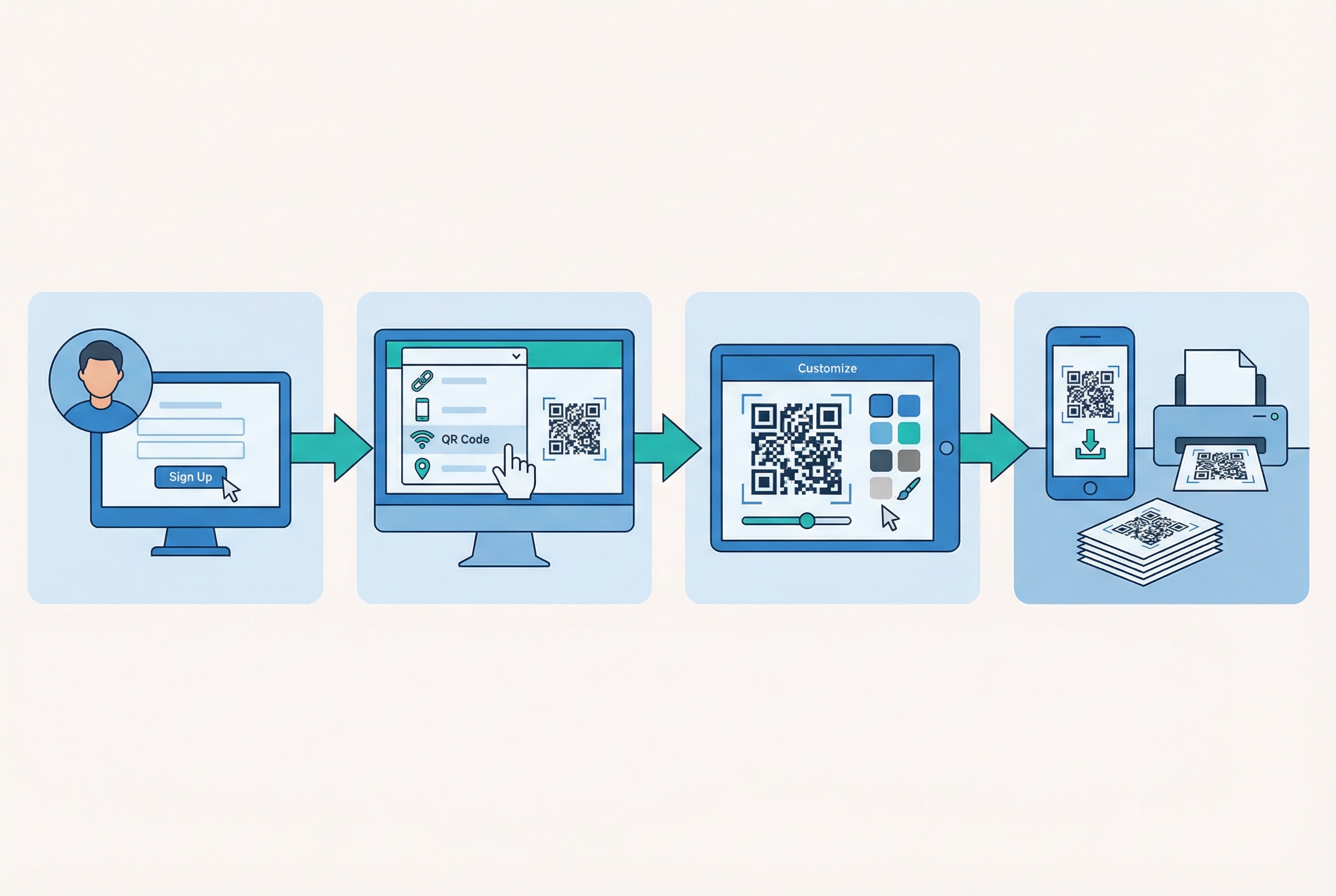
Setting up your first real estate QR code with Supercode takes under five minutes. Here is the exact process from account creation to a print-ready file:
Step 1: Create your account and open the QR code creator.
Sign up at Supercode and click + Create a new code. Select the code type that matches your campaign goal—URL for listing pages, PDF for property brochures, vCard for contact sharing, Image for photo galleries.
Step 2: Enter your content.
Input the destination URL, upload your PDF document, fill in your vCard contact fields, or upload your listing photos. For URL codes, choose a dynamic QR code over static to ensure you can update the destination URL after printing. Our complete QR code creation guide covers every code type in detail with step-by-step screenshots.
Step 3: Customize the design.
In the Code tab, select dot pattern and corner shapes. Apply your brokerage's brand colors while maintaining dark-on-light or light-on-dark contrast. In the Frame tab, add your call-to-action text. In the Logo tab, upload your agency logo. All design customization is available on every Supercode plan, including the free plan.
Step 4: Download and deploy.
Click Save and download in the appropriate format. Use SVG for large-format print—billboards, yard signs, window graphics—and PNG at 300 DPI for brochures and business cards. Your dynamic code is immediately live. Any future destination changes are made through your Supercode dashboard with no reprinting required.
Agencies managing multiple listings simultaneously can use Supercode's bulk QR code generator to produce unique codes for entire property portfolios via CSV upload in minutes.
Yes—but only with a dynamic QR code. Dynamic codes store the destination URL on a remote server, so you can change it at any time from your Supercode dashboard without creating a new code or reprinting any materials. Static QR codes have the URL permanently embedded in the code pattern and cannot be updated after printing. For real estate marketing, always use dynamic QR codes.
Place the QR code in the lower third of the sign, sized at least 5 cm × 5 cm for sidewalk-distance scanning, with a call to action directly above or below it. Avoid placing the code behind sign riders—the add-on panels used for agent names and contact info—which can physically block or obstruct the code. For drive-by visibility, increase the code size proportionally.
Supercode's analytics dashboard automatically logs every scan on dynamic codes, including timestamp, geographic location (city and region), and device type. No additional setup or third-party integration is required—tracking is enabled by default for every dynamic code. See our QR code tracking guide for a complete walkthrough of the available metrics and how to export data for campaign reporting.
Yes—and the data confirms it. Research from 2025 shows 79% of smartphone users have scanned a QR code in the past year, with 59% doing so daily. A buyer who stops to look at a yard sign is already expressing active interest. A QR code with a compelling call to action like "Scan for photos and pricing" gives that already-interested prospect an immediate, frictionless way to engage—with no brochures to run out of and no phone numbers to mistype.
Absolutely. A URL QR code linked to a home value estimator is one of the highest-converting seller lead generation tools available in real estate marketing. When a homeowner scans a postcard that says "Find out what your home is worth today," they self-identify as a potential seller and enter your pipeline directly. Supercode analytics then show you which neighborhoods are generating the most homeowner engagement. Our guide to QR codes for lead generation covers the complete seller funnel strategy.
Supercode offers a free plan with every feature included — dynamic QR codes, real-time analytics, full design customization, logo integration, and bulk code generation—everything a professional agent or brokerage needs for an active marketing campaign. With generous scan credits on every plan and no per-code fees, Supercode is cost-effective even for high-traffic placements like highway billboards or heavily marketed luxury listings.
Print budgets in real estate compound quickly. A single tracking insight from Supercode analytics—revealing that a particular sign placement is generating zero scans despite being the most expensive to produce—pays for months of subscription. Sign up free on Supercode today and add your first QR code to your next listing in under five minutes.