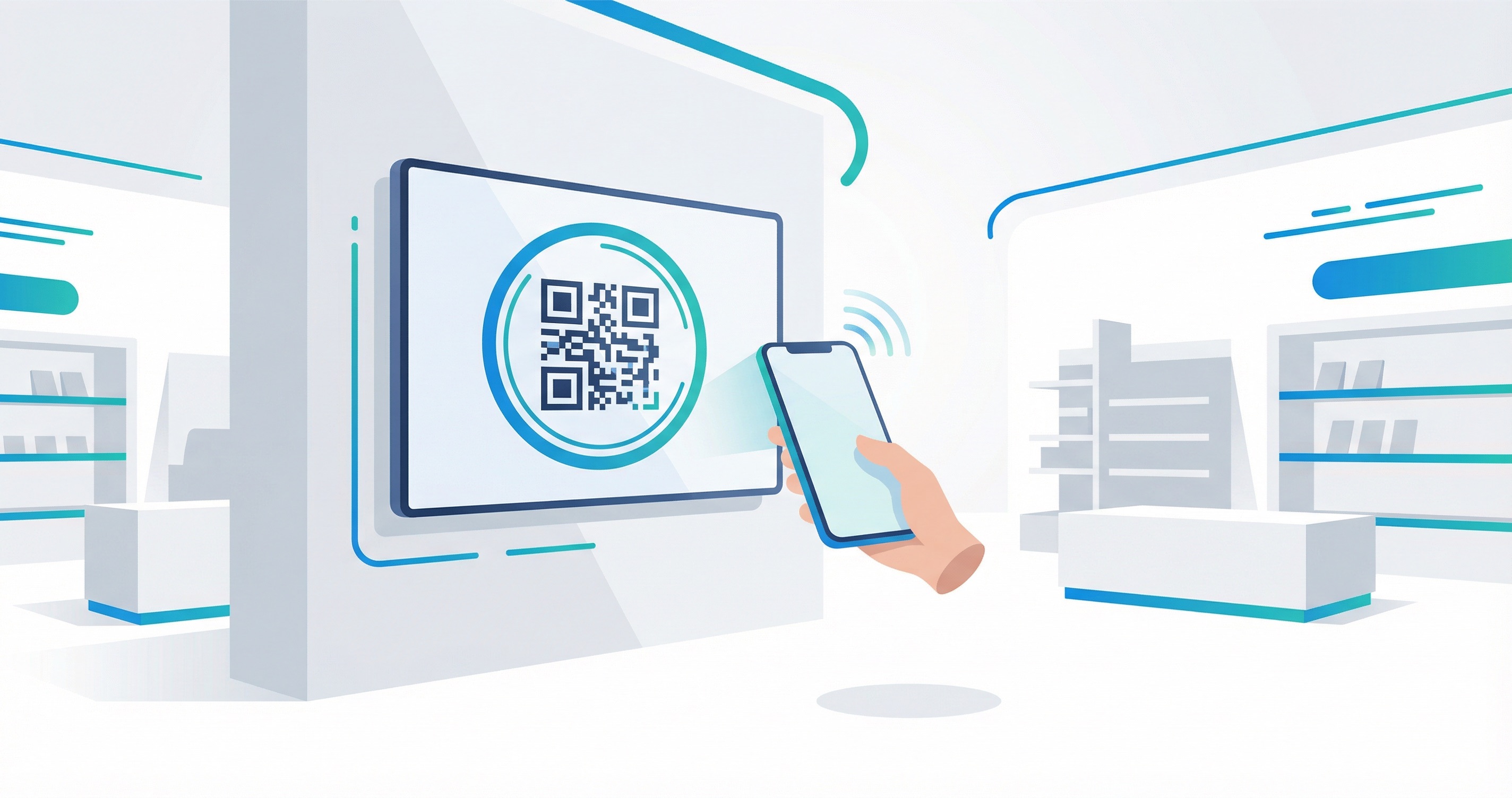

The global digital signage market is worth $35.2 billion in 2026 and growing at 8.2% annually — with over 75 million commercial displays now connected worldwide. Yet most of those screens remain one-way broadcasts: brands push content out, and audiences walk past. Add a QR code to your display, and everything changes. Every screen, kiosk, window display, and outdoor panel becomes an interactive touchpoint that sends audiences directly to menus, offers, AR experiences, and mobile commerce — and gives you real-time data on exactly who engaged.
In this guide, you will learn the core benefits of using QR codes on displays, the best applications by industry, key statistics, and a step-by-step process for creating, designing, and tracking QR codes for any display type with Supercode.
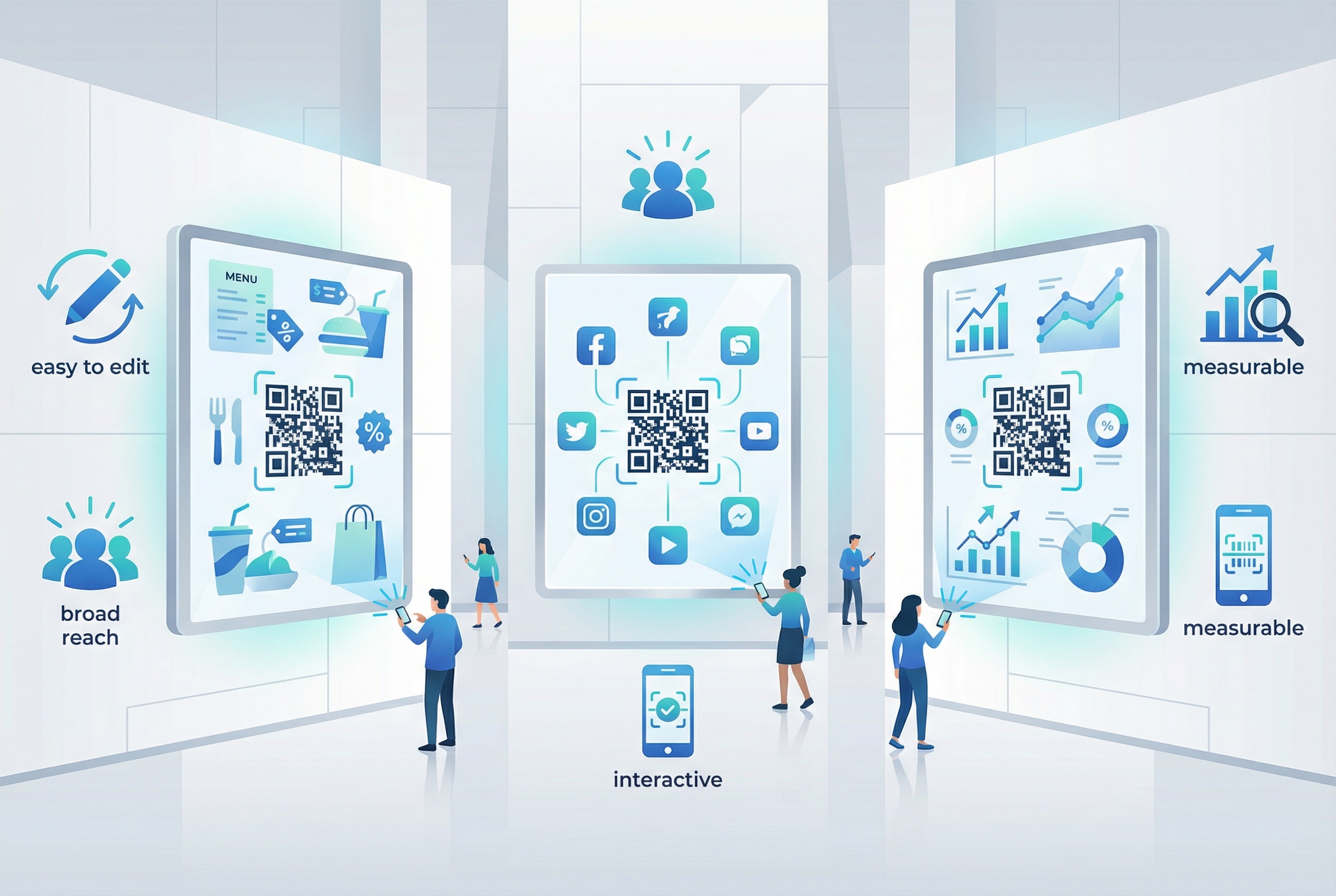
One of the most powerful advantages of pairing QR codes with displays is the ability to update destinations instantly. With dynamic QR codes, the physical code printed or displayed stays the same while the underlying URL changes in real time from your Supercode dashboard. A shopping mall can update a sales landing page every weekend. A restaurant patio can swap out the daily specials menu without touching the physical display. A conference hall can redirect a single QR code from the agenda to a post-event recording — all without printing a new code. This saves significant time, labour, and printing costs, especially for high-frequency campaigns.
Displays placed in shopping districts, transport hubs, malls, and event venues naturally attract large, diverse audiences. A QR code on a display in these environments puts your offer in front of people who may never have encountered your brand before. According to CrownTV's 2026 digital signage research, digital screens generate 400% more views than static signs and achieve 83% message recall — far above conventional advertising benchmarks. Adding a scannable QR code converts that heightened attention into measurable action, driving traffic to your URL QR Code landing page, social profile, or mobile store.
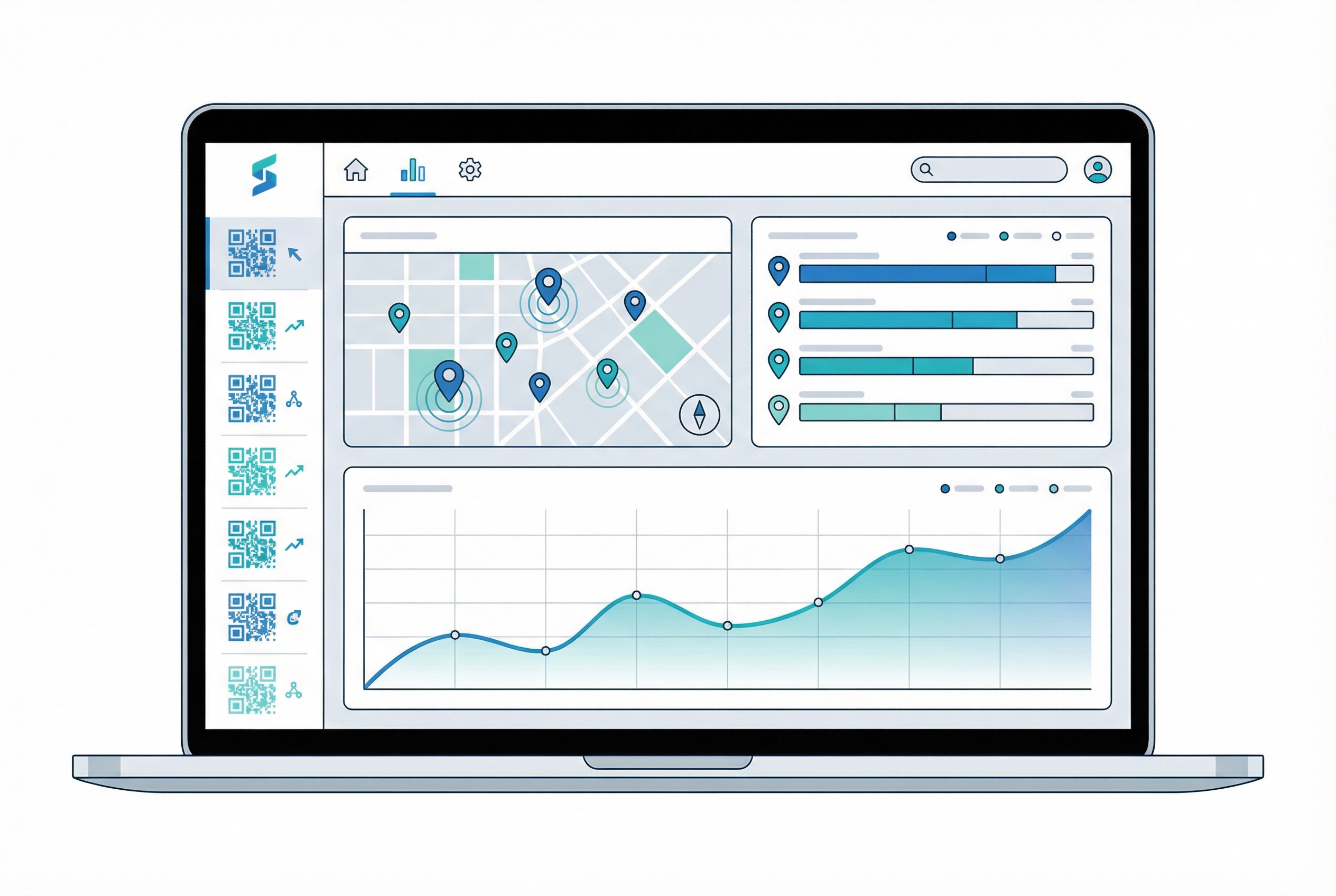
Traditional display advertising offers limited insight: you can estimate footfall, but you cannot know who engaged and what they did next. QR code displays change that equation entirely. Every scan is tracked in the Supercode analytics dashboard, giving you scan counts, locations, times, and device types in real time. This makes it possible to compare performance across multiple display locations, optimise placement based on data, and demonstrate clear ROI to stakeholders. For a deeper look at what QR analytics can tell you, see our complete QR code tracking guide.
Consumers increasingly expect seamless transitions between physical environments and digital journeys. A QR code on a retail display lets a shopper go from noticing a product to watching a video demo, reading reviews, and completing a purchase — all from one scan. A museum display links visitors to extended audio guides, 3D artefact tours, and educator resources the physical label cannot contain. This omnichannel bridging is at the core of what makes QR codes in retail, hospitality, and leisure venues so effective in 2026.
A display is inherently limited by its physical size and static format. A QR code removes those constraints entirely. Scan-triggered augmented reality (AR) experiences, product demo videos, interactive maps, and gamified contests can all be delivered to a consumer's smartphone in seconds. Retailers, event organisers, and brands are using Image QR codes and URL codes to launch immersive content that a sign or poster alone could never achieve — boosting dwell time and brand memorability significantly.
QR codes for displays are not limited to paper or static prints. They work equally well on LED screens, LCD panels, printed exhibition stands, window decals, kiosk screens, outdoor billboards, and floor graphics. Whether you are running a campaign at a trade show, installing outdoor billboard QR codes, or adding a scan prompt to a shop window display, the same QR code creation and tracking workflow applies. Consult our QR code printing guide for sizing and resolution best practices across different display types.
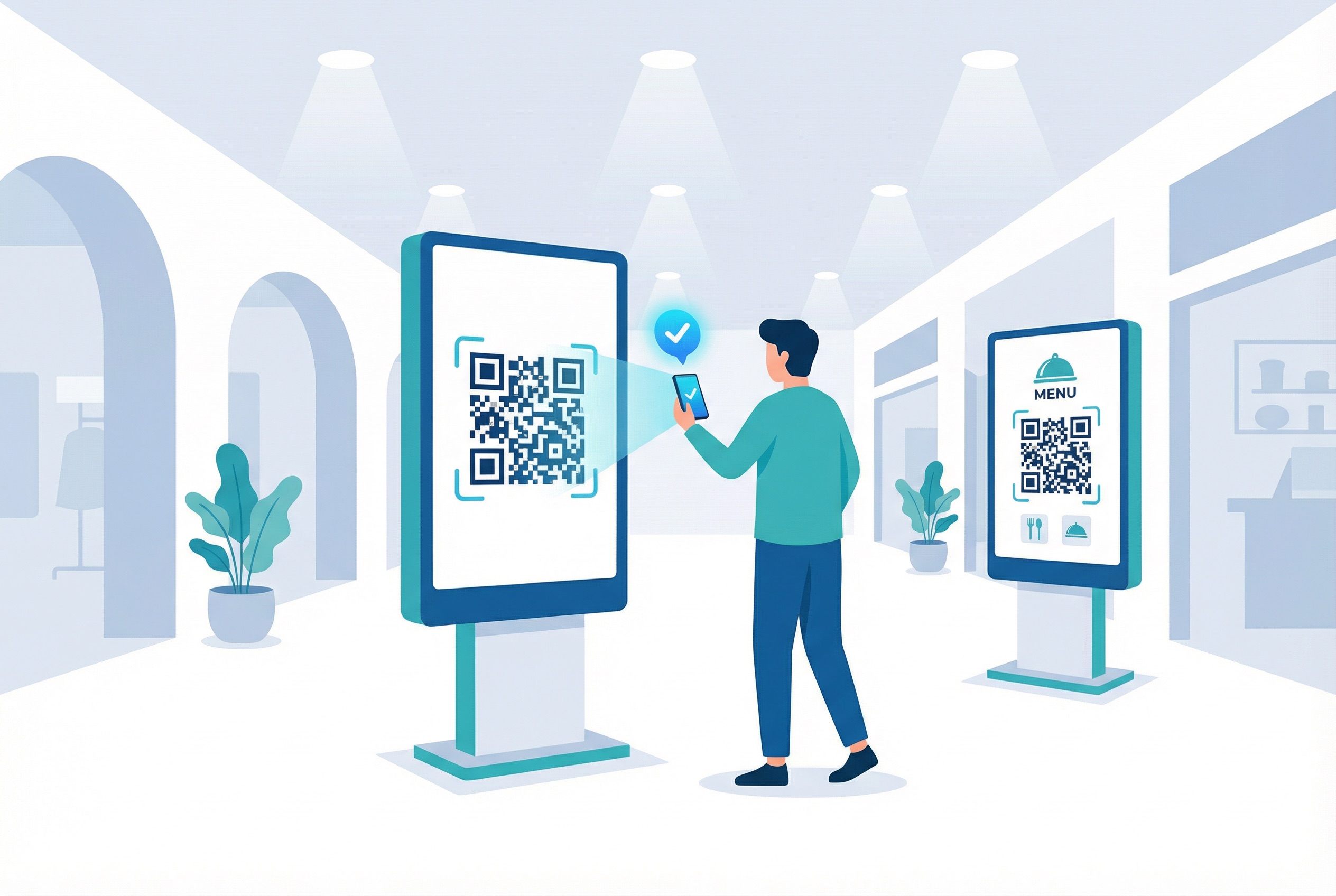
Shopping malls are among the highest-value environments for QR code displays. Foot traffic is high, dwell time is significant, and shoppers are already in a purchasing mindset. Effective mall display QR code applications include routing visitors to an interactive digital directory on their smartphone, promoting upcoming events and new store openings, running competitions without paper entry forms, and encouraging app downloads from a centralised mall application. Dynamic codes make it simple to update a single physical display with different campaign destinations across different weeks — without reprinting a thing.
Outdoor dining areas, hotel lobbies, and bar patios are natural homes for QR code displays. A display QR code in these settings can link to digital menus, daily specials, happy hour schedules, live music event listings, and waitlist reservation systems. For restaurants, placing a display QR code at the entrance or on patio signage converts walk-by traffic into seated guests and engaged customers before they even reach the table. Feedback QR codes on exit displays collect valuable post-visit reviews automatically — no staff intervention required.
In-store and street-level retail displays with QR codes allow brands to aggregate top sales, promote limited-time offers, and distribute product information at scale. With a dynamic code, a retailer can keep the same physical display in a shopping street and simply update the linked destination as stock changes — cutting print waste and keeping offers perpetually current. According to the Bitly State of QR Codes 2025 report, 40% of marketers now deploy QR codes on in-store displays, making it one of the most popular physical channels for QR code deployment. For broader retail QR strategy, see our QR codes in retail guide.
Event displays are a prime environment for QR codes. Entrance displays can handle check-in without printed tickets, reducing queues and providing real-time attendance data. Sponsor display panels throughout a venue can link to speaker bios, session schedules, exhibitor product pages, and networking apps. Exit display QR codes trigger post-event feedback surveys automatically, capturing responses while the experience is fresh. For events with large collateral volumes, Supercode's Bulk QR Code generator creates hundreds of unique codes at once. Explore our dedicated guide to QR codes for events for more event-specific applications.
Airports, train stations, bus terminals, and metro platforms are high-dwell, high-anxiety environments where passengers actively seek information. QR code displays in these locations deliver real-time departure boards, gate change alerts, baggage claim information, Wi-Fi access, and tourist guides — all accessible with a single scan. Public transport QR code deployments are growing rapidly: PDF QR codes can distribute e-tickets and travel documents, while URL codes link to live timetable apps. The Denver International Airport's free e-book download QR displays are a well-known early example of the format's power in travel environments.
QR codes on displays have transformed how public information and recruitment events operate. At job fairs, companies attach QR codes to display stands so candidates can access full job descriptions, submit applications directly from their phone, and download digital CVs or brochures without paper. Public information kiosks in parks, museums, and city centres use city and tour QR codes to deliver multilingual audio guides, wayfinding maps, and event calendars. Education institutions use campus display QR codes for orientation materials, timetables, and student services links. See our lead generation QR guide for strategies that apply directly to exhibition and job fair display campaigns.
The market context underlines why QR-enabled displays represent a major opportunity for brands across every sector:
Creating professional QR codes for your displays with Supercode takes just a few minutes. Here is the complete process:
Different display environments call for different QR code types. For display campaigns, consider these options:
Log in to Supercode, select your chosen QR code type, and enter the destination URL, message, or content you want your display to deliver. For dynamic codes, you can change this destination at any time from your dashboard — meaning the same physical display can serve different campaigns week after week.
A well-designed QR code dramatically increases scan rates. Use Supercode's design tools to match your brand colours, add a logo to the centre of the code, choose a dot style that fits your display aesthetic, and add a frame with a clear call-to-action (e.g., "Scan for Today's Menu" or "Scan to Enter"). For guidance on what makes QR code designs scannable and compelling, see our QR code design guide.
If you are running QR codes across multiple display locations — different mall units, event venues, or retail stores — use Supercode's folder system to keep campaigns organised. Create a folder per location or campaign, and share folder access with your marketing and operations teams so everyone works from the same dashboard.
Before printing or displaying your code, test it thoroughly at the intended viewing distance. Hold your phone at the distance a typical passerby would scan from — usually 30–100 cm for indoor displays and further for outdoor. Confirm the destination loads correctly on both iOS and Android. If anything is incorrect, simply edit the dynamic code in your dashboard — no reprint required. Our QR code printing guide covers full pre-print testing protocols.
Export your QR code in high-resolution PNG or SVG format for large-format print or digital display use. For printed displays, ensure minimum print resolution of 300 DPI and a quiet zone (white border) of at least four modules wide. For digital screens, PNG at native screen resolution works well — ensure sufficient contrast between the code and background for reliable scanning. See our guide to QR codes on posters and print marketing materials for format-specific advice.
Once your display QR code is live, monitor performance directly in your Supercode dashboard. Track total scans, unique scans, scan times, geographic locations, and device types. For multi-location campaigns, compare scan rates across different display positions to identify your highest-performing placements. Use this data to increase sales by doubling down on locations and times that drive the most engagement. Dynamic codes give you the flexibility to update destinations mid-campaign based on what the analytics reveal. Explore our QR code marketing strategy guide for a full framework for campaign planning and optimisation.
The most common reason a display QR code fails is that it is too small to scan reliably from the intended viewing distance. A practical rule of thumb: the QR code should be at least 1/10th the scanning distance in size. For a display scanned from 1 metre, the code should be at least 10 cm × 10 cm. For a large-format outdoor display scanned from 5 metres, aim for at least 50 cm × 50 cm. Always maintain a generous quiet zone — the white space border around the code — of at least four module widths to ensure reliable scanning.
Position wall-mounted or freestanding display QR codes at comfortable scanning height — between 1.2 and 1.5 metres from the ground for standing adults. Avoid placing codes in high-glare areas, on curved surfaces, or behind protective glass that reflects light and disrupts scanning. For outdoor displays, factor in nighttime visibility: ensure the display is well-lit or use a high-contrast code design (dark modules on light background) that remains scannable in varied lighting conditions. The billboard and street advertising guide covers outdoor-specific placement principles in detail.
A QR code alone rarely achieves high scan rates. Pair every display code with a brief, action-oriented instruction: "Scan to see today's menu," "Scan to win a prize," or "Scan for the full lookbook." The more specific and benefit-focused the CTA, the higher the scan rate. Research from Supercode and industry benchmarks shows that framed QR codes with a visible CTA consistently outperform naked codes with no accompanying instruction. Combine this with an on-brand design to maximise engagement — explore our QR code marketing guide for campaign framing strategies.
Static QR codes encode the destination permanently — once printed, the URL cannot be changed. For display campaigns, this is almost always the wrong choice. Dynamic QR codes allow you to update destinations after deployment, run A/B tests on landing pages, redirect traffic for seasonal campaigns, and deactivate codes that are no longer in use. They also provide the full analytics tracking that makes display QR campaigns measurable. Our dynamic vs. static QR code guide explains the full difference and when each type is appropriate.
Treat every display QR code campaign as an iterative experiment. Use Supercode's analytics to monitor scan frequency and identify drop-off points. If a display is generating views but few scans, test a more compelling CTA or redesign the code with stronger contrast. If scans are happening but conversions are low, optimise the mobile landing page for speed and clarity — most display QR scans happen spontaneously, so the destination must load in under three seconds and immediately deliver on its promise. For campaigns running across merchandise, vehicles, and multiple other physical materials, Supercode's folder and analytics system lets you manage and compare performance all in one place. See our QR code tracking guide for the complete analytics framework.
As a general rule, your QR code should be at minimum 1/10th of the intended scanning distance. For an indoor display scanned from 1 metre, the minimum size is 10 cm × 10 cm. For larger displays scanned from further away — such as a 3-metre-tall exhibition stand — the code should scale proportionally. Always maintain a quiet zone border of at least four module widths around the code to ensure reliable scanning from all angles.
Yes — QR codes work on any screen or display type, including LCD panels, LED boards, OLED screens, plasma displays, and digital signage networks. The key requirements are adequate brightness, sufficient contrast between code modules and background, and a minimum pixel resolution so the code is not pixelated at viewing distance. For digital screen deployment, export your QR code as a high-resolution PNG at native screen resolution. Test scanning from the actual intended viewing distance before launching the campaign live.
The scannable distance depends on the physical size of the code, the camera quality of the device being used, and lighting conditions. A 10 cm × 10 cm QR code is reliably scannable from approximately 1 metre. A 30 cm × 30 cm code is typically scannable from 2–3 metres. For large-format outdoor displays targeting pedestrians or drivers, codes should be scaled up accordingly — a minimum of 50 cm × 50 cm for codes intended to be scanned from 5+ metres.
Dynamic QR codes are almost always the right choice for display campaigns. They allow you to update the destination URL after the code is printed or displayed — so you can run multiple campaigns from a single physical code, edit landing pages mid-campaign, and redirect traffic for seasonal promotions. Dynamic codes also provide full scan analytics (count, time, device, location), which are essential for measuring the ROI of display placements. Static codes are only appropriate when the destination is permanently fixed and analytics are not needed. For display use, this is rarely the case. See the complete guide to dynamic vs. static QR codes.
This is the defining advantage of dynamic QR codes. Once a dynamic code is deployed on a display — whether printed on signage, shown on a digital screen, or applied as a sticker — you can change its destination URL at any time from the Supercode dashboard. Simply log in, navigate to your QR code, edit the destination link, and save. The change takes effect instantly, with no reprinting or physical update required. This is ideal for shopping centres that update promotions weekly, restaurants that change their menus seasonally, or event venues that reuse display infrastructure across different events.
Yes — every dynamic QR code created with Supercode includes built-in analytics tracking. Your dashboard records total scans, unique scans, scan times, geographic locations, and device types for every code in your account. For multi-location display campaigns, you can create a separate dynamic code per location and compare performance across all placements simultaneously. This data lets you identify your highest-performing display locations, optimise campaign timing, and make evidence-based decisions about where to invest in future display advertising. Learn more in our QR code tracking and analytics guide.
Whether you are managing retail displays, event signage, restaurant patios, or large-format outdoor advertising, QR codes give every display the power to engage, convert, and be measured. Supercode makes it simple to create, design, organise, and track QR codes for any display environment — from a single kiosk to a nationwide campaign across hundreds of locations. Explore our pricing plans or read our QR code marketing strategy guide to plan your next display campaign. Ready to get started? Create your first display QR code with Supercode — free.
Head to our FAQs section or reach out to us directly on info@supercode.com
Sign up for free

