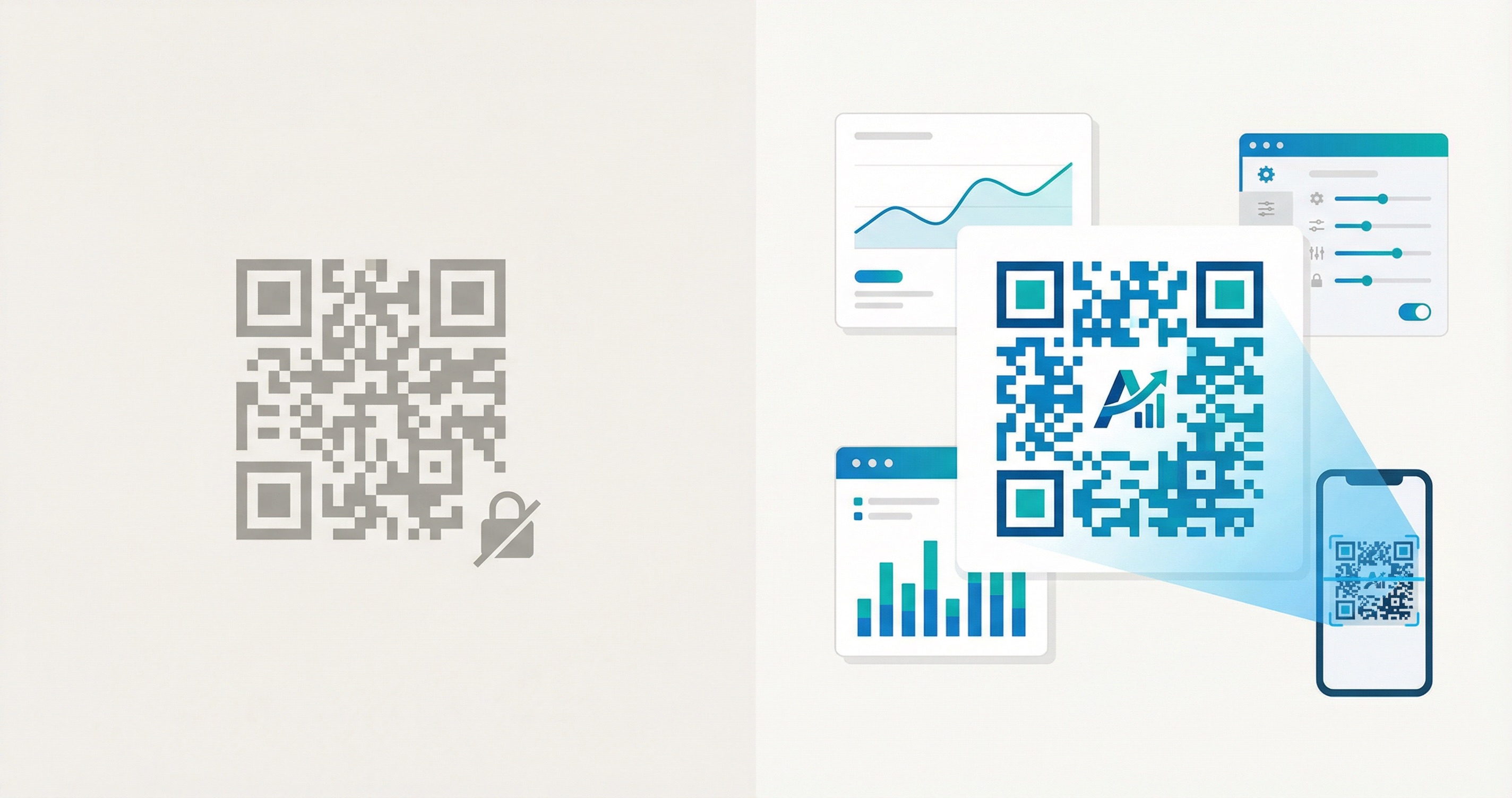
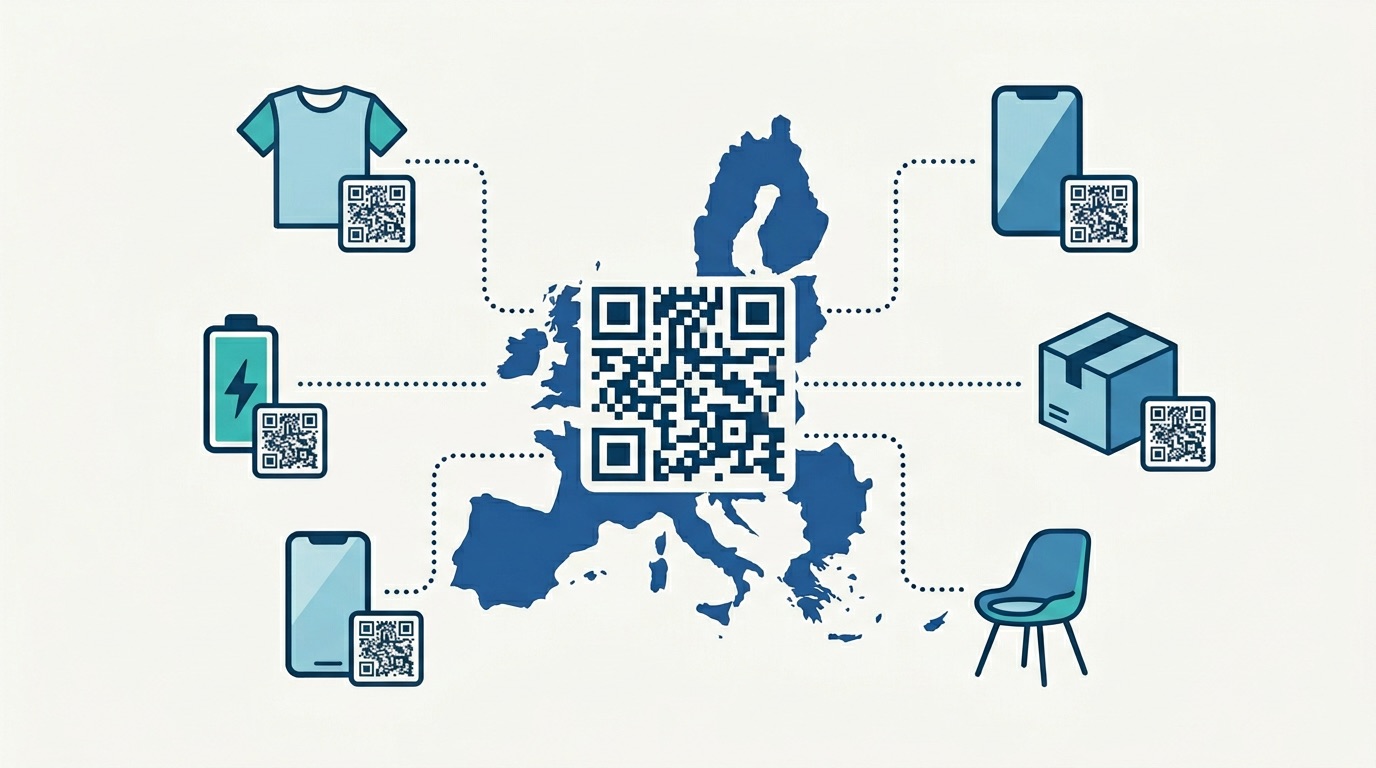
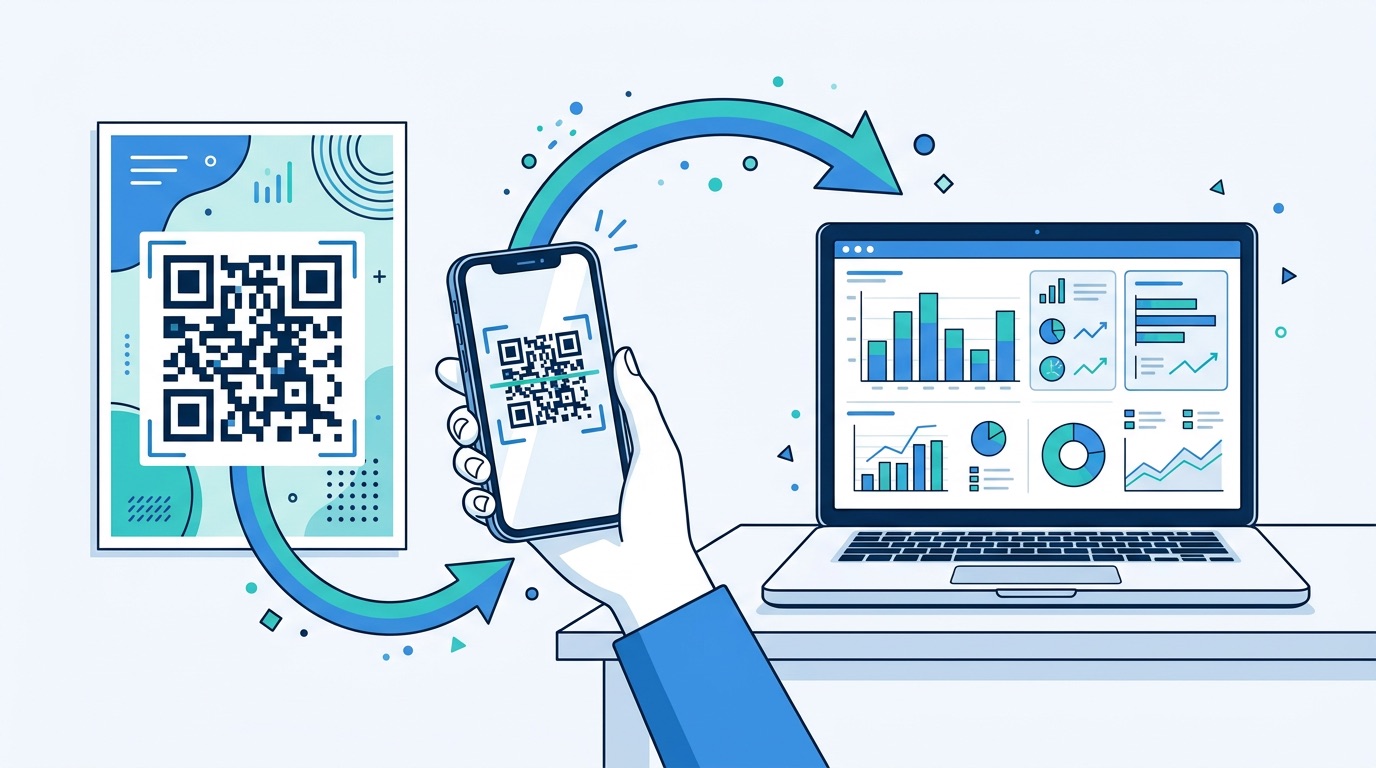
More than 2.2 billion people worldwide now use QR codes, and the generator market has ballooned to an estimated $7.83 billion in 2025 — with dozens of platforms fighting for your attention. The first question every marketer asks: do I actually need to pay for a QR code generator, or will a free tool do the job? The honest answer has changed. Most free generators still lock you into static codes with zero analytics and no way to update a link after printing. But a new breed of platform — Supercode chief among them — has upended the old model entirely by putting every feature on every plan, including the free one. This guide breaks down exactly what free QR code generators offer across the market, where they fall short, and how to decide what your business actually needs in 2026.
The baseline capabilities of free QR code generators have improved over the past few years. Here is what the majority of free tools — including QR TIGER, Bitly, QR Code Monkey, and similar platforms — will give you at no cost:
Free tiers vary significantly between platforms. QR TIGER's free plan includes 3 dynamic QR codes capped at 500 scans each, plus unlimited static codes. Bitly's free tier allows just 2 QR code creations per month. Most other free generators — QR Code Monkey, GoQR, and similar tools — produce unlimited static codes with no account required.
For simple, one-off personal use, these offerings are genuinely useful. The limitations only surface when you try to do anything beyond the basics — which is exactly what business use requires.
The word "free" is accurate but incomplete. Across the market, free QR code generators make a specific set of trade-offs — and the features they restrict are precisely the ones that matter most for business campaigns.
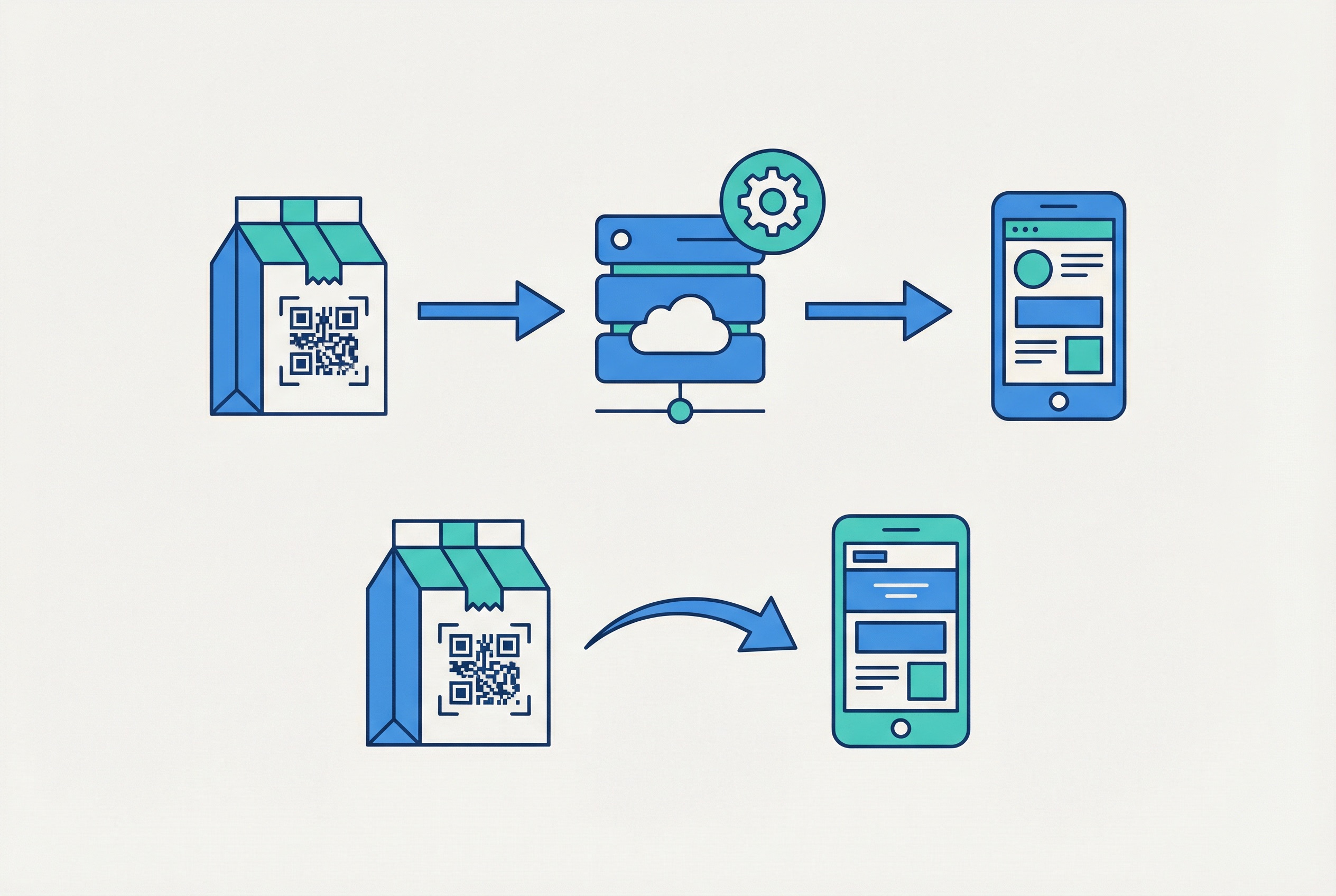
The most significant limitation across most free plans is the near-absence of dynamic QR codes. A dynamic code stores a short redirect URL — your actual destination lives on a server and can be updated anytime without reprinting the physical code. On most platforms, free plans either block dynamic codes entirely or cap them so tightly (QR TIGER's 3-code, 500-scan limit) that they are impractical for any real campaign.
This matters enormously. According to qr-insights.com, 98% of QR codes created by businesses today are dynamic. If you print 10,000 restaurant menus and then change your prices, a static code means reprinting everything. A dynamic code means updating the destination in seconds.
Free static codes generate zero data. You have no way to know how many people scanned, when, from which device, or from which location. For marketing campaigns where every channel must prove ROI, this is a critical blind spot.
Creating codes one at a time works for personal projects. It becomes a bottleneck fast for businesses that need codes for hundreds of products, events, or locations. Bulk generation via CSV upload is restricted on free plans at most platforms.
Developers and product teams that want to integrate QR code generation into their own applications or workflows need API access. Most competitor platforms reserve this for higher-priced tiers.
Shared dashboards, multi-user access, and the removal of "powered by" branding on redirect pages are typically gated behind paid tiers at other generators.
Understanding the static vs. dynamic distinction is the single most important factor when choosing a QR code generator. Nearly every other difference between free and paid plans — at most platforms — flows from this one technical choice.
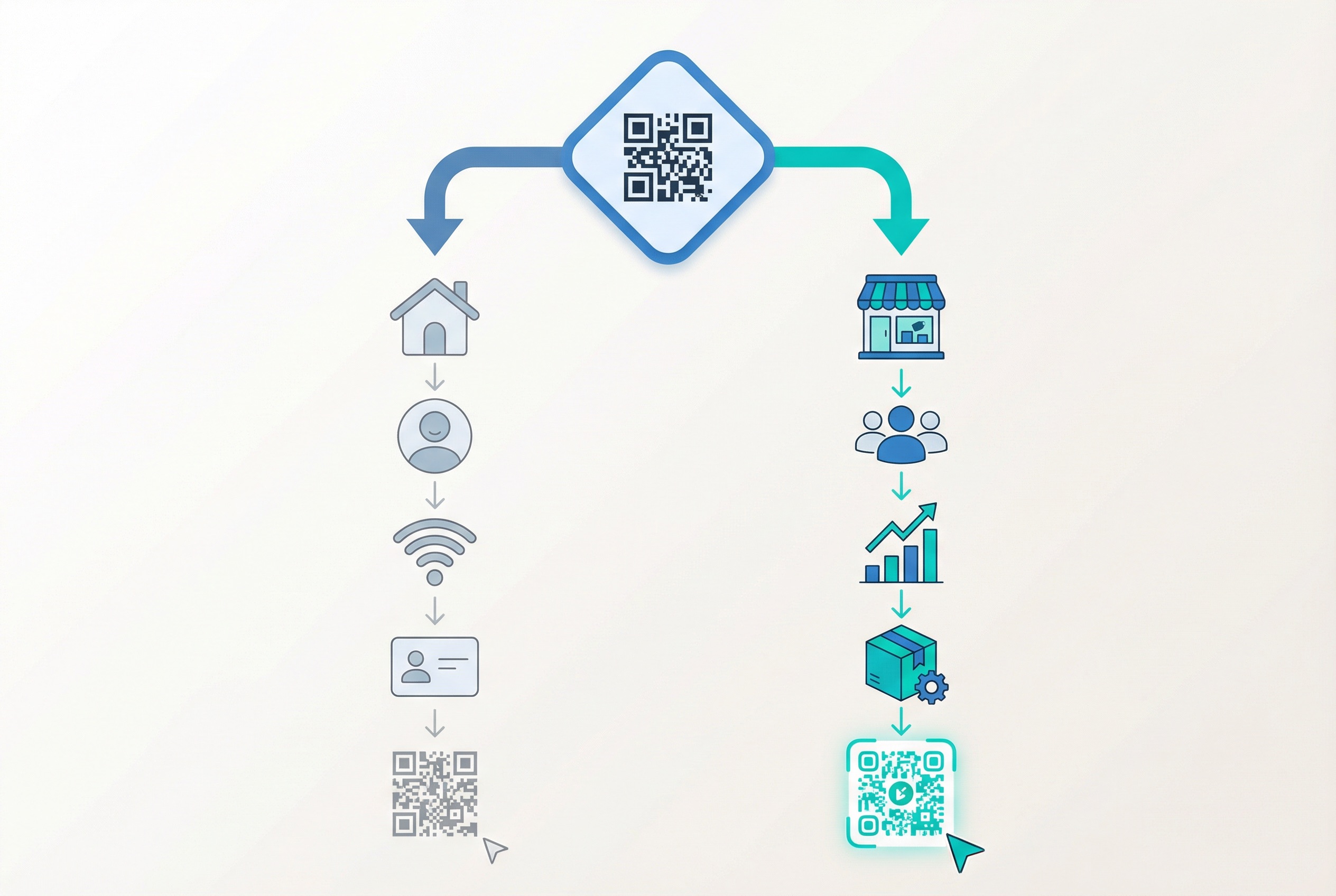
Static QR codes encode your content — a URL, phone number, WiFi credentials — directly in the code's dot pattern. Once printed, the code is permanent. If the URL changes, the code is dead. There is no analytics, no redirect, no flexibility. They are ideal for one-time, never-changing use cases: a WiFi password on your office router, a personal vCard for networking cards, or a simple URL on a one-off flyer.
Dynamic QR codes work differently. They encode a short redirect URL that points to a server. Your actual destination — a menu, a product page, a landing page — lives separately and can be updated at any time via your dashboard. The printed code never changes; only the destination does.
This architecture enables everything that makes QR codes genuinely powerful for marketing:
The numbers back this up: dynamic codes now hold 64.92% of the entire QR code market, and 79% of businesses specifically choose dynamic codes for personalised, context-aware customer interactions. For business use, static codes are rarely the right choice. Learn more in our comprehensive dynamic vs. static QR codes guide.
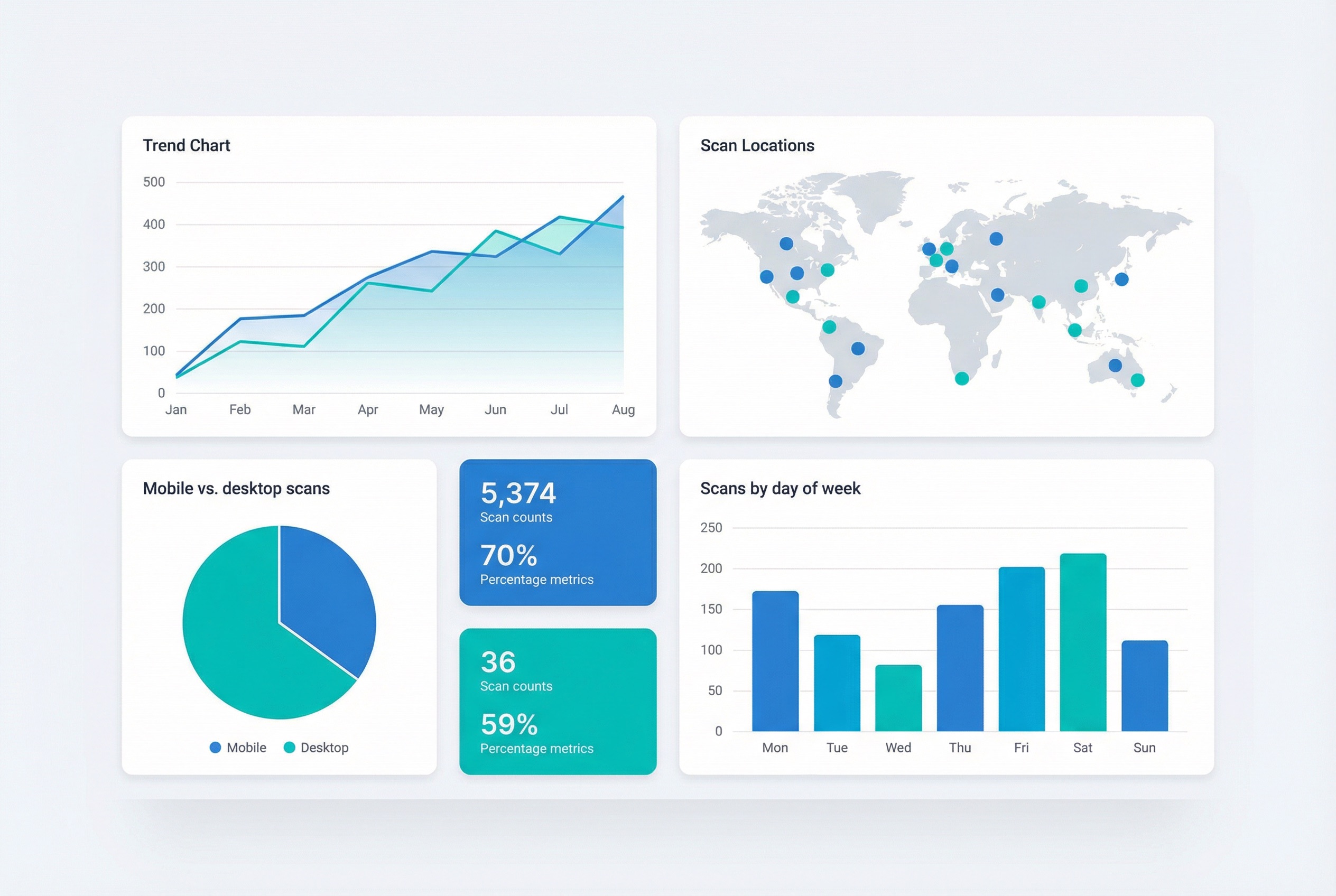
If you are using QR codes for anything business-related — driving traffic, measuring campaign performance, understanding customer behaviour — analytics are not optional. They are the difference between a QR code that earns its place in your marketing budget and one that disappears into a black hole.
Free static-only generators provide zero scan data. You print the code, someone scans it, and you learn nothing. You do not know if it worked. You do not know how many times, where, or when.
A full analytics platform gives you a real-time dashboard showing:
Businesses that track QR code performance see 37% higher click-through rates compared to campaigns running without analytics — because they can identify what works and double down on it. A retail store that adds QR codes to shelf displays can tell exactly which products drive the most scans, which days are busiest, and whether a new promotion outperforms the previous one.
For a deep dive into what QR code analytics can tell you — and how to set up UTM parameters for GA4 integration — see our complete QR code tracking guide.
According to Uniqode's State of QR Codes 2026 report, 98% of marketers report a positive impact from QR codes in their marketing — but that impact is only measurable when analytics are available.
Free tools have made real progress on customisation. Most now offer colour adjustment, logo placement, and basic dot shape selection. For personal projects, this is often sufficient.
But for brand-conscious businesses, the gaps at most free generators become apparent:
Branded QR codes featuring a logo and custom colours achieve up to 40% higher scan rates than plain black-and-white codes. The ROI on design customisation is measurable and consistent. Our QR code design guide covers the full spec for maximising scan rates through design.
For businesses operating at scale — retailers managing hundreds of products, event organisers issuing thousands of tickets, logistics companies tracking shipments — creating QR codes one at a time is not a workflow. It is a bottleneck.
Bulk QR code generation allows you to upload a CSV file containing all your data (URLs, product IDs, names) and generate thousands of unique codes in a single operation, each with its own destination and analytics. On most competitor platforms, this is reserved for paid tiers.
Supercode includes bulk QR code generation with full CSV import on every plan — including the free plan. Learn how enterprise clients deploy codes at scale in our bulk QR code generation guide.
API access lets developers integrate QR code generation programmatically — creating codes on-the-fly as part of an e-commerce flow, a ticketing system, or a loyalty programme. At most platforms, API access requires their higher-priced plans.
Folder organisation — sorting codes into campaigns, clients, or categories — is another capability that becomes essential once you are managing more than a handful of codes.
One underappreciated dimension of the free vs. paid debate is what happens to your codes long-term. Free services operate on business models that can change. Free plans get discontinued. Platforms get acquired. When that happens, any dynamic QR codes hosted on that service — and all the redirect infrastructure behind them — can go dark.
Beyond stability, robust QR code platforms offer several important security and control features:
For businesses in regulated industries — healthcare, finance, government — these controls are compliance requirements, not optional extras. Learn more about QR code security practices in our QR code safety guide.
Free tools are not inherently bad — they are designed for a specific set of use cases, and within those cases they work well.
Sharing your personal website link, WiFi credentials at home, or a contact card at a one-time event? A free static code is ideal. You do not need tracking, you will not update the destination, and you are creating one code — not running a campaign.
If the information encoded in your QR code is permanent — a book ISBN, a fixed address, a personal email — static is fine. The code works indefinitely with no subscription required.
Testing a QR code placement before committing to print? A free tool lets you validate that the code scans correctly and directs to the right destination before spending on production.
A local service business that wants a QR code pointing to their Google Maps listing, printed on a small batch of flyers, might genuinely not need analytics or editability. If your business details will not change and you are printing 50 flyers, free works.
The key question is: will you ever need to change this code's destination, or measure how it performs? If the answer to either is yes, you need dynamic codes — and with Supercode, you get those on the free plan.
The case for more capable tools becomes clear the moment any of these apply:
Businesses that use dynamic QR codes with analytics report 60% higher engagement rates and are 3.5 times more likely to optimise their campaigns based on scan data than those running without tracking.
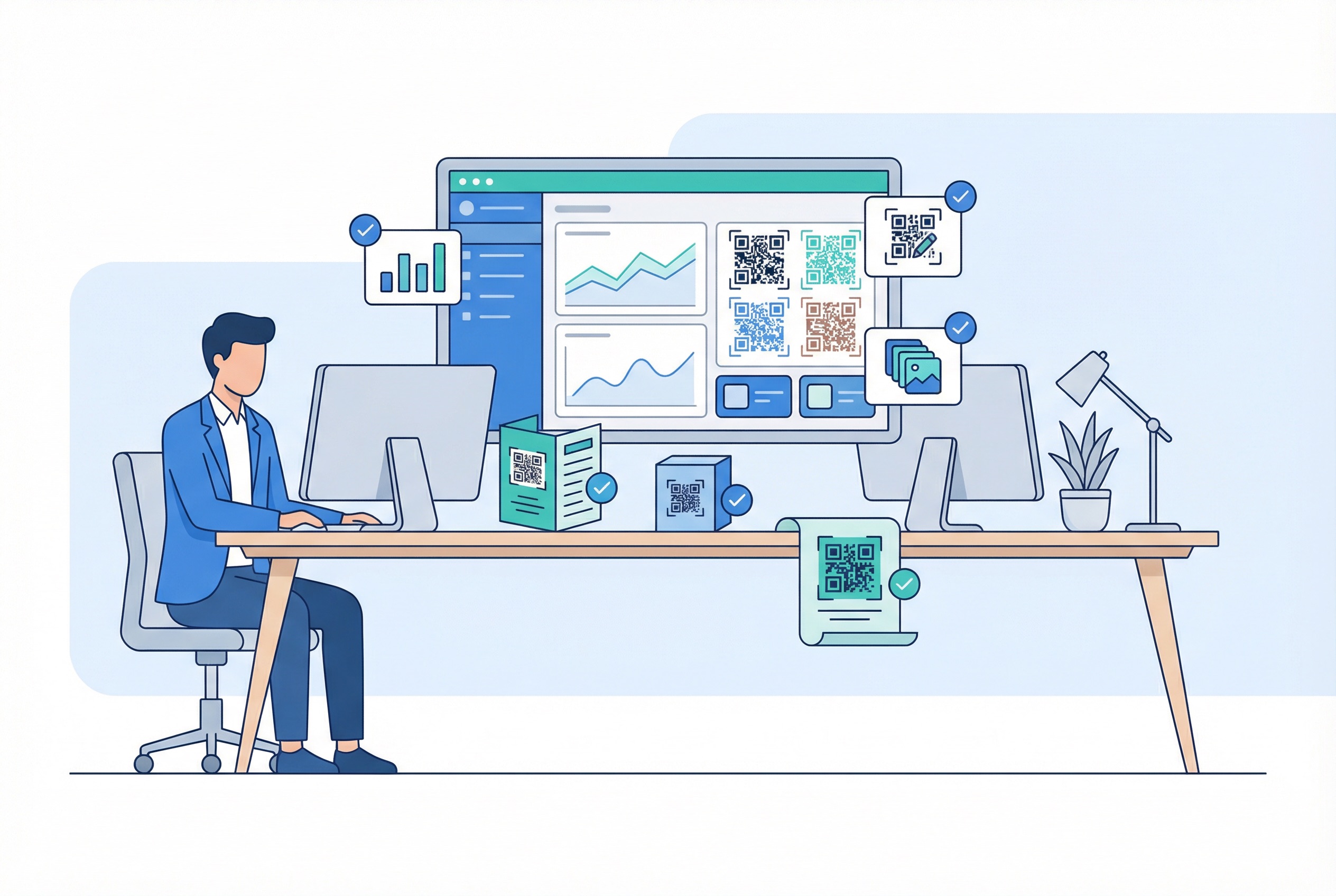
Most QR code generators use feature gating: free gets you static codes, and you pay to unlock dynamic codes, analytics, bulk generation, and API access. Supercode takes a fundamentally different approach.
Every feature is included on every Supercode plan — including the free plan. Dynamic codes, full scan analytics, design customisation, bulk generation, team collaboration, and every QR code type (URL, PDF, feedback, social media, SMS, WhatsApp, and more) are all available from day one. The only thing that changes between plans is monthly scan volume:
This means you never start with a crippled tool and upgrade to unlock capabilities. You start with the full platform and upgrade only when your scan volume demands it.
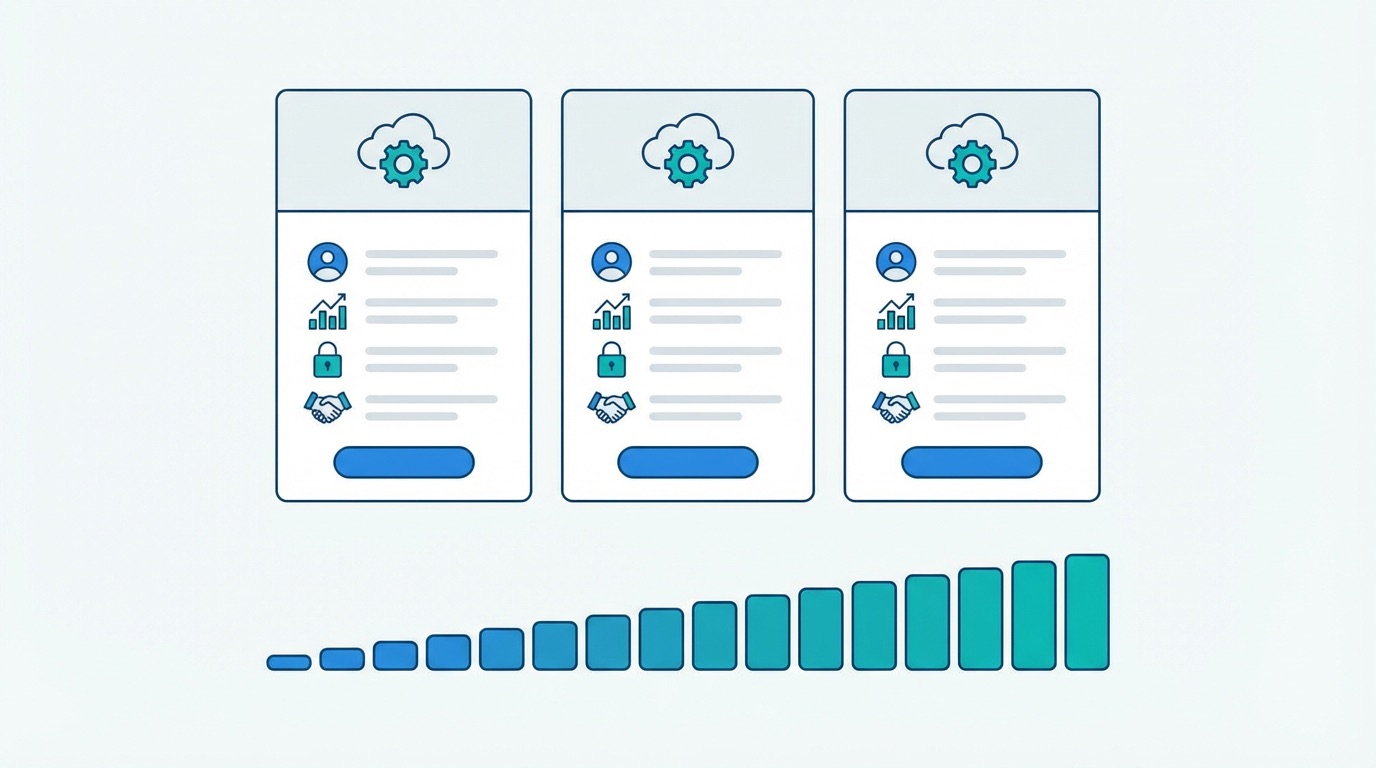
The difference in approach is stark when you look at what other platforms charge for the same capabilities:
Supercode's differentiator is the combination of design quality, reliable analytics, and transparent pricing — with no per-code fees, no feature gating, and no surprise overages. Explore every feature on the Supercode product page or see all plans on the pricing page.
For a full head-to-head comparison of Supercode against QR TIGER, Bitly, and other leading generators, see our best QR code generator 2026 guide.
Free static QR codes are permanent — they encode content directly in the dot pattern and never expire. However, free dynamic QR codes (where the destination is hosted on a server) can become inactive if the platform shuts down or discontinues its free tier. Dynamic codes on established platforms like Supercode remain active as long as your account is active. One of the most persistent myths about QR codes is that all codes expire — we address this in our QR code myths guide.
It depends on the platform. Static QR codes — which is what most free generators produce — cannot be tracked at all. A small number of free plans offer limited analytics on free dynamic codes, but with severe caps (QR TIGER's 500-scan limit per code, for example). Supercode's free plan includes full scan analytics on every dynamic code, with 30 scan credits per month.
For a restaurant, the key difference on most platforms is editability. A free static code pointing to a menu PDF is useless the moment you update your menu — every printed menu, table tent, and poster becomes outdated. A dynamic code lets you update the linked menu instantly, track how many diners engage with it, and see which tables scan most. On Supercode, dynamic codes with full analytics are available on the free plan.
This varies by platform. Many modern free generators no longer add visible watermarks to downloaded QR codes. However, some platforms add "powered by" branding to free-tier dashboards or redirect pages. White-label branding — removing all third-party attribution — is a paid feature on most platforms. Always check the specific platform's terms before relying on a free tool for customer-facing materials.
Free static QR codes are generally safe — they are simple URL encoders. The risk lies in free dynamic code platforms, where your redirect URL is hosted on the provider's infrastructure. If the provider's free service goes offline, all codes pointing to it will break. For any business-critical use case, a platform with robust uptime guarantees, security controls, and data ownership is essential.
No. If your original code was static, the destination is encoded directly in the dot pattern — there is no way to change where it points without creating a new code and reprinting. This is exactly why starting with a dynamic code from the beginning is strongly recommended for any printed materials. With Supercode, dynamic codes are available on the free plan, so there is no cost barrier to choosing the right code type from the start. See our guide on how to create a QR code for step-by-step instructions.
Supercode's free plan is the most cost-effective option — because it costs nothing. Every feature is included: dynamic codes, scan analytics, design customisation, bulk generation, and all QR code types. When you need more than 30 scan credits per month, the Professional plan at $89/month provides 1,000 credits with the same full feature set.
The right QR code generator depends on what you need to do. For permanent, one-time personal use, free static generators do the job. For anything business-related — campaigns, menus, product packaging, event tickets, marketing analytics — the limitations of most free plans create real operational and strategic costs. Dynamic codes, analytics, bulk generation, and branding control are not premium extras. They are the baseline features that make QR codes a measurable, scalable channel.
The difference with Supercode is that those baseline features do not require a paid plan. Every feature is on every plan — including the free one. You upgrade only when your scan volume grows.
Ready to see the difference for yourself? Sign up free — create dynamic QR codes, explore the full analytics dashboard, and experience every feature with no credit card required.