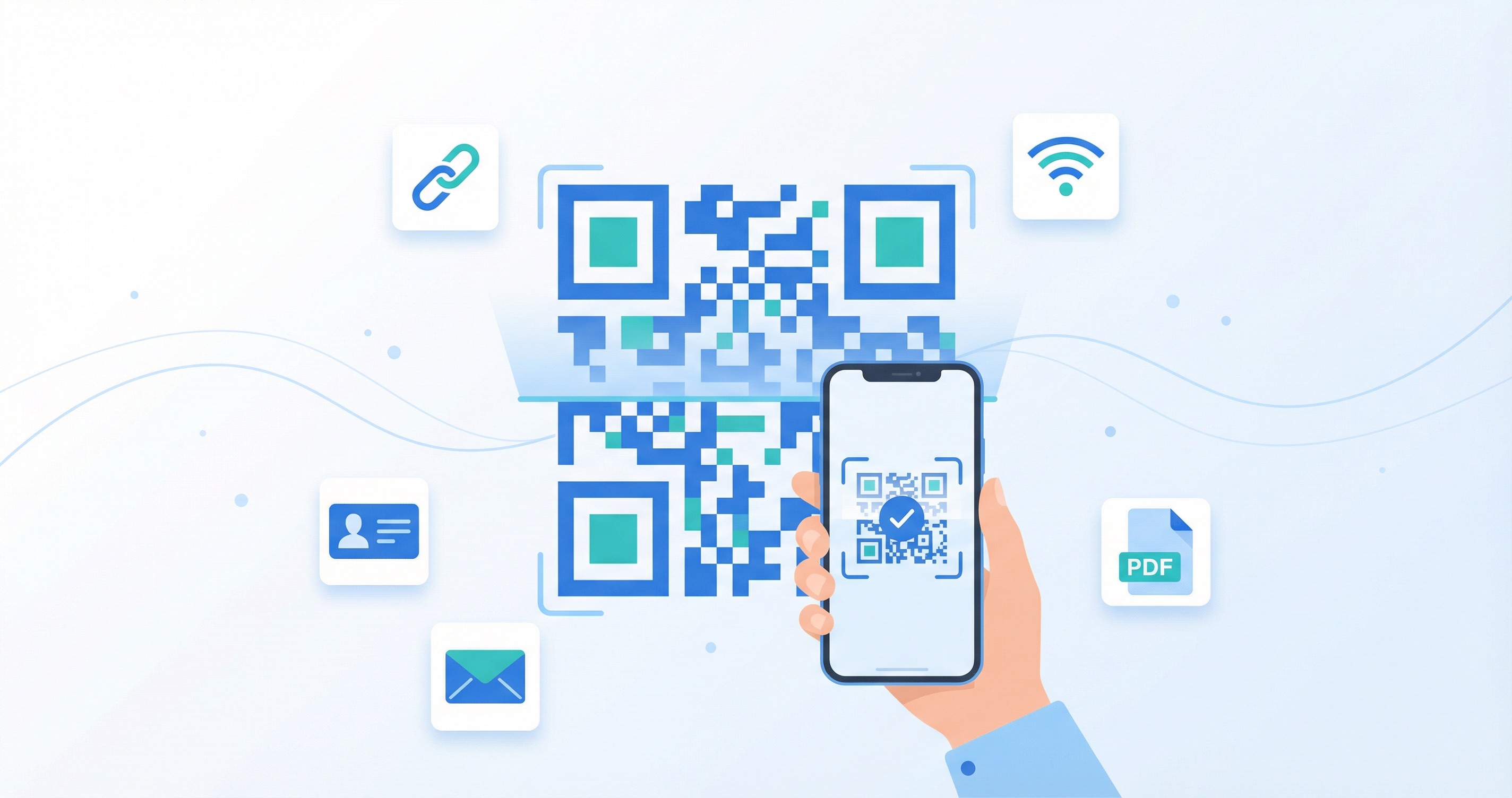
QR codes are everywhere in 2026. From restaurant menus and product packaging to business cards and billboard advertisements, these small, scannable squares have become one of the most versatile tools in the modern marketer's toolkit. With the global QR code market valued at $15.23 billion in 2026 and nearly 100 million smartphone users in the United States alone expected to scan QR codes this year, knowing how to create a QR code is no longer optional for businesses — it's essential.
Whether you want to send customers to your website, share your WiFi password, collect feedback, or drive downloads for your app, a QR code can do it all. The best part? Creating one takes minutes, not hours. This comprehensive guide walks you through every step of the process, from choosing the right type of QR code to designing, testing, and deploying it for maximum impact.
The rise of QR codes is not a passing fad. The technology has experienced a 323% surge in usage between 2021 and 2024, and adoption has only accelerated since. The QR code market is projected to reach $33.14 billion by 2031, growing at a compound annual rate of 16.82%.
Several forces are fueling this growth:
For businesses of any size, QR codes represent a powerful, low-cost bridge between the physical and digital worlds. And it all starts with knowing how to create one the right way.
Before you create your first QR code, it is essential to understand the two fundamental types available. This choice will determine the flexibility, trackability, and long-term usefulness of your code.
A static QR code embeds data directly into the code's pattern. Once generated, the information it contains — whether a URL, a phone number, or a block of text — cannot be changed. Static codes are permanent and require no ongoing service or subscription to function.
Best for: WiFi credentials, fixed URLs that will never change, one-time event links, or simple text information. They are free to create and will work indefinitely, but offer zero tracking or analytics capabilities.
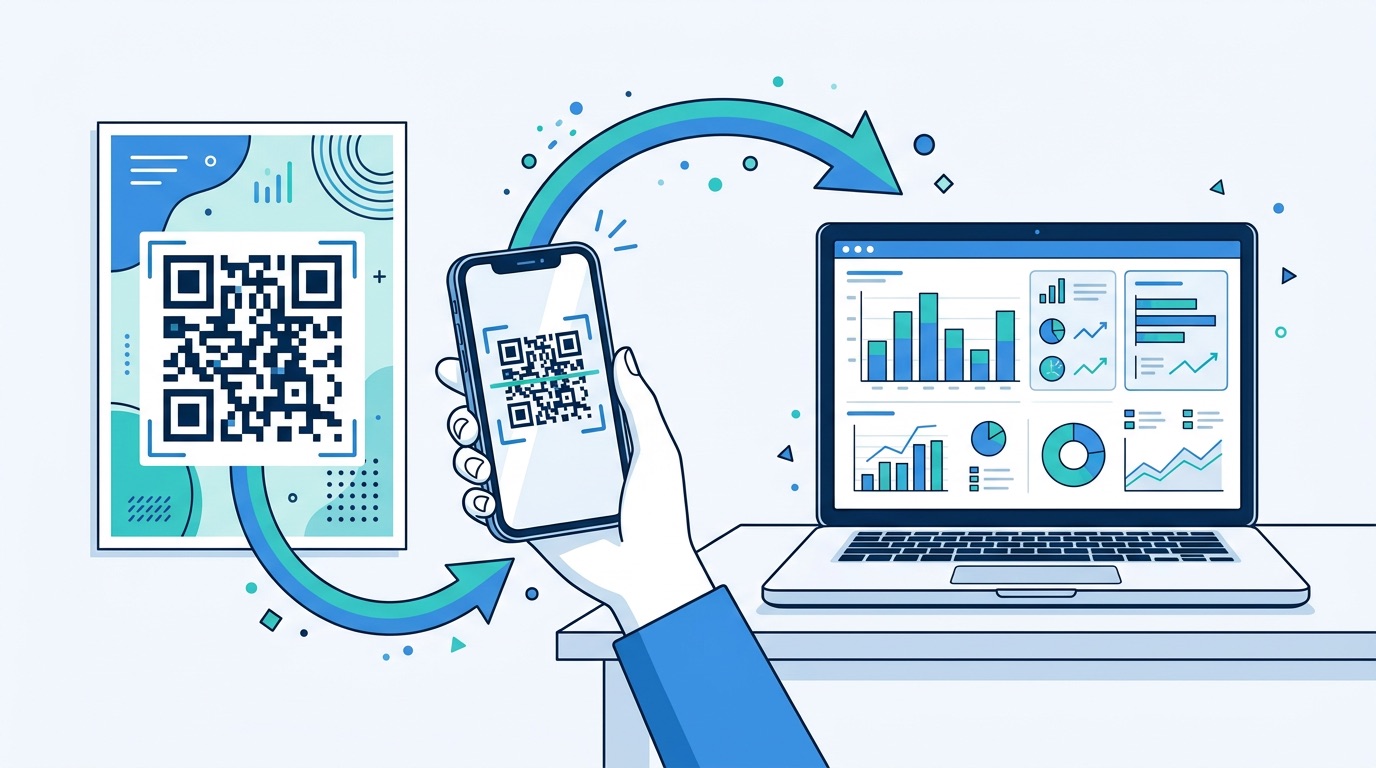
A dynamic QR code works differently. Instead of embedding the final destination directly, it encodes a short redirect URL. When someone scans the code, they are briefly routed through a tracking server before being sent to the intended destination. This architecture enables two critical advantages: you can change the destination at any time without reprinting the code, and you get detailed analytics on every scan.
Best for: Marketing campaigns, product packaging, print materials, business cards, event promotions, and any scenario where you need flexibility or want to measure performance. Approximately 98% of QR codes created today are dynamic, reflecting the overwhelming industry preference for editability and analytics.
If you are creating a QR code for any business or marketing purpose, choose dynamic. The ability to edit your code's destination after printing and to track scan analytics is invaluable. The only scenario where a static code makes sense is for permanent, personal use cases like sharing your home WiFi password.
Creating a QR code with a professional platform like Supercode is straightforward. Here is the complete process, from start to finish.
Start by selecting what kind of content you want your QR code to deliver. Professional QR code generators offer a wide range of types, including:
With Supercode, you can choose from all these types and more, with both static and dynamic options available for each.
Once you have selected a type, enter the information you want the QR code to contain. For a URL code, this is your destination link. For a vCard, this is your name, phone number, email, and company details. For a WiFi code, this is your network name, password, and encryption type.
A few tips for this step:
One of the biggest advantages of a professional QR code generator is the ability to customize the design. A branded QR code is far more likely to be scanned than a generic black-and-white square. Here is what you can typically customize:
Supercode's design tool offers templates, brand color integration, and full creative control so your QR code looks professional and on-brand.
This is the most important step that many people skip — and it is also the one that prevents embarrassing mistakes. Before printing or distributing your QR code, test it thoroughly:
Testing takes two minutes and can save you from costly reprints or lost customer trust.
Once your QR code passes testing, download it in the appropriate format:
For print applications, always use a resolution of at least 300 DPI and ensure the code has adequate quiet zone (white space) around it. For a deeper dive into print requirements, check out our complete QR code printing guide.
If you need a simple, one-off static QR code, there are free methods available:
However, free methods come with significant limitations:
For any business or marketing use case, a professional platform like Supercode is the better investment. The ability to track scans, update destinations, and customize designs pays for itself many times over.
Different goals require different QR code configurations. Here is how to approach the most popular use cases:
Restaurant menus: Create a dynamic URL code that links to your digital menu. This lets you update prices, add seasonal items, or change the entire menu without reprinting table cards. Studies show digital ordering via QR codes can increase average check size by approximately $2-4 per order.
Business cards: Use a vCard QR code to share your full contact details. When scanned, the recipient's phone will offer to save your name, phone number, email, company, and website directly to their contacts.
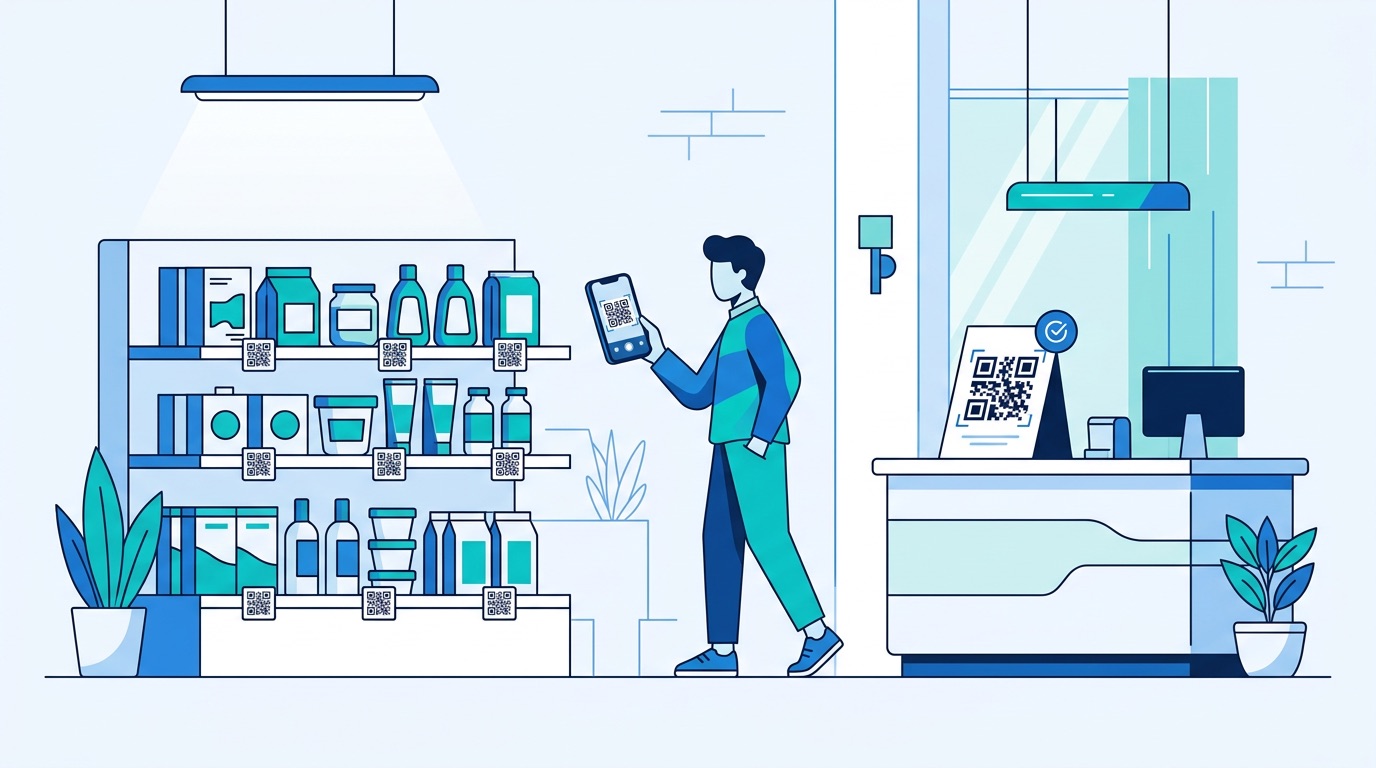
Product packaging: Link to instruction manuals, warranty registration, or user reviews. Dynamic codes are ideal here since product information may change over time.
Event promotions: Create a code that links to your event registration page, a promotional video, or a map with directions. Add a compelling frame with text like "Register Now" to boost scan rates.
WiFi access: Share your guest WiFi credentials seamlessly. Place the QR code in your lobby, waiting room, or Airbnb rental so visitors can connect without asking for the password.
Feedback and surveys: Use Supercode's interactive QR codes with feedback pages to collect customer reviews, NPS scores, or survey responses directly from a physical touchpoint.
A well-designed QR code can increase scan rates significantly. Here are the best practices that separate professional codes from amateur ones:
For a comprehensive deep dive into QR code design, including creative examples and step-by-step Supercode tutorials, read our complete QR code design guide.
Creating a QR code is only half the battle. Understanding how it performs is what turns a simple link into a powerful marketing asset. With dynamic QR codes and a platform like Supercode, you can track:
These insights enable you to make data-driven decisions: double down on placements that work, adjust messaging for underperforming codes, and calculate the true ROI of your physical marketing materials.
For an in-depth walkthrough of QR code analytics, including how to set up tracking and integrate with tools like Google Analytics, see our complete guide to QR code tracking and analytics.
Even experienced marketers make these errors. Here are the most common QR code mistakes and how to prevent them:
1. Using a static code for a marketing campaign. Without tracking, you have no idea if your campaign is working. Always use dynamic QR codes for any business application where performance measurement matters.
2. Linking to a non-mobile-optimized page. Nearly 100% of QR code scans happen on mobile devices. If your landing page is not responsive and fast-loading on phones, you will lose the majority of your scanned traffic.
3. Making the code too small. A tiny QR code on a large poster will frustrate users who cannot scan it from a reasonable distance. Always size your code relative to the expected scanning distance.
4. Poor color contrast. Using brand colors is great, but not at the expense of scannability. Light-colored codes on medium backgrounds are a common culprit. Always test after applying custom colors.
5. Forgetting the call-to-action. A QR code without context will be ignored. Always include text near the code explaining what the user gets by scanning — for example, "Scan for 15% off" or "Scan to see the menu."
6. Not testing before printing. This cannot be emphasized enough. A single misspelled URL, a broken redirect, or an overly complex code can render your entire print run useless. Test on multiple devices before approving any print job.
7. Using a free generator for critical business materials. Free tools may shut down, change terms, or insert ads. For any code that represents your business, use a reliable, professional platform.
Moving from screen to print introduces new considerations. Here is a quick overview of the essentials:
Our complete QR code printing guide covers DPI requirements, material selection, cost comparisons, and troubleshooting for every printing scenario.
Once you have mastered the basics, these advanced strategies can take your QR code campaigns to the next level:
Bulk creation: If you need unique QR codes for individual products, locations, or team members, platforms like Supercode offer bulk generation from CSV or Excel files. Upload a spreadsheet with your data, apply a design template, and generate hundreds or thousands of unique codes in minutes.
A/B testing: Create two versions of a QR code campaign with different destinations, designs, or calls-to-action. Compare scan rates and conversion data to determine which approach resonates better with your audience.
Campaign folders and organization: As your QR code library grows, use folders to organize codes by campaign, product line, geographic region, or time period. This keeps your analytics clean and makes it easy to find and manage codes at scale.
Expiration dates: For time-sensitive promotions, set your QR codes to expire after a specific date. This prevents users from accessing outdated offers and keeps your campaigns timely.
Integration with your marketing stack: Connect your QR code analytics with your CRM, email marketing platform, or advertising tools to create a unified view of customer engagement across physical and digital channels.
How much does it cost to create a QR code?
Basic static QR codes can be created for free using browser tools or free generators. Professional dynamic QR codes with tracking, customization, and editing capabilities are available on Supercode — including the free plan. Supercode offers a free plan with every feature included — no trial period, no feature restrictions.
Can I change a QR code after printing it?
Yes, but only if you used a dynamic QR code. Dynamic codes redirect through a short URL, so you can update the destination at any time without changing the physical code. Static codes cannot be modified after creation.
Do QR codes expire?
Static QR codes never expire — they work as long as the encoded content (like a URL) remains valid. Dynamic QR codes depend on the platform that hosts them. With a reputable provider like Supercode, your codes remain active as long as your account is in good standing.
What is the best size for a QR code?
The minimum recommended size is 2cm x 2cm for close-range scanning. As a rule of thumb, the scanning distance should be no more than 10 times the code's width. A 3cm code can be scanned from about 30cm away; a 30cm code from about 3 meters.
Are QR codes safe to scan?
QR codes themselves are safe — they are simply encoded data. However, a malicious actor can create a QR code that links to a phishing site or malware. Always scan codes from trusted sources, and consider using a QR scanner app that previews the URL before opening it. For a full breakdown of QR code security, read our guide on QR code safety and quishing prevention.
Can I track how many people scan my QR code?
Yes, with dynamic QR codes. Platforms like Supercode provide real-time analytics including total scans, unique scans, geographic data, device information, and time-based engagement patterns. Static codes offer no tracking.
What file format should I use when downloading my QR code?
Use SVG for print materials (scalable without quality loss) and PNG or JPG for digital use (websites, emails, social media). Always download at the highest resolution available.
Creating a QR code in 2026 is fast, flexible, and more powerful than ever. Whether you need a simple link for a flyer or a comprehensive, trackable campaign across thousands of touchpoints, the process starts with a few simple steps: choose your type, enter your content, customize the design, test thoroughly, and deploy with confidence.
The key is choosing the right platform from the start. With Supercode's QR code generator, you get professional design tools, real-time analytics, dynamic editing, bulk creation, and dedicated support — everything you need to create QR codes that actually drive results.
Try Supercode for free and create your first QR code in under a minute.