

The $126.8 billion global publishing industry is undergoing a digital revolution — and QR codes sit at the heart of it. In 2026, forward-thinking publishers, authors, and educators are embedding QR codes into books and textbooks to bridge the gap between physical pages and rich digital experiences. Whether you are a publisher looking to compete with e-books, an author building a loyal reader community, or an educator enhancing classroom materials, QR codes for books unlock possibilities that static print simply cannot match.
This guide covers everything you need to know about using QR codes in books: the business and educational benefits, real-world applications across every genre, current market data, how to create and track your codes with Supercode, and best practices to maximise reader engagement.

One of the most powerful advantages of using dynamic QR codes in books is the ability to update linked content without ever modifying the physical book. With a URL QR code, you can link a printed textbook to a video that is refreshed each academic year — the same printed code always delivers the latest content. This eliminates costly reprinting cycles and ensures readers always access current, accurate information. Publishers can use dynamic rather than static QR codes so that the destination URL can be changed at any time after the book goes to print.
Research published in Frontiers in Education (2025) found that QR-supported cooperative learning produced substantial cognitive gains with an effect size of η² = 0.89 — one of the strongest outcomes recorded in educational technology research, with retention maintained at one-month follow-up. By linking textbooks to instructional videos, audio explanations, interactive quizzes, and supplementary readings, publishers and educators can cater to multiple learning styles within a single physical book. Students retain more when they can watch a concept demonstrated, hear a pronunciation guide, or test their understanding via a linked exercise immediately after reading.
Before digital connectivity, readers rarely interacted with authors after finishing a book. QR codes change that entirely. Authors can embed a social media QR code inside the front cover, directing readers to Instagram, TikTok, a newsletter sign-up page, or a private online community. This builds a loyal audience who are first to know about new releases, events, and exclusive content — transforming one-time readers into long-term fans and repeat buyers.
Book reviews are enormously important for discoverability on Amazon and Goodreads, yet most readers forget to leave them once they have closed the book. A feedback QR code printed on the final page routes readers directly to your preferred review platform with a single scan — making it frictionless to collect genuine, immediate responses. Publishers and authors can also use QR codes to run post-read surveys and gather data about which sections resonated most. This is the same approach marketers use when they deploy QR codes for customer feedback to continuously improve their products.
Publishers lose significant revenue annually to counterfeit books and piracy. QR codes offer a robust anti-counterfeit layer: each legitimate copy carries a unique, verifiable code that links to an authentication portal or certificate of authenticity. McGraw-Hill pioneered this approach in academic publishing, using holographic certification stickers with embedded QR codes so students could confirm their textbooks were genuine. The same approach works for luxury coffee-table books, limited-edition art books, and signed copies of premium academic journals.
With dynamic QR code analytics via Supercode's tracking dashboard, publishers and authors gain real-time insight into how readers interact with their books: which chapters prompt the most scans, which geographic regions show the highest engagement, and which devices readers use to access supplementary content. This data is invaluable for planning future editions, marketing campaigns, and content investments. Dynamic QR codes deliver 60% higher engagement rates compared to static codes — and every scan generates first-party data you own entirely.
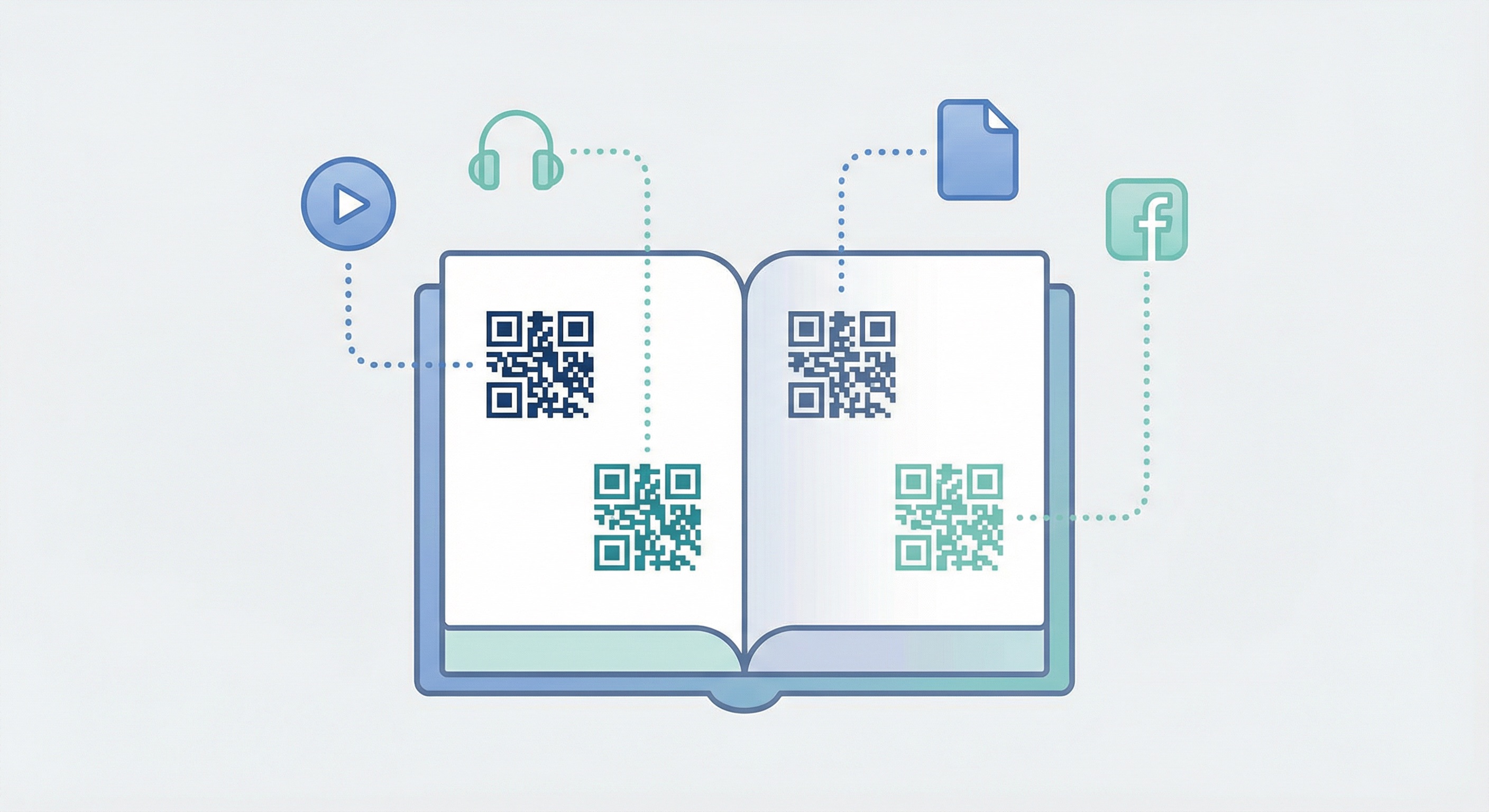
Academic publishers — from university presses to K-12 textbook producers — embed QR codes throughout chapter pages to link students to instructional videos, worked examples, lab simulations, and additional practice exercises. A 2025 report confirms that 45% of schools and universities in the United States have already adopted QR codes for educational purposes, including textbook supplementation. PDF QR codes are particularly effective for linking to downloadable study guides, rubrics, and printable worksheets. Learn more about how QR codes are transforming the classroom in our full guide to QR codes for education.
Children's publishers are embedding QR codes that launch animated story sequences, author read-alouds, and activity sheets tied directly to each book's narrative. A QR code at the end of a chapter might take young readers to a colouring sheet of the characters they just met, or a sing-along version of a song from the story. These interactions are particularly effective for early readers and families engaging with the book together — and they offer a competitive edge over purely digital e-books by blending the tactile quality of physical print with interactive digital experiences.
Self-help and personal development authors use QR codes to bring worksheets, journaling prompts, and habit-tracking forms to life outside the page. Instead of cluttering physical pages with exercises, authors embed a QR code that links to a downloadable PDF or an online form where readers log their progress. This creates a bridge between reading and doing — a central challenge in the self-help genre. Some authors link QR codes to private online communities where readers can share progress, compare results, and hold each other accountable throughout a programme.
Cookbooks are among the fastest-growing categories for QR code adoption. A QR code placed next to a complex recipe links to a video demonstration of the technique, making sophisticated methods accessible even to novice cooks. Publishers can update the linked video content annually to include seasonal variations, reader-submitted versions of the dish, or updated methods. Image QR codes also work well here — linking to high-resolution galleries of the finished dish from every angle, plating inspiration, and behind-the-scenes photography.
School yearbooks with QR codes are transforming how students relive their school years. QR codes embedded within sports, arts, and event sections can link to video highlights, graduation ceremony recordings, and curated memory playlists. This turns a static print publication into a multimedia archive. For leisure and entertainment venues that produce programme books, the same principle applies — QR codes extend the life and value of printed materials long after the event ends.
Language textbooks have traditionally been bundled with CDs or MP3 download codes. QR codes are a far more elegant solution: students scan a code next to each vocabulary word or dialogue and immediately hear a native speaker's pronunciation. Publishers can embed multiple QR codes per spread — one for pronunciation, one for a related grammar video, one for an extra practice exercise. This multi-layered, multimedia approach dramatically increases the perceived and actual value of print language materials. See how QR codes are transforming media and publishing more broadly.
For technical and professional books — covering topics from engineering and medicine to legal procedure and software development — QR codes bridge the gap between written description and live demonstration. A surgical textbook might embed a QR code linking to a video of the procedure; a mechanics manual might link to a step-by-step diagnostic walkthrough. QR codes on companion displays and reference posters can also be placed in learning environments — labs, operating theatres, workshop floors — to extend the book's reach beyond the individual reader.

The case for embedding QR codes in books is backed by compelling market data. Here are the key statistics that publishers, authors, and educators need to know heading into 2026:
These figures confirm that QR codes have moved well beyond novelty in publishing — they are now a core tool for extending content, driving engagement, and gathering data from print audiences.
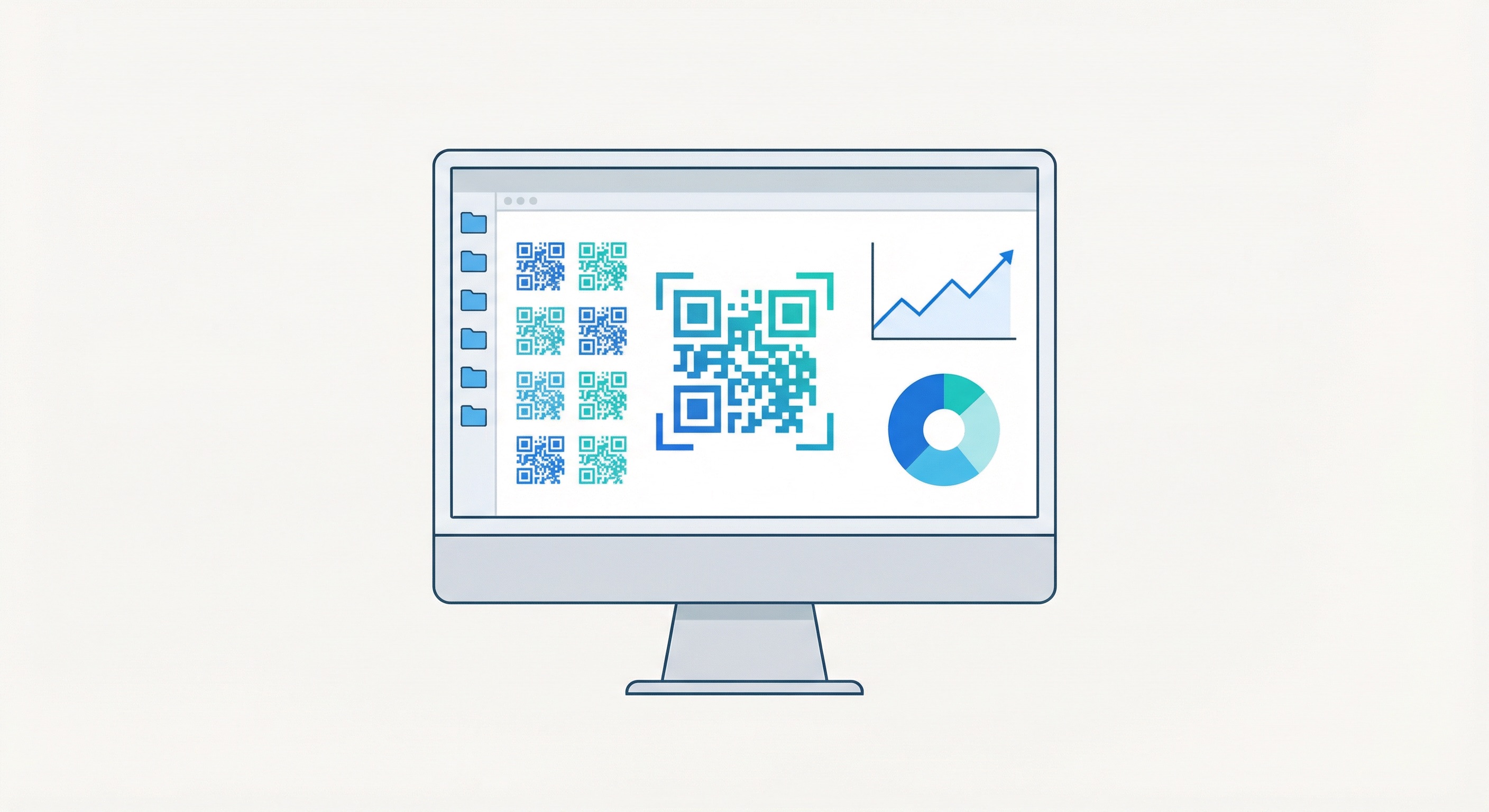
Creating QR codes for your books on Supercode's platform takes seconds. Here is a step-by-step guide tailored to publishers and authors:
Select the QR code type based on what you want readers to access:
Sign up at Supercode, select your QR code type, and enter the URL, PDF link, or content to embed. For books, always choose a dynamic QR code — this means you can update the destination at any time without ever reprinting. Choose the dynamic option when creating your code, enter the link, and click save. Your code is generated instantly, ready to customise and download.
Use Supercode's design tools to style your QR code to match your book's branding. Adjust colours, add a logo or icon, choose different dot patterns, and add a custom frame with a call-to-action such as "Scan for Video" or "Scan to Download." Branded, well-designed QR codes see up to 25–40% higher scan rates than generic black-and-white codes — and they look far more professional in any printed publication. Use contrasting colours to ensure the code remains scannable at small sizes.
For publishers managing multiple titles, editions, or series, Supercode's folder system keeps your QR code library tidy and manageable. Create a folder per title, per edition, or per chapter — and share folders with your editorial, design, and marketing teams so everyone works from the same source. This is essential for large publishing operations with hundreds of codes across a catalogue. Explore the full range of Supercode solutions for publishing and content management workflows.
Before sending a manuscript to the printer, scan every QR code with multiple devices (iOS and Android) to confirm each one resolves correctly and loads in under two seconds on a mobile connection. Check our complete QR code printing guide for minimum size requirements (at least 2.5 cm × 2.5 cm in print), resolution settings (minimum 300 DPI for sharp printing), and error correction level recommendations. A broken QR code in a printed book is costly to rectify — thorough pre-press testing is non-negotiable.
Once your book is in readers' hands, use Supercode's analytics dashboard to monitor scan volumes by chapter, geographic distribution, device types, and peak engagement times. If a particular chapter's QR code generates far more scans than others, that signals which content readers find most valuable — invaluable intelligence for planning sequels, revised editions, or new related titles. Review our pricing plans to choose the analytics tier that best fits your publishing operation.
Printed books have long lifecycles — a textbook may remain in active use for five or more years after printing. Static QR codes lock you into a single URL forever; if that page moves or the video is removed, the code becomes a permanent dead link with no remedy short of reprinting. Dynamic QR codes allow you to update the destination URL at any time from your Supercode dashboard without changing the printed code at all. This is the single most important rule for QR codes in any printed publication. Learn more about dynamic vs static QR codes and why dynamic is always the right choice for books.
QR codes in books must be a minimum of 2.5 cm × 2.5 cm (1 inch × 1 inch) printed at 300 DPI to scan reliably on most smartphone cameras. Maintain strong contrast between the code modules and the background — dark modules on a white or very light background is the safest approach. Avoid printing QR codes on heavily textured, patterned, or dark backgrounds where contrast is compromised. For full technical specifications including size-to-distance ratios, resolution requirements, and error correction recommendations, see our QR code printing guide.
Readers need to know what they will get before they scan. Add a brief call-to-action immediately adjacent to every QR code: "Scan to watch the Chapter 3 technique video," "Scan for pronunciation guide," or "Scan to join the reader community." Without a descriptive label, many readers will skip the code entirely. Labels are especially important when multiple QR codes appear on the same spread, so readers can choose which one is relevant to them. Clear CTAs are one of the most straightforward ways to increase scan rates dramatically.
If your book uses QR codes for several different types of content — videos, audio files, downloadable worksheets, and social media links — consider colour-coding the codes using Supercode's design customisation tools. A consistent system — blue for video, green for audio, teal for downloads — helps readers immediately understand what each code delivers and makes the QR code system feel intentional and professional. This approach is particularly effective in educational textbooks and comprehensive reference books where many codes appear throughout the text. See how QR codes in magazines and newspapers use similar visual differentiation strategies for multi-topic publications.
Every QR code placed in a book will be scanned on a smartphone. Ensure every destination URL — whether a video landing page, a PDF download, or a social media profile — loads quickly and correctly on mobile. Use mobile-first content delivery, avoid large uncompressed file sizes, and test on both iOS and Android before going to print. Poor mobile experiences lead to immediate abandonment after the first scan — and once a reader has a bad experience, they are unlikely to scan any further codes in the same book. Consider how print material best practices and QR codes on brochures apply equally to any paper-based medium including books.
Static QR codes cannot be changed once printed. However, if the book was originally printed with dynamic QR codes, you can update the destination URL at any time from your Supercode dashboard — the physical code in the book stays the same but readers land on your updated content. If the book was printed with static codes linking to dead pages, the options are limited to reprinting, covering old codes with new sticker inserts, or including an updated reference card loose inside the book. This is why using dynamic QR codes from the outset is so critical for any print publication.
URL QR codes and PDF QR codes are the most versatile options for textbooks. URL codes are ideal for linking to video lectures, external databases, and interactive online learning activities. PDF codes work well for downloadable worksheets, reading lists, and rubrics. Always choose dynamic QR codes so that destination links can be updated between academic editions without reprinting. For large-scale textbook programmes, bulk QR code generation allows publishers to create hundreds of unique codes simultaneously, each with individual tracking.
QR codes themselves never expire — the printed pattern is permanent. What can expire is the destination the code links to, if the page or file at that URL is moved or deleted. Using Supercode's dynamic QR codes eliminates this risk entirely: if a video is relocated to a new URL or a PDF is updated, simply update the destination in your Supercode dashboard. The printed code continues to work indefinitely, always routing readers to the current, live content. This makes dynamic QR codes essential for any book with a long expected shelf life.
QR codes work on any smartphone with a camera — both iOS and Android scan them natively without a separate app. However, not all students own personal smartphones, which is a genuine consideration especially in K-12 settings. Best practice is to always provide an alternative access method alongside every QR code: a short URL, a chapter reference to a companion website, or a printed version of the linked material. This ensures no student is disadvantaged by lack of a personal device. Explore how schools address this and other implementation challenges in our full guide to QR codes in education.
Supercode's analytics dashboard provides real-time data on every dynamic QR code scan: total scans over time, geographic breakdown by country and city, device types, operating systems, and peak scan hours. For publishers with multiple titles, you can compare scan performance across books, chapters, or editions to understand what content drives the most reader engagement. For authors, this data reveals which supplementary content resonates most strongly. Visit our QR code tracking guide for a full walkthrough of setting up analytics, configuring UTM parameters for Google Analytics 4 integration, and interpreting your data.
Yes — this is one of the most powerful uses of dynamic QR codes in publishing. With Supercode, a single printed QR code can link to updated content each time a new edition is released, simply by changing the destination URL in your dashboard. No reprinting required. Alternatively, for edition-specific tracking and content differentiation, use bulk QR code generation to create a unique code for each edition, each pointing to its own edition-specific resources with separate analytics streams so you can measure engagement by edition independently.
Whether you are a major academic publisher embedding supplementary content across an entire textbook series, an independent author building a reader community around your latest release, or an educator creating classroom materials that connect the physical page to the digital world, QR codes give print publications a dimension that boosts engagement, comprehension, and reader loyalty in 2026 and beyond.
Supercode makes it simple to create, design, track, and manage QR codes for books of every kind — from children's picture books to professional technical manuals. Explore the full range of material use cases, or see how QR codes are being used across every industry to connect physical content with digital experiences.
Start creating QR codes for your books free with Supercode today →
Head to our FAQs section or reach out to us directly on info@supercode.com
Sign up for free

